
Approval is where the week actually gets lost
You wrote the captions, sized the assets, and lined up the calendar by Tuesday. Then the plan stops moving. The client opens the email Thursday, replies with one vague note on Friday, and the Monday posts slip. Nothing about the work was slow. The sign-off was.
Most agencies treat this as a client problem. It is a process problem. When approval means digging through a slide deck, matching screenshots to a spreadsheet, or logging into a tool the client set up once and forgot, every extra step buys you another day of delay. Speed up approvals by removing steps, not by chasing harder.
Why do social media approvals take so long?
Approvals stall for three predictable reasons, and none of them is the client being difficult.
First, context is scattered. The caption lives in a doc, the image lives in a folder, and the posting date lives in a calendar invite. The client has to assemble the post in their head before they can judge it. Second, the review format is wrong. A flat screenshot does not show how a carousel swipes or how a Reel opens, so the client hesitates. Third, and biggest, is the login wall. Ask a busy marketing lead to create an account and set a password before they can say "looks good" and the whole thing sits until they have a spare ten minutes, which is never.
Fix those three and the calendar starts moving on the client's phone in the school pickup line, not at their desk three days later.
How to get client approval on social media posts faster
Here is the workflow that turns approval into a same-day step. It is the exact sequence a password-less approval workflow is built to run.
- Batch the month in one place. Draft every post inside a single content calendar so the client sees the whole plan, not a drip of one-off emails.
- Send one link, no account. Share a single password-less approval link. The client clicks and lands on a live preview, no signup, no password, on any device.
- Ask for a decision per post, not per batch. Let the client approve, or leave a comment, on each individual post. One rejected caption should not hold the other nineteen hostage.
- Keep feedback attached to the post. Comments live on the exact post they refer to, so "make the CTA stronger" points at one specific caption instead of floating in an email.
- Auto-schedule on approval. The moment a post is approved it moves into the queue and publishes at its planned time, with no re-upload and no copy-paste back into a scheduler.
That last step is what compresses the timeline. Approval and scheduling stop being two jobs handed between two tools and become one action.
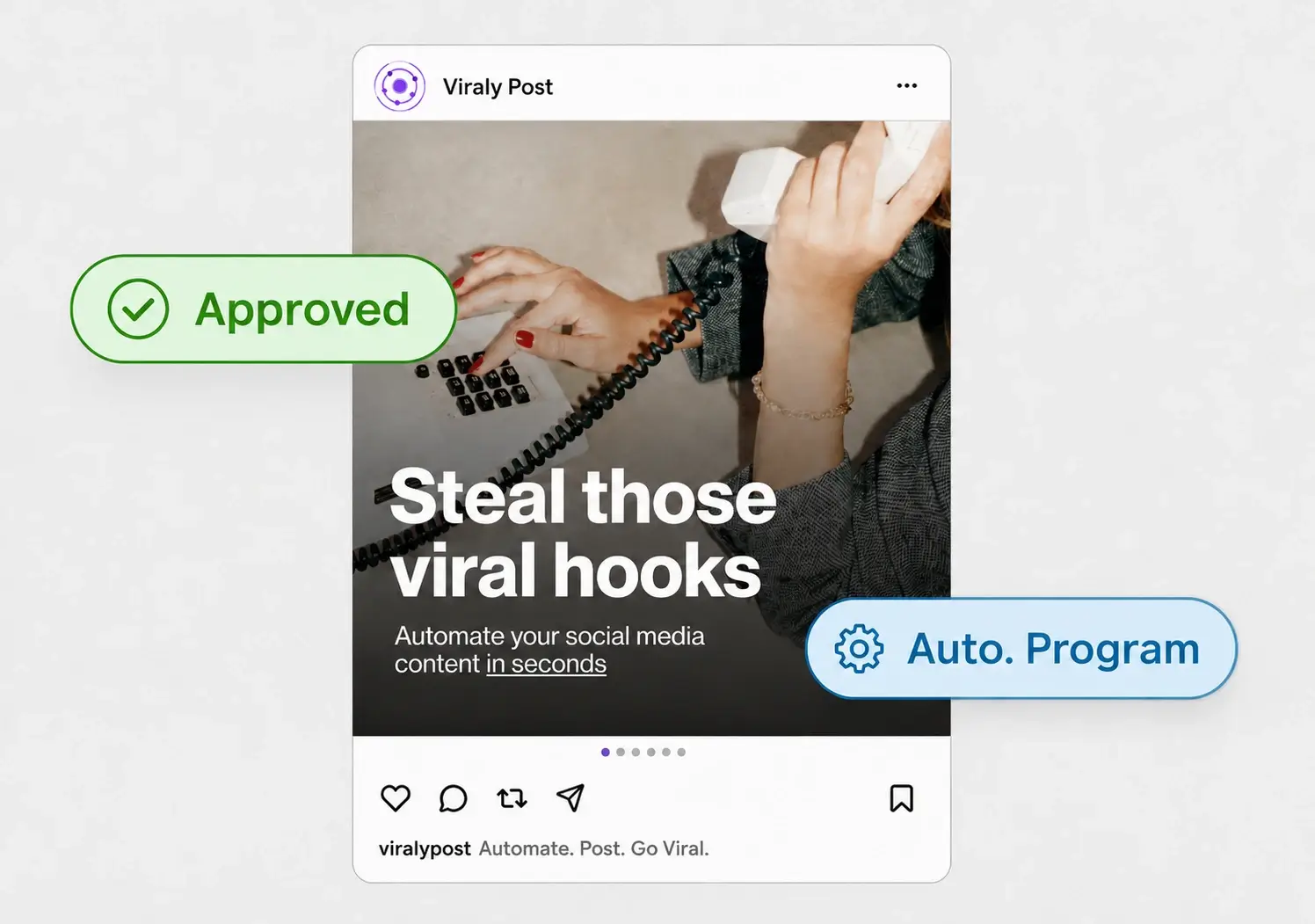
Cut revision rounds, not just sign-off speed
Speeding up the yes is half the win. The other half is getting fewer rounds of no. Revision loops are where a two-day approval becomes a two-week one, and most of them come from ambiguity in how feedback is captured.
When a client types "change the second one" in an email, you guess which post they mean, guess what "change" means, and send it back for another look. Per-post comments end that. The note sits on the post, so the ask is specific and you fix it once. Agencies running this way tend to collapse three or four rounds into one, which is the same story we covered in our guide to the client approval workflow that kills revision loops. Fewer rounds beats a faster inbox every time.
Approve once, publish to 10 platforms
Faster approval only matters if the approved post actually ships without more manual work. In Viraly Post, an approved post is already formatted for each network and queued, so one yes covers Instagram, TikTok, LinkedIn, YouTube, Facebook, and the rest of the 10 supported platforms at once. You post to all of them in 15 seconds instead of re-doing the upload per channel.
This is also why a login-free flow matters for brands with layered sign-off. If a post needs a nod from both the marketing manager and the brand lead, you send each of them a link, they each approve on their phone, and nothing waits on a shared password or a seat license. The scheduler handles the publishing once everyone has signed off.