
Revision loops are quietly eating your margin
You built the week's posts. You exported them to a slide deck, pasted the captions into an email, and sent it Tuesday afternoon. By Thursday the client replies to three of the ten posts, changes one caption, misses two, and asks a question about a fourth that was already approved last round. You are now tracking versions in your head. That is the revision loop, and it is where agency hours go to die.
The posts were never the problem. The approval process was. When feedback lives in email, spreadsheets, and screenshots, every client turns a 20 minute review into a two day chase. A real client approval workflow for social media replaces all of that with one link and one clear state per post: approved, or needs a change.
What is a client approval workflow for social media?
A client approval workflow for social media is the repeatable process your client follows to review scheduled content and sign off before it publishes. A good one does three things. It shows every post exactly as it will appear on Instagram, TikTok, LinkedIn, or wherever it is headed. It collects a decision on each post, an approve or a specific comment. And it moves the approved posts straight into the schedule so nothing waits on a separate copy and paste step.
The version most agencies inherit is held together with email and a shared spreadsheet. It works at two clients. It falls apart at eight. The fix is not more discipline, it is a workflow where the client cannot lose the thread even if they wanted to.
Why email and spreadsheet approvals break down
Email approvals fail for a structural reason: the feedback and the content live in different places. The client reads a caption in your email, looks at an image in an attachment, and replies in prose. Now you are the human diff tool, matching "the second one, make it shorter" to the right post across three apps.
Spreadsheets are worse at scale. A tab per client sounds tidy until you are maintaining status columns by hand, and the client is editing a cell you already actioned. Neither approach shows the post in context, so the client approves things they misread, then asks for changes after it is live. Password-less approvals fix the root cause by putting the decision on the post itself. Compare that with how much cleaner the whole account gets when you run multi-client management from one dashboard instead of a folder of spreadsheets.
How to build a client approval workflow that clients actually use
The goal is a process the client can complete in one sitting, on their phone, without asking you how it works. Five steps get you there.
- Draft the full week in a shared content calendar so the client sees the plan, not ten disconnected posts.
- Attach the real preview to every post, the caption, the media, and the platform it targets, so there is nothing to imagine.
- Send one password-less approval link. No account setup, no password reset email, no "I can't log in" on a Friday.
- Let the client approve or comment per post, so one note on post four does not freeze posts one through three.
- Auto-schedule the approved posts through the approval workflow the moment they get a yes, so approval and scheduling are a single motion.
The rule underneath all five: the client should never have to leave the link, and you should never have to translate their feedback. Every decision lands on the exact post it belongs to.
What password-less approval looks like in Viraly Post
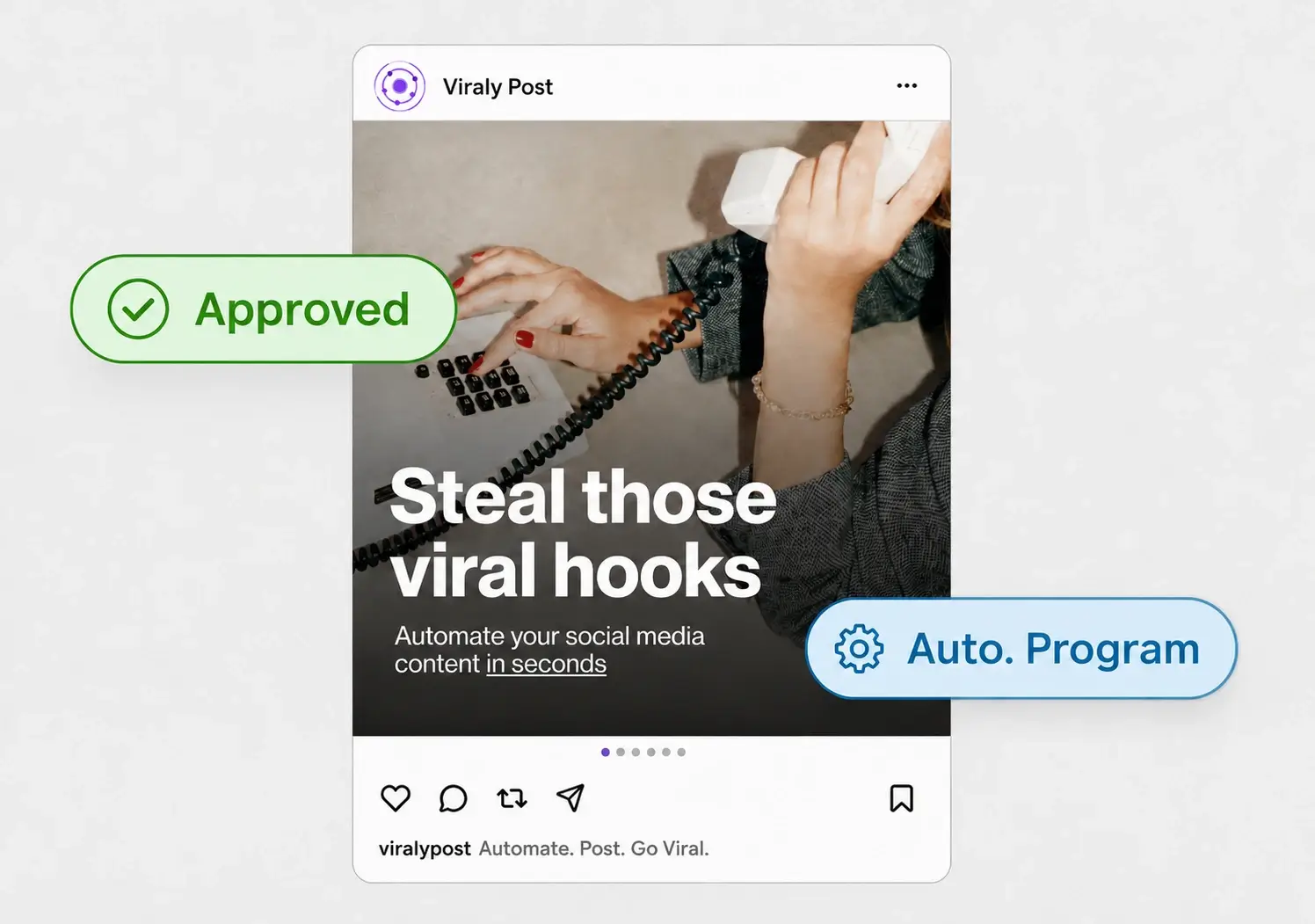
Password-less means the client clicks one link and is looking at the week, with zero setup. They do not create an account, they do not remember a password, and they do not email you a screenshot. They approve the posts they like, comment on the ones they want changed, and Viraly Post schedules the approved posts to all 10 platforms in 15 seconds each once they sign off.
That removes the two biggest sources of delay: the login friction that makes clients put off reviewing, and the manual scheduling step that used to happen after approval. Because the whole review is one page, a brand managing several accounts can approve a week across every channel without opening a single spreadsheet. When you connect accounts, the same posts flow out through the 10 native integrations with no reformatting.
How to cut approval time from days to minutes
Speed comes from removing steps, not from nagging the client. Batch a full week or two into one link so the client reviews once instead of daily. Set a standing review slot, the client knows a link lands every Monday, so approval becomes a habit instead of an interruption. And keep the feedback attached to the post, which kills the follow up email that usually adds a day. Do those three things and a week of content moves from draft to scheduled in one short session.