
Native Threads scheduling solved the wrong problem for you
When Meta shipped native scheduling on Threads in early 2026, the headlines said the tooling gap was closed. For a single brand posting to itself, it was. You open the app, write a post, pick a time, done. The problem is that no agency runs one Threads account. You run eight, or fifteen, each behind a different login, each waiting on a different client to say yes.
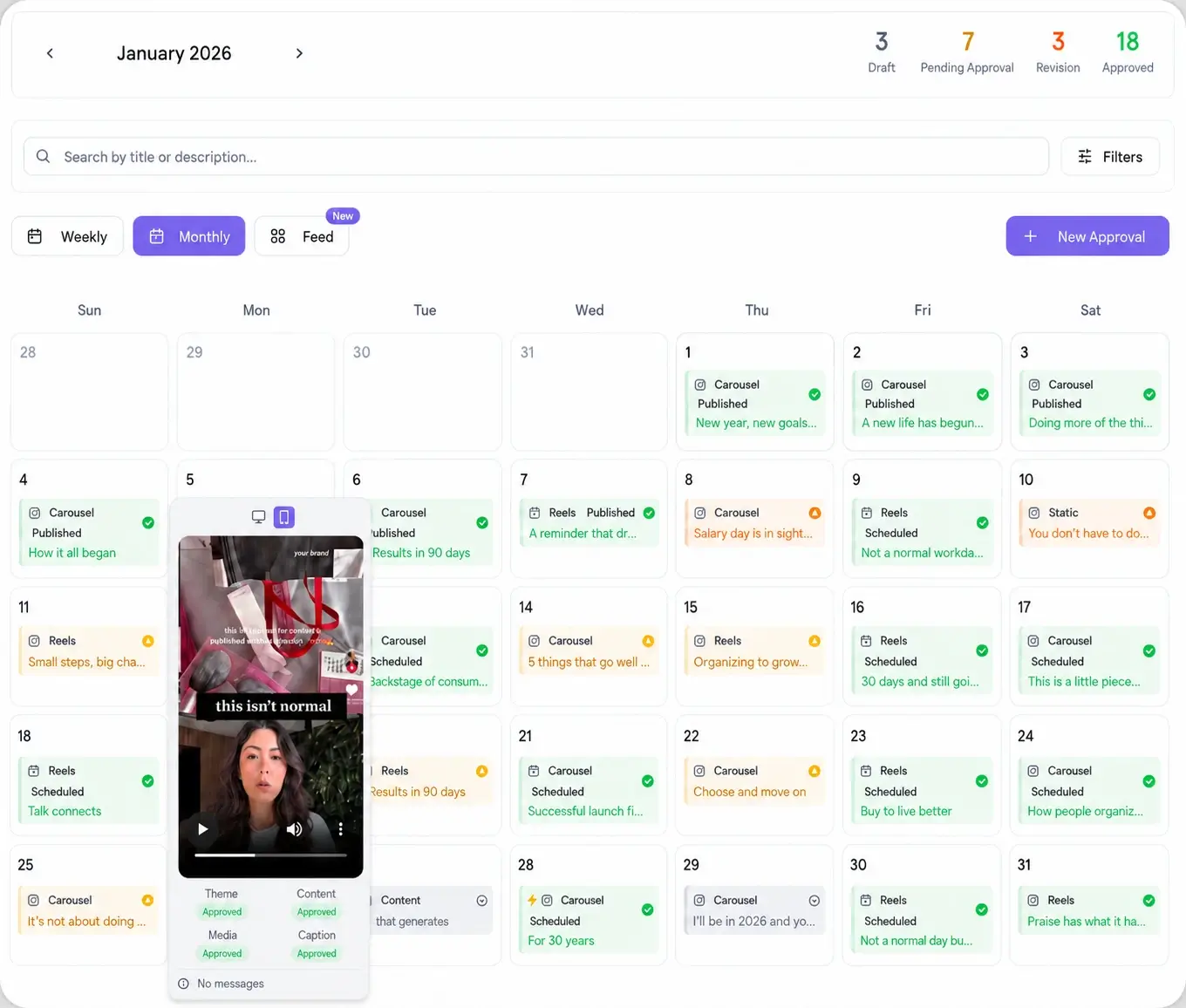
Native scheduling never touches that. It schedules the account you are currently logged into, and nothing else. So a Threads scheduler for agencies is not about whether you can set a time. It is about running many accounts, getting client sign-off, and keeping Threads in the same calendar as every other network the client pays you to manage.
Does Threads have native scheduling, and why is it not enough?
Yes, Threads has native scheduling as of early 2026. You can set a date and time inside the app and the post publishes on its own. That is real, and for a solo account it is fine. Here is where it stops short of what an agency needs.
- One account at a time. Native scheduling schedules the account you are signed into. Managing ten clients means ten logins and ten separate app sessions every week.
- No client approval. There is no way to send a client a preview and collect a yes before the post goes live. You are back to screenshots over email.
- No shared calendar. You cannot see Threads next to Instagram, LinkedIn, and the rest in one view, so planning a cross-platform week means jumping between apps.
- No reporting per client. The app does not roll Threads into a per-client report you can hand over at the end of the month.
That is the gap a dedicated Threads scheduler fills. It keeps the queue-and-auto-publish part that native scheduling gets right, then adds the multi-account, approval, and reporting layer an agency actually runs on.
What to look for in a Threads scheduler for agencies
Most schedulers were built for one brand posting to itself, so they miss the parts an agency lives on. Use this as your checklist before you connect any Threads account.
- Per-client workspaces. Each Threads account lives in its own space so you never cross a post between clients. Viraly Post handles this in multi-client management.
- A shared calendar per client. You want the full month at a glance, not a flat list. The content calendar shows Threads next to every other network.
- Client approval built in. Threads copy still needs a sign-off. A scheduler that hands you a client login problem is a scheduler that slows you down.
- Per-workspace pricing. Watch for tools that charge per social profile. Threads is often a client's ninth or tenth network, and per-profile fees punish you for adding it.
How to schedule Threads posts for multiple client accounts
Here is the workflow inside Viraly Post, from a cold start to a queued month across every client.
- Create a workspace for each client and connect their Threads account.
- Open the social media scheduler, pick the client, and write the post in the composer.
- Select Threads, plus any other network the same post should hit, and adjust the copy per platform where the tone differs.
- Set the date and time, or let best-time-to-post suggest a slot, then drop it on the calendar.
- Send the month to the client as a single approval link, then let approved posts auto-schedule.
Once the queue is built, you stop opening the Threads app account by account. Viraly Post publishes each post at its slot and marks it live on the calendar, for every client at once.
How password-less approvals speed up your Threads calendar
The slow part of any agency workflow is not writing the post. It is waiting on the client to say yes. Email threads, screenshots, and "can you resend that" cost more hours than the scheduling ever does, and native Threads scheduling gives you no help here at all.
Viraly Post runs a password-less approval workflow. You send one link, the client opens it in a browser with no account and no password, and they approve or comment on each post. Approved Threads posts move straight into the queue and publish on schedule. The client sees exactly what will go live, in context, which cuts the revision rounds that usually eat a launch week.
Threads plus 9 other platforms from one composer
Almost no client is on Threads and nothing else. They want Threads alongside Instagram, LinkedIn, Bluesky, and the rest. Leaning on native Threads scheduling for one network and a separate tool for the others means two calendars to reconcile and two approval flows to run.
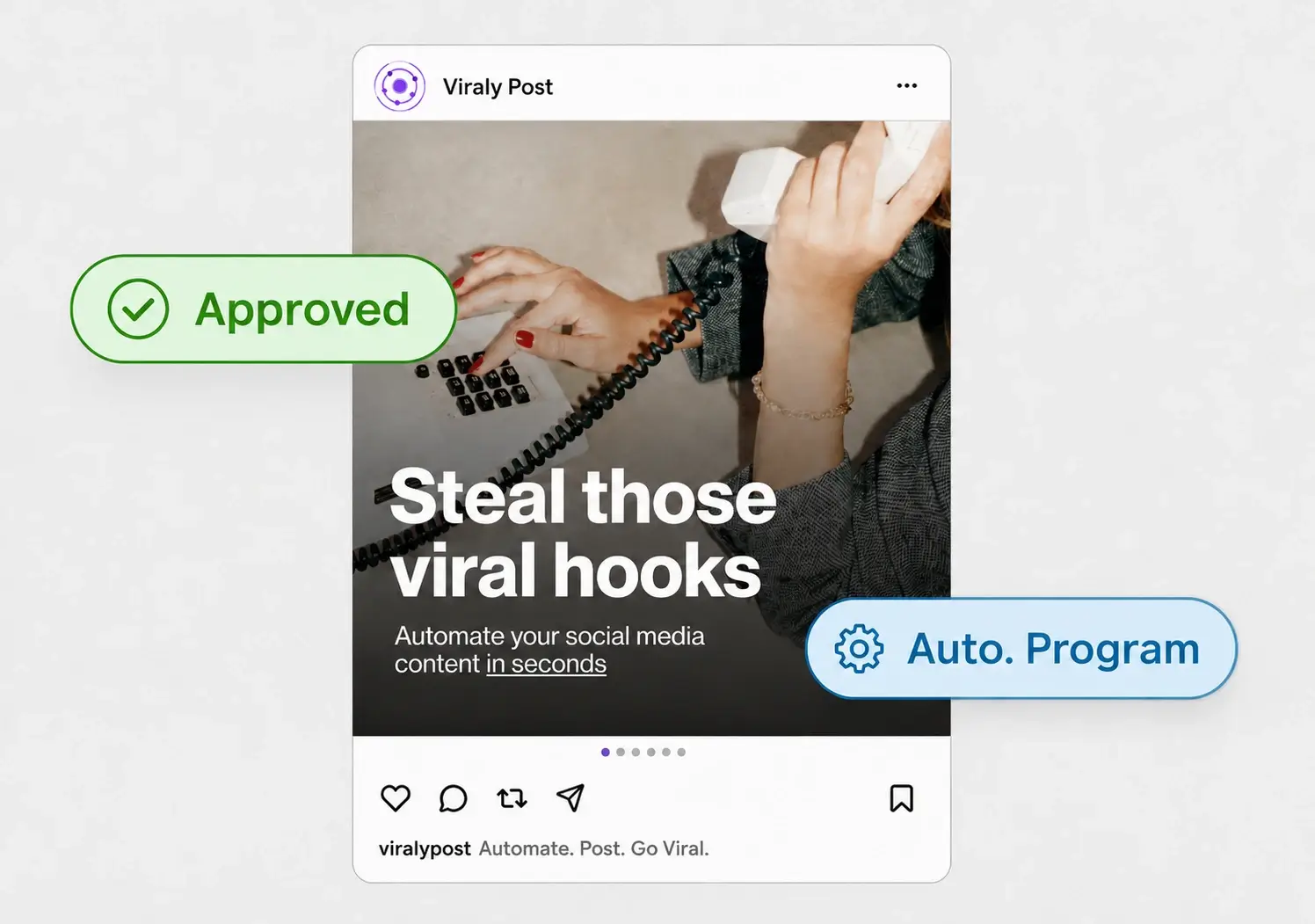
Viraly Post posts to 10 platforms in 15 seconds from one composer, so Threads is just another checkbox on the post you were already writing. You keep a single calendar, a single approval, and a single report per client. See the full list on the integrations page, where Threads sits next to the other nine native networks.