
The approval step is your slowest step
The content is done. The captions are written, the images are picked, the calendar is full. Then a week goes by because a client cannot find the password to a tool they open twice a month. That gap between finished and approved is where agency timelines quietly bleed.
Choosing client approval software for social media agencies is really about closing that gap. Most tools can queue a post and show it to a client. The ones worth paying for remove the friction around that review: no seat to provision, no password to reset, no manual step between "approved" and "published." Below is what to check before you commit, and why each item decides how fast your rounds actually close.
What is client approval software for social media agencies?
Client approval software for social media agencies is a tool that sends clients a structured review of queued posts, collects their approval or change requests, and moves approved content into the publishing schedule. It sits between your production work and go-live. The client sees exactly what will post, on which platform, at what time, and signs off in one place instead of over email, text, and a shared folder.
The point is control with less chasing. You decide what enters the review. The client decides yes or change. Nothing publishes until it clears. A good approval workflow makes that loop so short that approval stops being the thing you dread every Friday.
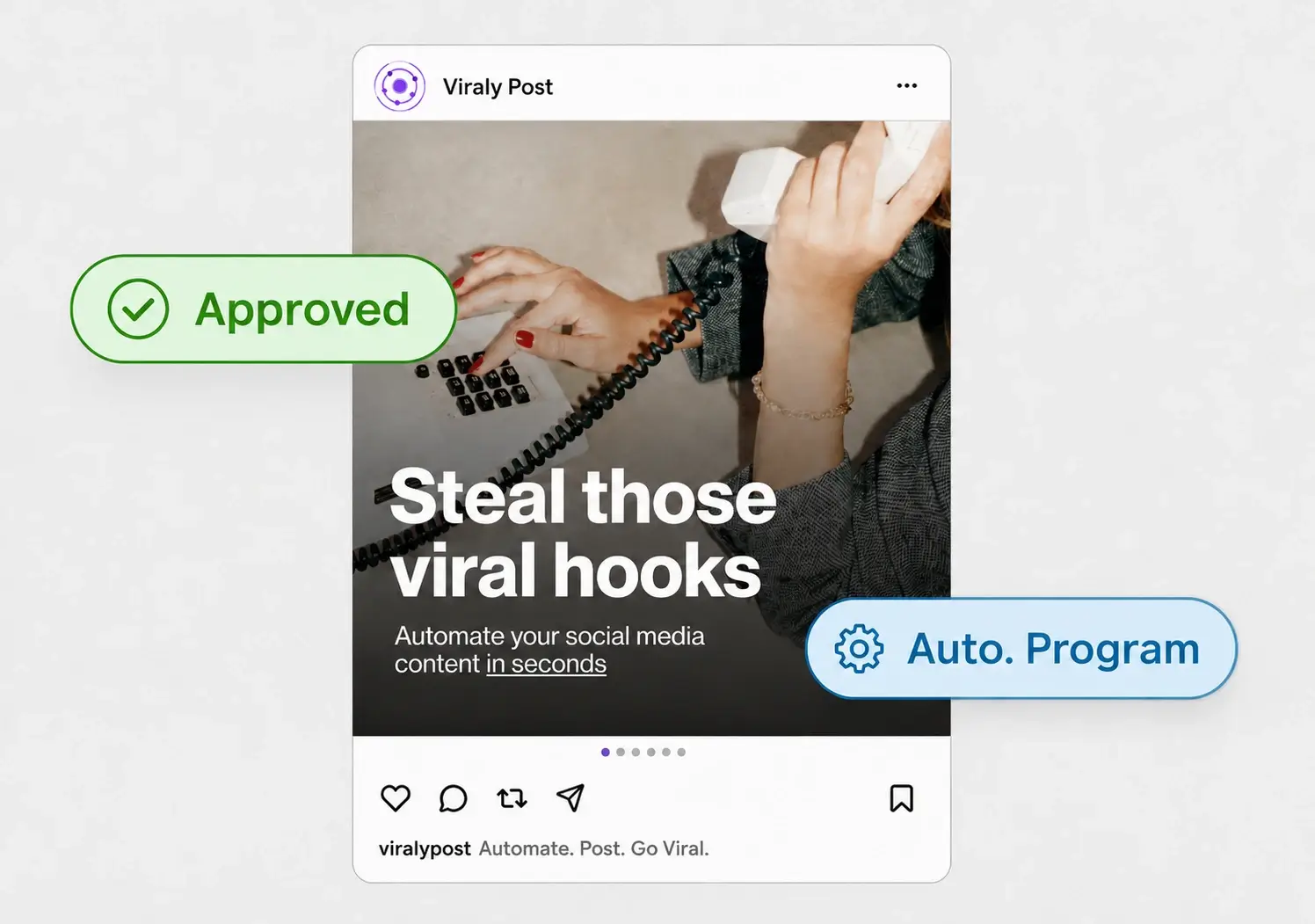
What to look for in client approval software
Run every tool you consider through this checklist. The first three items are where most agencies lose the most time, so weight them heavily.
- No-login client review. Clients should approve from a password-less link, not a seat with credentials. A login screen is the single biggest cause of a stalled round.
- Approval and scheduling in one tool. If they are separate, someone re-enters approved posts by hand. Approved content should flow straight into the scheduler and publish at the set time.
- Per-workspace pricing. Avoid per-client or per-channel fees that punish you for growing. Look for a flat plan that includes every platform.
- Post-level comments. Change requests should attach to the specific post, not turn into a long email thread you have to decode later.
- All the platforms you actually run. The review link should cover every network a client uses, so they approve one queue instead of jumping between tools.
- A private client boundary. Each client should see only their own posts, never your other accounts, internal notes, or calendar.
Viraly Post checks each of these. Clients approve from one link with no account, approved posts auto-publish to all 10 platforms in 15 seconds, and pricing is per workspace at $29, $49, and $99 per month.
No-login approval versus a client seat
Some tools handle approvals by giving the client a limited seat inside the software. That still means an account, a password, and a login screen every single time. For a client who reviews content twice a month, that account is a wall. They forget the credentials, they cannot find the invite email, and you become their tech support instead of their strategist.
A password-less link removes the wall. It also keeps your workspace private, because the client sees only the posts in that round. This is the clearest signal that a tool was built for how agency clients actually behave rather than for how software companies like to onboard users. If you want the full mechanics, read our breakdown of the social media approval workflow without client login.
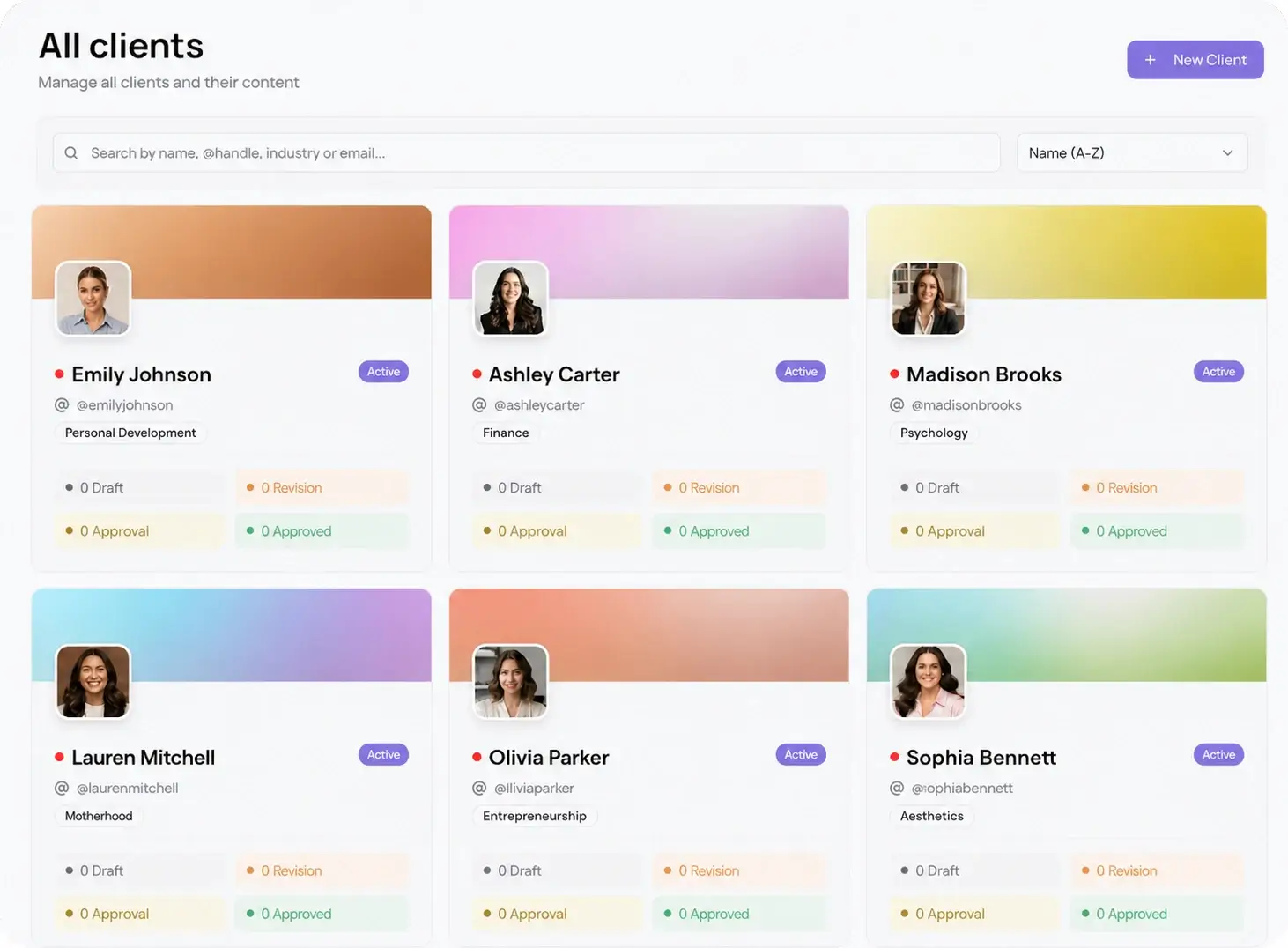
How approval software fits a multi-client workflow
Approval software earns its price when you run more than a couple of clients. At that point the review step multiplies, and any friction you tolerated at three clients becomes chaos at ten. Keeping each account in its own client workspace means every approval round is scoped to one client, with its own queue, its own link, and its own comment history.
Speed then comes from a few habits on top of the tool. Batch a full week or month into one link so the client reviews once instead of ten times. Set a standing review slot with each client so approvals are expected, not a surprise. Connect every network a client runs through the native integrations so nothing lives outside the approved queue. Pair those habits with password-less review and most rounds close the same day.