
The approval is stuck because the tool is stuck on a laptop
You built the month. The calendar is full, the captions are tight, and the whole thing waits on one client who has not logged in since Tuesday. You ping them again. They tell you they will "look tonight" and then they do not.
Most approval tools assume the client sits at a desk. They send a dashboard invite, ask for a password, and route the reviewer through three screens before they see a single post. Your client runs their own business from a phone between meetings. Every step you add is a step they skip, and the calendar slips another day.
What does it take to approve social media posts from your phone?
Approving from a phone means the client never has to sign in, download anything, or find the right browser tab. They tap a link, they see the posts, they respond. Three things have to be true for that to work.
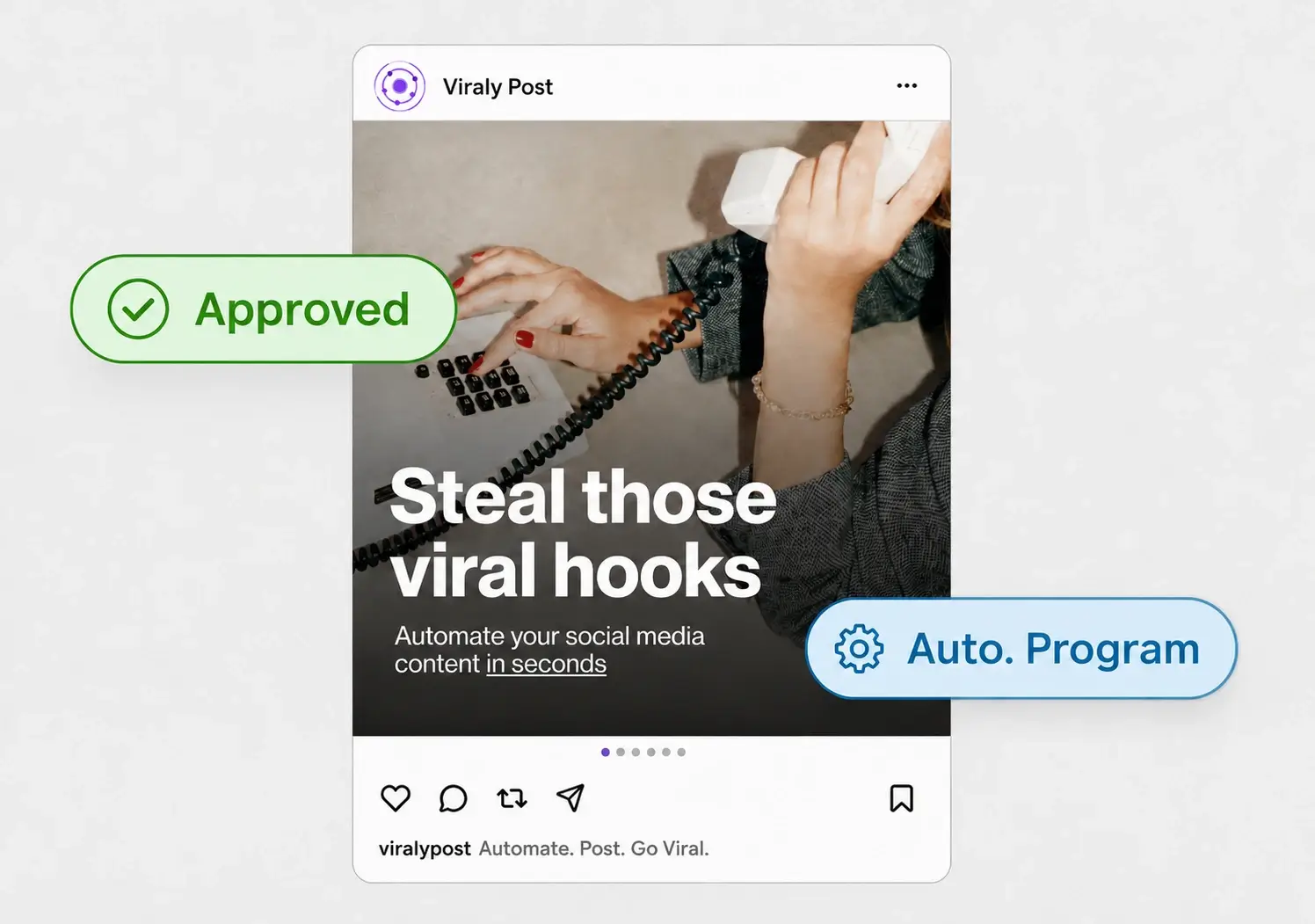
First, the link has to be password-less, so there is no account step to abandon. Second, the review has to render for a small screen, with the caption and the visual stacked the way the post will actually publish. Third, an approval has to do something on its own, which means the approved post schedules itself instead of landing back in your queue for manual work. Viraly Post was built around a password-less approval workflow that does all three.
How to set up phone approvals in five steps
You do the setup once per client. After that, every batch you send reuses the same link and the same workspace.
- Build the batch in the client's workspace, so approvals stay scoped to that one brand.
- Generate the approval link for the batch. It is password-less, so the client needs nothing but the link itself.
- Send the link the way the client already answers you: a text message, or an email they read on their phone.
- The client opens it, swipes through each post, and taps approve or drops a comment on the ones they want changed.
- Approved posts move to the schedule and publish on time. Commented posts come back to you, you edit, and you resend the same link.
Why phone approvals close the loop faster
The gap between "I sent it for review" and "it is approved" is where agency time disappears. Cut the friction on the client side and that gap shrinks to minutes. A client who can approve from a checkout line does not need to "set aside time" later, which is the phrase that turns a one-day review into a five-day one.
It also protects the schedule. When an approved post schedules itself across your connected platforms, you are not copying a green light from an email into a calendar by hand at 11pm. The approval and the publish are the same action. If you want the deeper version of this, read how a social media approval workflow without client login removes the account step entirely.