
Your client thinks they know their competitors. They usually do not.
Ask a new client who they compete with and you get the three names everyone lists. Ask what those brands actually post, how often, and what lands, and the room goes quiet. That gap is your opening. A social media competitor analysis turns opinion into evidence, and evidence is what lets you defend a content plan when the client pushes back in month two.
The problem is time. Doing this by hand across five brands and six platforms eats a day, and most agencies skip it or run it once and never look again. Below is a version you can finish in a couple of hours and repeat every quarter, plus how to route the findings straight into a schedule.
What is a social media competitor analysis for clients?
A social media competitor analysis is a structured review of the brands fighting for your client's audience. You document where each one posts, how often, which formats they lean on, what performs, and when they publish. The goal is not to copy anyone. It is to find the formats they overuse, the topics they ignore, and the timing windows they leave open.
For an agency, it does double duty. It sharpens the client's strategy, and it gives you a concrete story for the pitch or the quarterly review. "Your top rival posts Reels four times a week and you post once" is a sentence that sells a retainer. Start from the same research you gather during a new client social media audit, then point it outward at the competition.
How to do a social media competitor analysis for clients
Work through these steps in order. Keep everything in one place per client so the next quarter's refresh takes minutes, not hours.
- Pick 3 to 5 direct competitors. Choose brands chasing the same buyer, not the category giants your client will never outspend.
- List every active profile per competitor and note which platforms they skip. A skipped platform is often the easiest gap to own.
- Log posting frequency for the last 30 days. Count posts per week per platform so you can compare cadence, not vibes.
- Record the format mix: Reels, carousels, single images, Stories, threads, long video. Note which format each brand posts most.
- Capture the top five posts per competitor by visible engagement. Screenshot them and write one line on why each worked.
- Note posting times and days for their best posts, then compare against your client's best time to post windows.
- Write three gaps and three threats. Gaps are what nobody is doing well. Threats are where a rival clearly beats your client today.
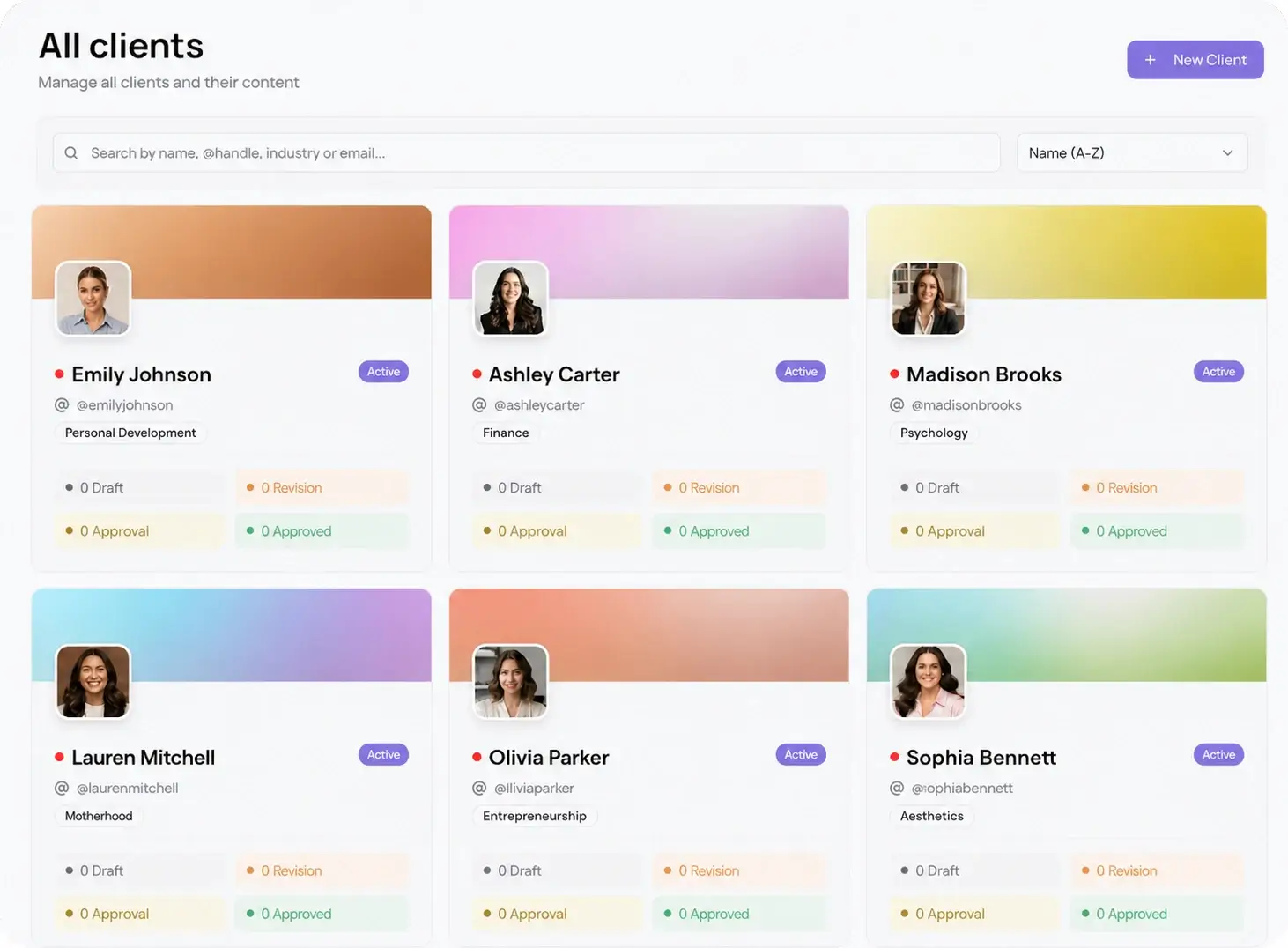
Managing this across a full roster is where it breaks down. Viraly Post gives each client a separate workspace, so your research, notes, and calendar for one brand never bleed into another. See how multi-client management keeps ten accounts organized without ten browser tabs.
Which metrics to benchmark, and which to ignore
Follower count is the number clients ask about and the one that tells you least. A brand with 80,000 followers and 12 likes per post is coasting on old growth. Weigh what the shared audience actually responds to instead.
Benchmark these: posting frequency per platform, format mix, engagement rate per post, top-performing content themes, and posting times. Engagement rate, likes plus comments plus shares divided by followers, is the honest signal because it survives across account sizes. Pull the raw numbers your client's own account produces from social media analytics so you are comparing like against like, then set the competitor numbers next to them in the same view.
Skip vanity metrics that do not change the plan. Total follower count, verified badges, and one viral post from two years ago make a report look busy without telling you what to publish next week.
How to turn the analysis into a client-ready plan
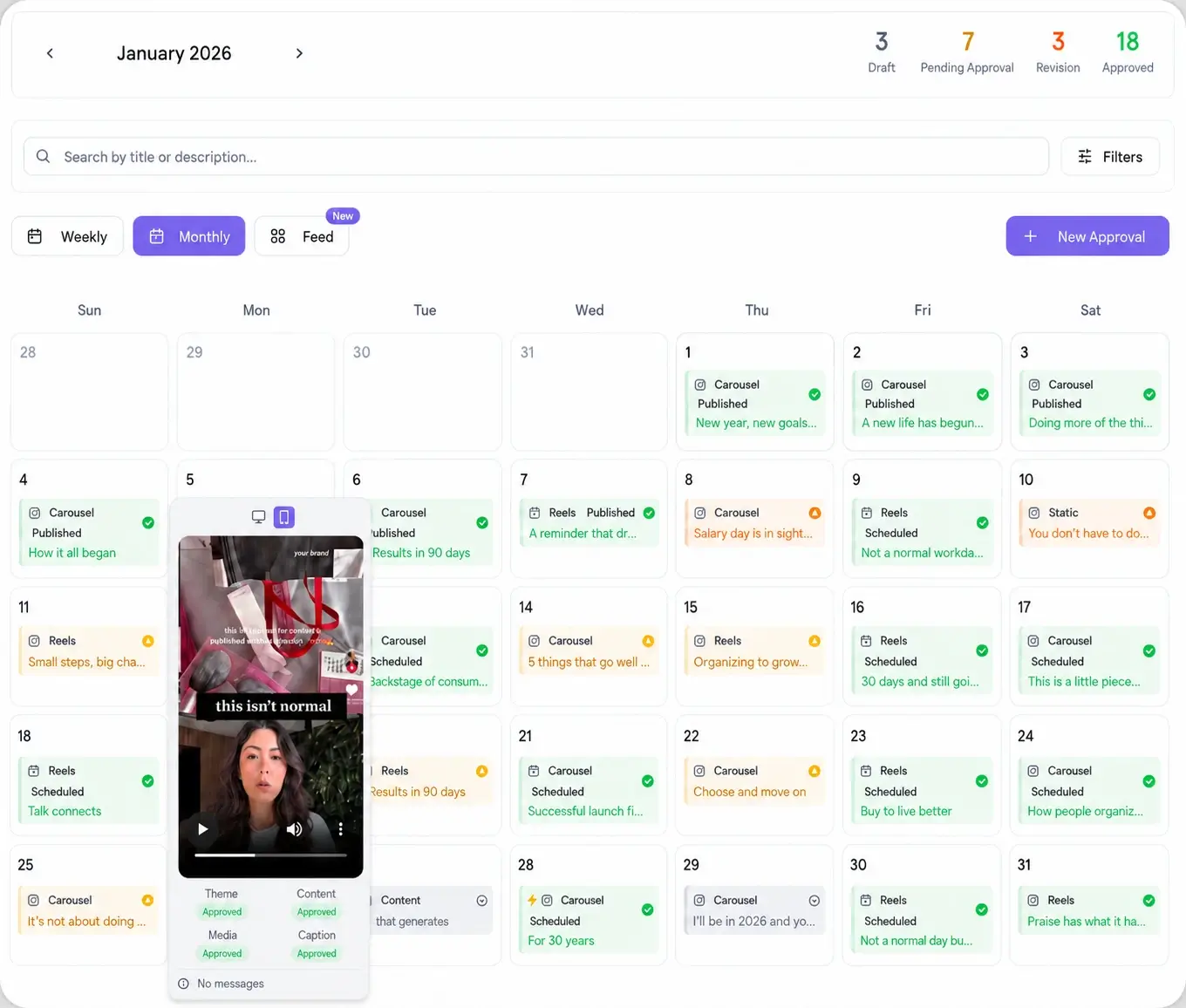
A report nobody acts on is wasted. The point of the research is a calendar. Take the three gaps you wrote down and assign each one a recurring slot. If rivals ignore short video on LinkedIn, book a weekly LinkedIn clip. If everyone posts at 9 a.m. and engagement dies by noon, test an evening window.
Translate findings into a themed month, then draft it inside a content calendar your client can see. Keep the sources you pulled ideas from in the same workspace using content discovery, so when the client asks "why this?" the answer is one click away. Once the month is approved, auto-schedule it to every relevant network across the 10 platforms Viraly Post supports, and post to all of them in 15 seconds.