
Why client three is fine and client ten is chaos
The first few clients run on memory. You know whose Reel is due, who hates stock photos, who needs a reminder before they approve. Then you add clients, and memory stops scaling. Deadlines slip, the wrong caption goes to the wrong account, and every Monday feels like starting from zero.
Managing multiple social media clients is not a willpower problem. It is a systems problem. The agencies that run 10 or 20 clients with a small team are not working harder, they built a repeatable process where the tool carries the load. Below is that process in four parts: separation, batching, approvals, and reporting.
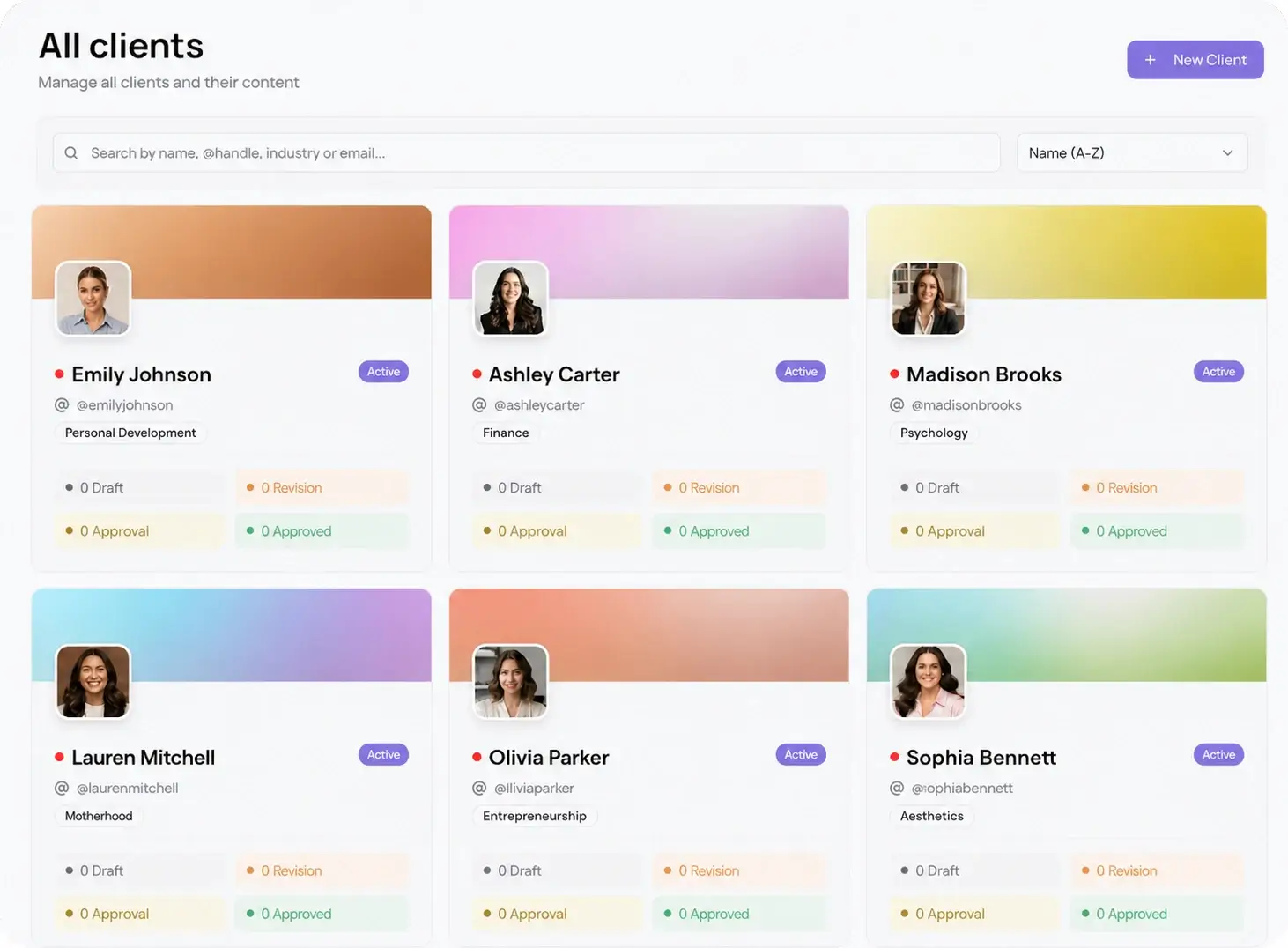
Separate every client into its own workspace
The first rule is that clients never share a queue. Each client gets its own workspace with their connected accounts, their time zone, and their own permissions. This is what stops the nightmare scenario where a personal caption meant for a lifestyle brand lands on a law firm's LinkedIn.
Workspaces also make delegation safe. A freelancer or junior manager gets access to one client, not all of them. Viraly Post is built around multi-client workspaces for exactly this, so the wall between clients is structural, not something you have to remember to maintain.
Batch content by client, not by day
Working day by day across every client is the slowest possible method. You context-switch constantly and never build momentum. Batching flips it: sit down once per client and produce their whole week or month in a single focused block.
Pull one client up, write and schedule everything they need, then move to the next. A visual content calendar per client makes gaps obvious at a glance, so you catch the empty Thursday before the client does. Batching is where the hours actually come back, because you stop paying the switching cost forty times a week.
Run approvals on one link, not an inbox
Approvals are where multi-client work quietly falls apart. Export a mockup, email it, wait, get one comment, redo it, resend. Multiply that across every client and the process eats more time than the content did.
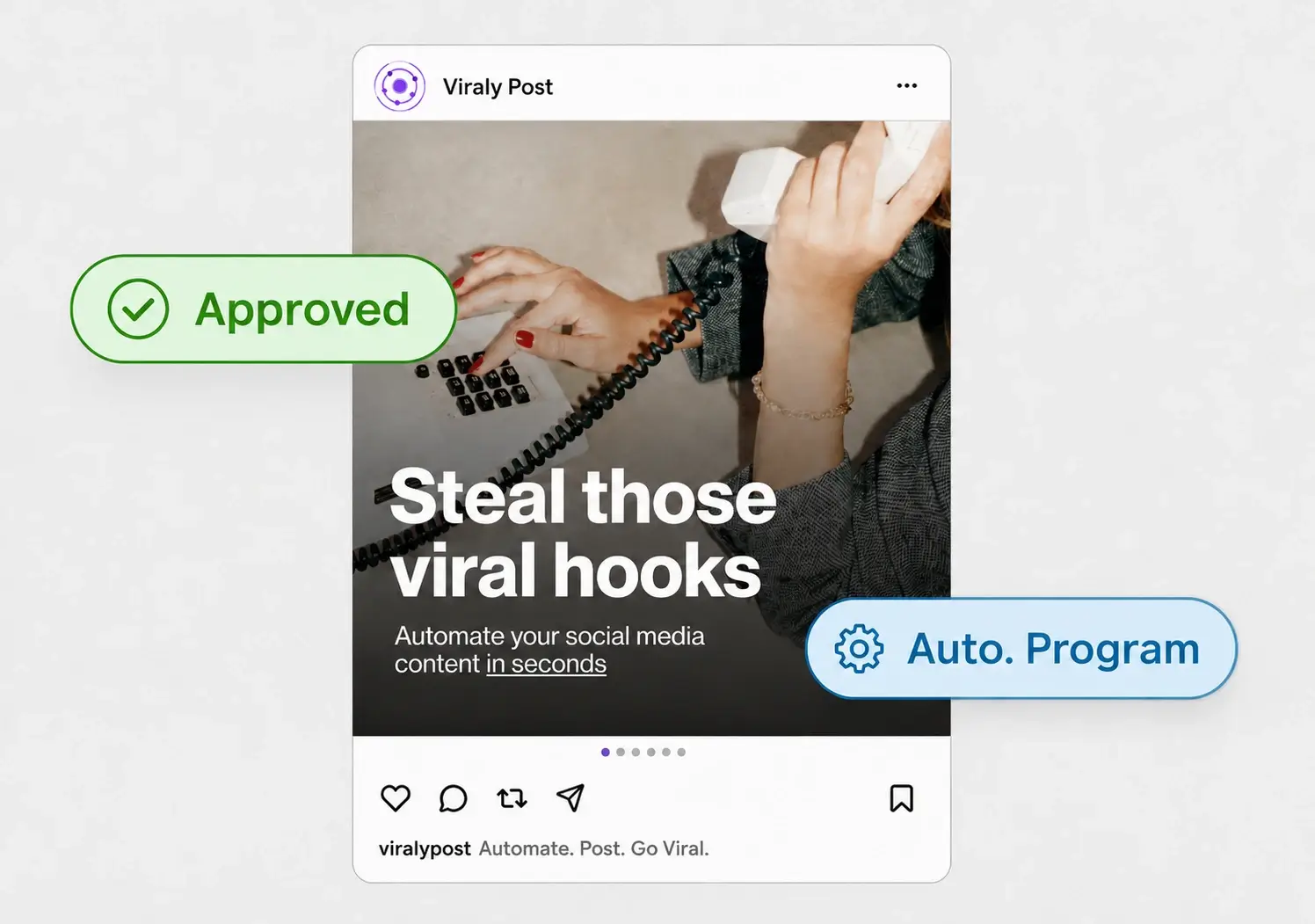
Replace it with a single approval link per batch. The client opens the password-less approval workflow, sees every post as it will appear on each platform, and approves or comments in place. No login, no account, no attachments. Approved posts drop straight into the queue. This one change is usually what lets a single manager go from five clients to ten.
A five-step weekly routine
Here is the loop that ties it together. Run it the same way every week and multi-client work becomes boring, which is the goal.
- Batch one client at a time. Produce their full week in one focused block before switching.
- Schedule inside their workspace so time zones and accounts are always correct.
- Send one approval link per client and move on instead of waiting.
- Let approved posts auto-publish. Do not babysit the queue.
- Pull the same metrics for every client into one monthly report template.
Standardized reporting matters as much as scheduling. Pick the same few numbers for every client and read them from one analytics view instead of logging into each platform. A fill-in template turns reporting from a research project into a 20-minute task.