
The Sunday-night tab problem
You did not start an agency to spend Sunday night switching between 40 browser tabs. Yet that is what social media work turns into once you pass three clients. Each client has its own accounts, its own approval chain, its own posting times, and a consumer scheduler was never designed for any of that.
A social media scheduler for agencies solves a different problem than a scheduler for a single brand. The features that matter are not about posting one photo faster. They are about keeping ten clients organized, getting sign-off without chasing people, and not getting billed into the ground as you grow. This guide walks through what changes, the pricing trap to avoid, and a five-step way to evaluate any tool before you migrate.
What makes a scheduler an agency scheduler
The line is client separation. A brand scheduler assumes one company and one set of accounts. An agency scheduler assumes many, and everything follows from that. You need workspaces so one client never sees another client's calendar. You need per-client permissions so a freelancer touches one account and not all of them. You need per-client time zones because a New York client and a London client do not post at the same hour.
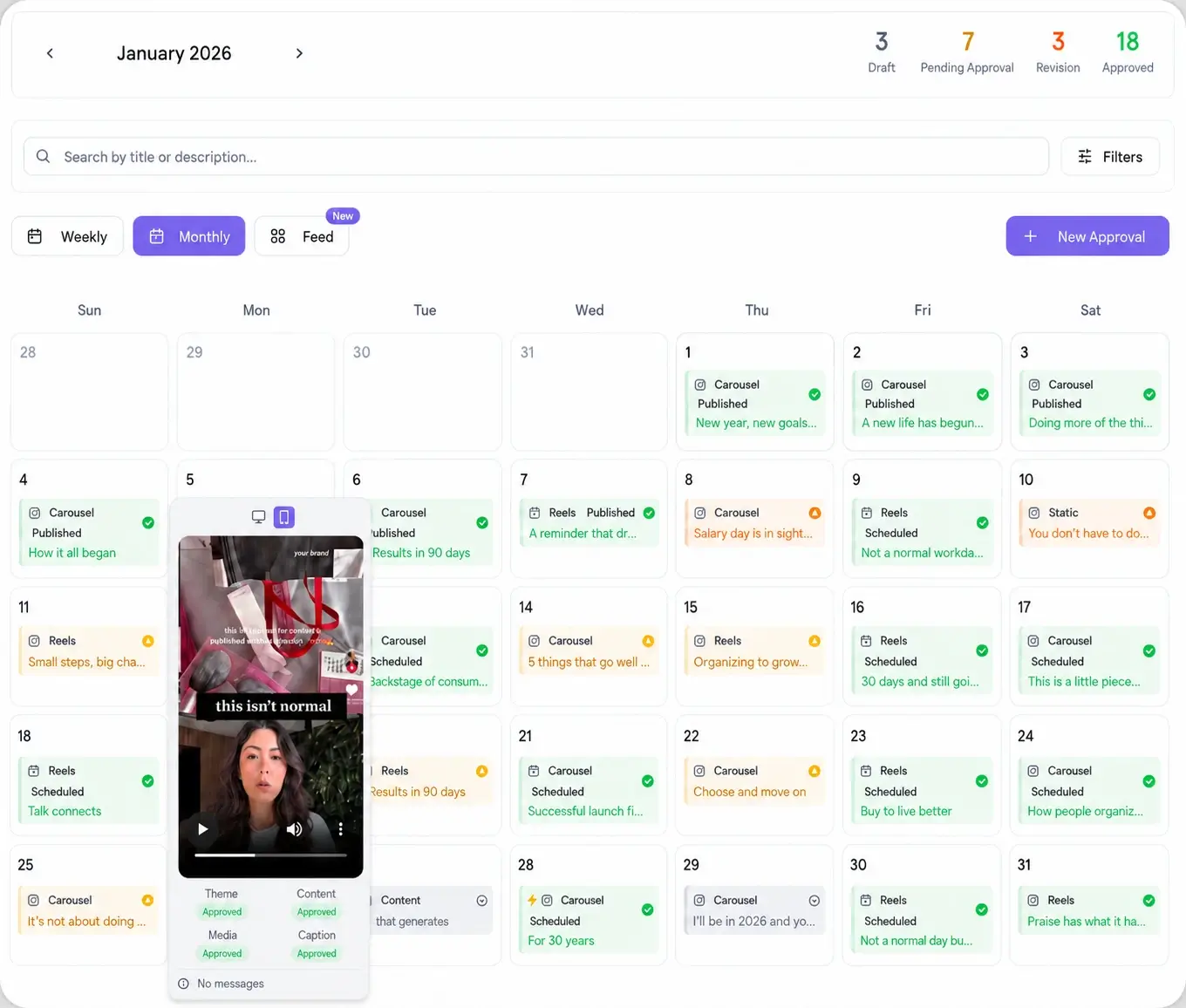
The second half is the client relationship. Brand schedulers publish. Agency schedulers publish and get approved. That approval step is where most agencies lose hours every week, and it is the single biggest reason a general tool feels wrong once you are doing client work. Viraly Post is built around multi-client workspaces for exactly this reason.
The per-channel pricing trap
This is the mistake that costs agencies the most, and it is easy to miss on a pricing page. Many popular schedulers charge per channel. A channel is one account on one platform. That sounds cheap until you count like an agency counts.
Take ten clients, each on six platforms. That is sixty channels. On a per-channel plan you are paying for all sixty, and every new client or new platform pushes the bill up again. The tool you picked to save money becomes one of your largest fixed costs, and it punishes the exact thing you want to do, which is grow.
Per-workspace pricing flips it. You pay by the client, and every platform lives inside that workspace at no extra charge. Add TikTok for a client who just asked for it, and nothing changes on your invoice. Viraly Post prices by client workspace with all 10 platforms included on every plan, which is why the math stays flat as you scale. Compare that model directly against the tools charging per channel before you commit, because switching later means re-connecting every account.
Client approvals decide whether you save time
Scheduling is the easy part. The revision loop is what eats your week. You draft, you export a mockup, you email it, the client opens it three days later, replies with one change, and the cycle restarts. Multiply that across every client and the tool that was supposed to save you ten hours gives back two.
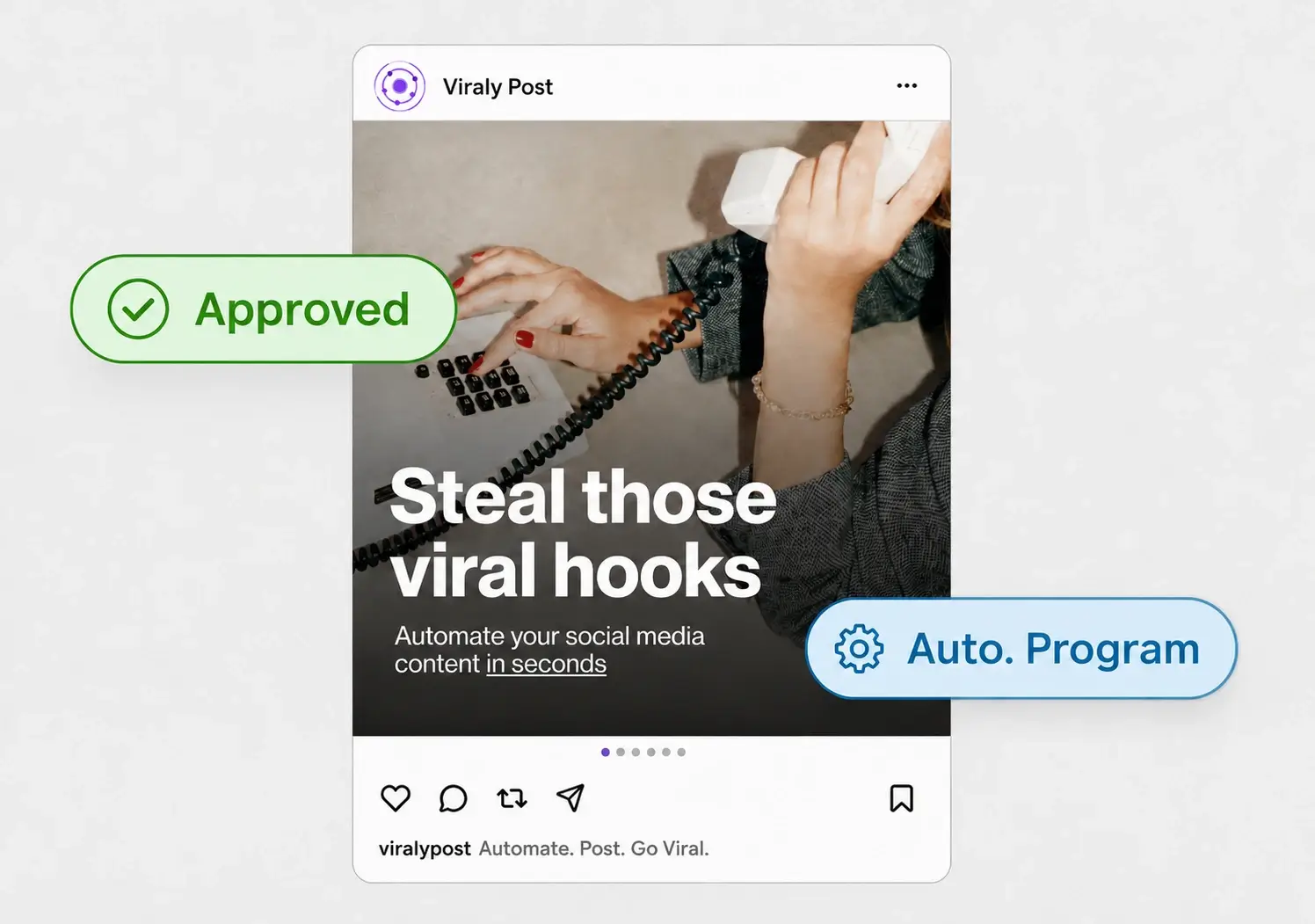
The fix is an approval step that lives inside the scheduler and costs the client nothing to use. A password-less approval workflow sends the client one link. They open it, see every post exactly as it will appear on each platform, and approve or comment in place. No account, no login, no download. Approved posts move straight into the queue. That one change is usually the difference between an agency scheduler that pays for itself and one that just moves the busywork around.
How to evaluate a scheduler in five steps
Run any tool through this before you migrate a single client. It takes an afternoon and saves you a painful switch six months in.
- Count your channels the agency way. List every client times every platform. Price the tool at that number, not the headline number.
- Connect one real client on the trial. Wire up their actual accounts, not a demo. Connection friction is where tools quietly fail.
- Run one approval end to end. Send yourself the client link, review it as the client would, and approve. Time it.
- Schedule across time zones. Queue a post for a client in another region and confirm it publishes in their local time, not yours.
- Check platform coverage against next year, not just today. If a client will want Threads or Bluesky, make sure the tool already supports them.
If a scheduler clears all five, it will hold up as you add clients. If it stumbles on approvals or pricing, it will get more painful, not less. You can run this whole checklist inside a Viraly Post trial in an afternoon.
Platform coverage that does not box you in
Your client roster decides your platform needs, and that list keeps growing. A beauty brand wants Instagram and TikTok. A B2B client lives on LinkedIn and X. A publisher wants Reddit and Bluesky in the mix. If your scheduler covers five platforms, every client on the edge of that list becomes a manual workaround.
Viraly Post covers 10 on every plan: Instagram, TikTok, LinkedIn, YouTube, Facebook, X, Threads, Pinterest, Bluesky, and Reddit. Threads and Bluesky in particular are still missing from many established tools, so covering them now means you can say yes to a client request instead of opening yet another browser tab. See the full list on the integrations page.