
Franchise social media fails at the seams, not the center
Learning how to manage social media for multiple franchise locations starts with one hard truth: a single location is easy, and fifty locations is a different job. The national account looks fine, then you open a store page and find a local manager who posted a blurry phone photo with the wrong logo, a promo that ended two weeks ago, and store hours that no longer match the door.
Franchise social breaks at the edges. Each location wants to feel local, so you hand managers some control. The moment you do, brand voice drifts, approvals pile up in email, and nobody can say which of the 50 Instagram accounts is actually current. You end up with a spreadsheet of logins and a sinking feeling that half your brand is being run by people you have never trained.
Why managing social media for multiple franchise locations breaks down
Three things fall apart at scale, and they feed each other.
Access chaos. Every location has its own Instagram, Facebook, and maybe TikTok. Passwords get shared in text messages. When a manager leaves, nobody rotates the logins, and you lose the account to a password reset nobody can complete.
Voice drift. Corporate writes the brand guidelines. The person posting in a store 900 miles away has never read them. So the caption tone, the hashtag set, and the offer language all wander, and the brand reads differently in every market.
Approval gridlock. You want local posts reviewed before they go live, but review by email does not scale past a handful of locations. Drafts sit unread. Managers either wait days or stop asking and post whatever they want.
The fix is not more rules. It is a structure where each location has a defined space, a shared voice baked in, and an approval step that takes seconds instead of days.
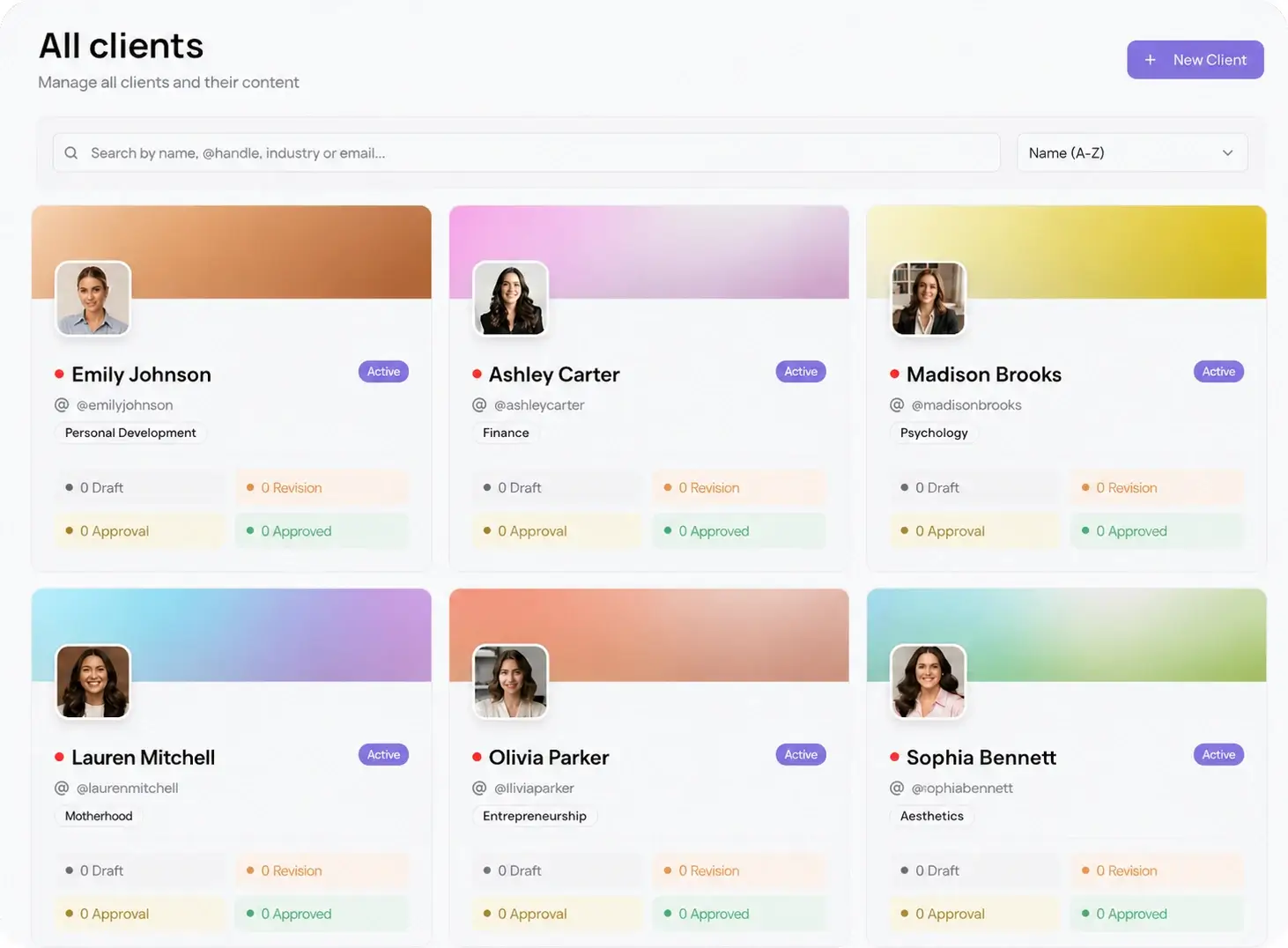
Give each franchise location its own workspace
A workspace is a separate, walled space for one location: its connected accounts, its calendar, its drafts, its approvals. One login for you, clean separation for them. You switch between locations without logging in and out, and a location manager only ever sees their own store.
This solves access chaos directly. The social accounts connect once at the workspace level, so there are no shared passwords floating around. When a location changes hands, you reassign the workspace instead of chasing a password reset. Viraly Post's multi-client management was built for exactly this shape of work, and pricing scales per workspace, so you pay for the locations you run, not per social channel.
Keep brand voice consistent across every location
Consistency does not come from a PDF nobody opens. It comes from making the on-brand version the easy version. Build a shared brand kit once: the approved logo, the color and tone rules, the hashtag set, the caption format. Then every location starts from the same base instead of a blank box.
When a location manager drafts a post, the formatting and tone are already set, so a local caption still sounds like the brand. Viraly Post's AI content formatting adapts one piece of copy to each platform while holding the voice steady, which matters when the same offer has to run on Instagram, Facebook, and TikTok at once. Lock the national campaign centrally, give locations a clear lane to add local detail, and the brand stays recognizable in every market.
Put corporate approval between the draft and the post
Local relevance is good. Local managers publishing unreviewed is a liability. The answer is an approval step that is fast enough that nobody routes around it.
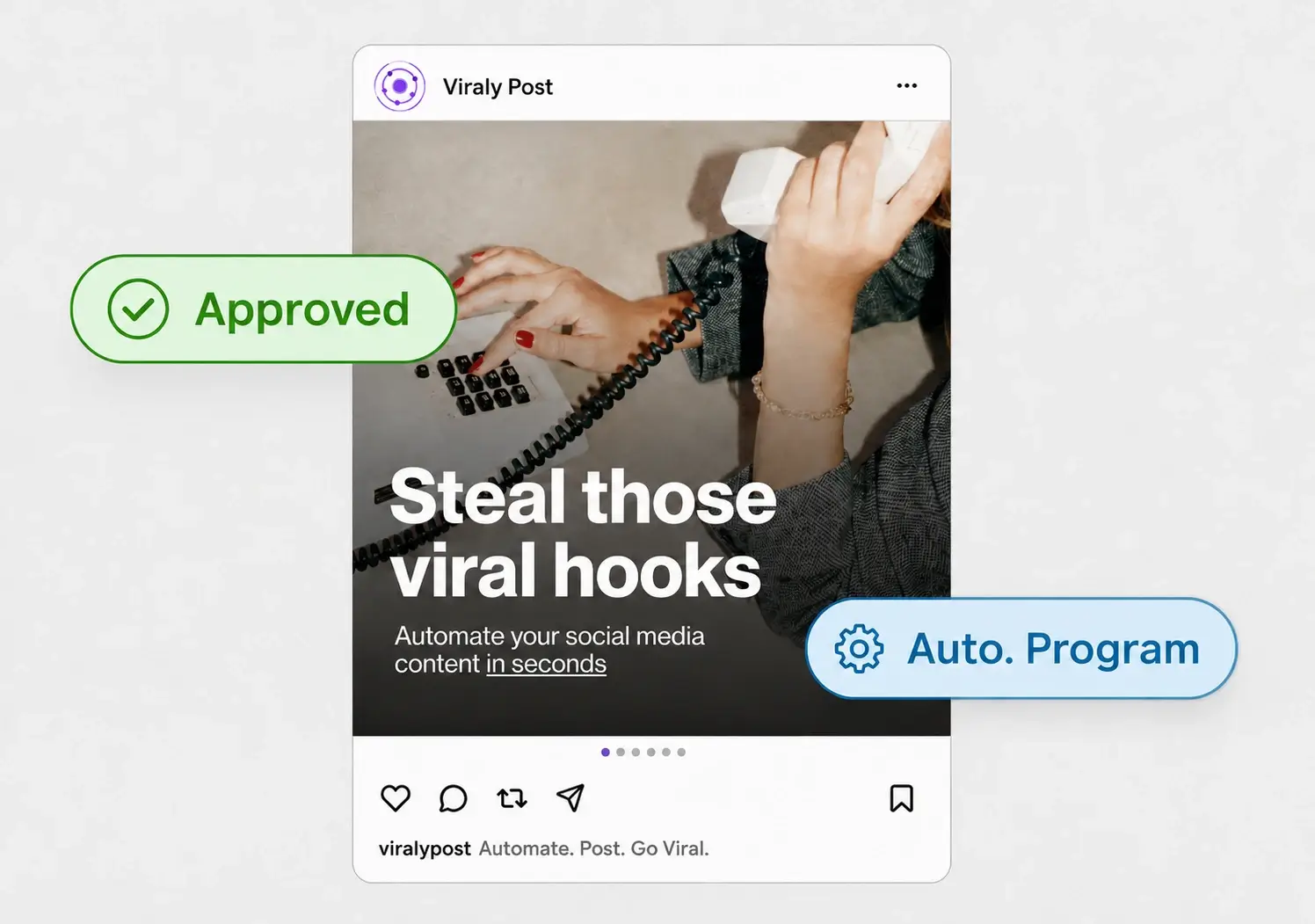
With a password-less approval flow, a location drafts a post and the corporate marketing team gets one link to approve, comment, or request a change. No new account, no login, no email thread. The reviewer taps the link, reads the post in context, and approves from a phone in the elevator. A post stays locked until it is signed off, so nothing goes live by accident. Viraly Post's approval workflow turns a multi-day email loop into a 15 second tap.
Set it up in 7 steps
Here is the order that holds up as you add locations.
- Create one workspace per franchise location and name it by market, so you can find any store at a glance.
- Connect each location's accounts once at the workspace level. Retire the shared-password spreadsheet.
- Build the shared brand kit: logo, tone, hashtag set, caption format, approved offer language.
- Batch the national campaign in a template, then duplicate it into each workspace and localize the details.
- Give local managers a defined lane: they add local posts and events, the national grid stays locked.
- Turn on approvals so every local draft routes to corporate on one password-less link before it publishes.
- Plan the month on a shared calendar and share a read-only calendar link so regional leads can see what is coming.
Run national and local on one calendar
The last piece is planning. A franchise brand runs two layers at once: the national campaign that must look identical everywhere, and the local posts that make each store feel like part of the neighborhood. Keep both on one content calendar per workspace so you can see, for any location, what corporate scheduled and what the local manager added.
When the plan is approved, scheduling is the fast part. Post to all 10 platforms in 15 seconds, so pushing an approved month across 40 locations is a batch job, not a week. The timing engine then places each post in the window where that location's audience actually shows up.