
Why the first two weeks decide the relationship
A new client signs, pays the first invoice, and then waits. What happens in the next fourteen days tells them whether they hired a pro or a problem. A messy onboarding, three emails asking for the same logo, a first post that misses the brand voice, and the doubt sets in before you have published a thing.
Knowing how to onboard a new social media client is a system, not a personality. When onboarding is a repeatable checklist, every client gets the same confident start, and you stop reinventing the first two weeks each time you win an account. That consistency is what lets you add clients without the wheels coming off.
What to collect before you write a single post
Most onboarding stalls die in the asset-gathering phase. You start designing, hit a missing brand font or an unclear tone note, and the whole thing pauses while you wait on a reply. Fix that by gathering everything up front, in one pass, stored in one place.
Ask for brand guidelines, logos, fonts, and colors. Get a photo and video library, the client's past top-performing posts, and a plain-language note on tone. Confirm the target audience, the main competitors, the goals for the account, and any words, claims, or topics the brand will not touch. Collect it once and drop it into the client workspace so nobody on your team has to ask twice.
How to get account access the safe way
The password spreadsheet is where agencies get themselves in trouble. Collecting raw logins is a security risk for both sides, and it breaks the moment the client changes a password. Ask instead to be added through native business tools: manager access in Meta Business Suite, a page role in LinkedIn, a channel role in YouTube.
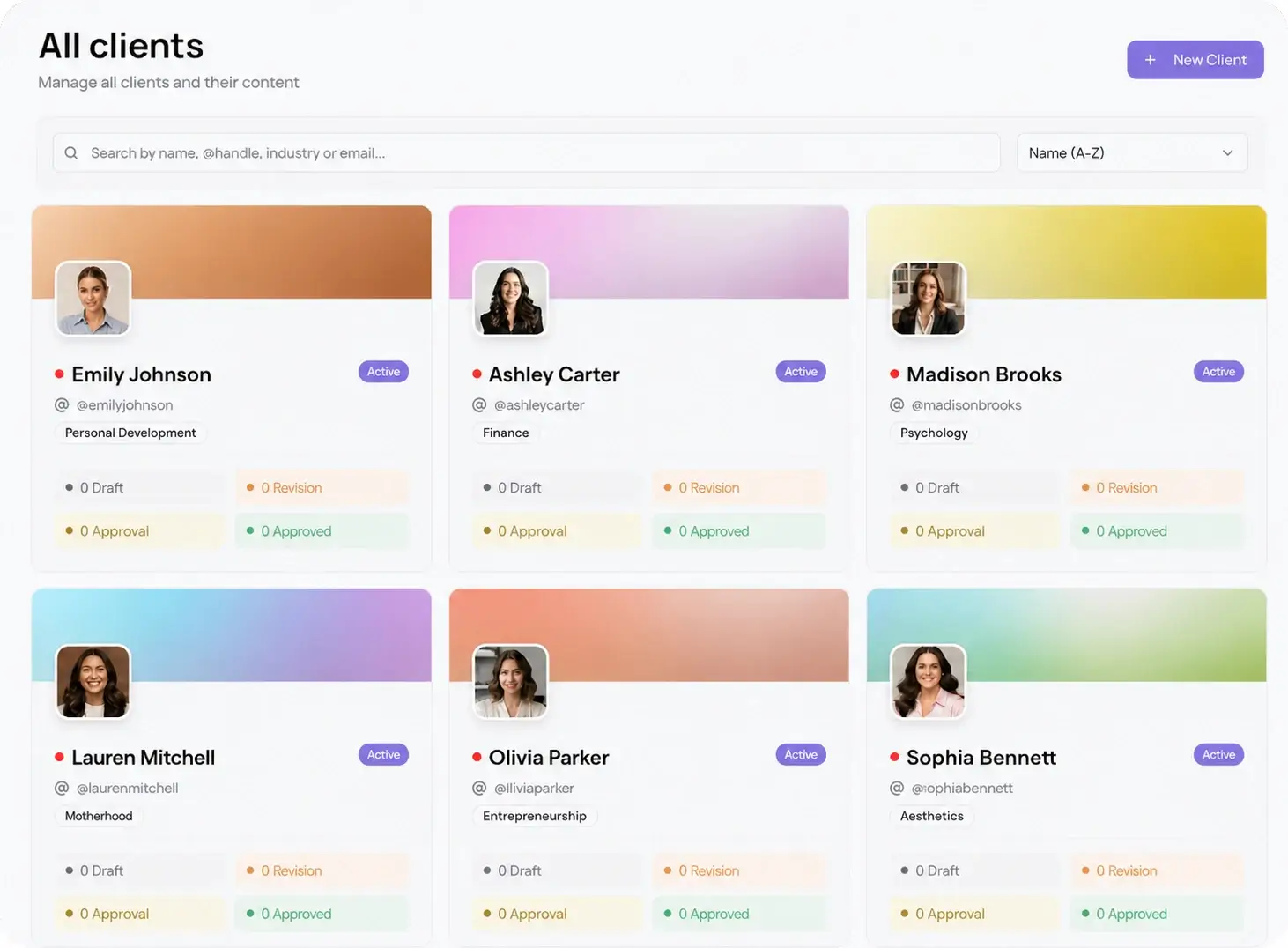
Role-based access survives staff turnover and keeps the client in control of their own accounts. Once you have the right permissions, connect each account to the client workspace one time. From there you post to every network at once through a single social media scheduler that hits 10 platforms in 15 seconds, so account access stops being a daily headache.
Set expectations in writing before the first post
Half of all client friction comes from things nobody wrote down. How often will you post, on which platforms, who signs off on content, how fast do you need that sign-off, and how often will you report. Silence on any of these turns into an argument later.
Put it in a short onboarding document and get a yes on all of it before you build. Name a single approval contact and agree on a turnaround, for example two business days. The cleaner the expectations, the fewer surprises in month one, and the easier it is to hold the line when a client wants a same-day rush.
How to onboard a new social media client in 7 steps
Run every new account through this exact order and the first two weeks stop being a scramble.
- Send a welcome email and book a 45-minute kickoff call within three days of signing.
- On the call, confirm goals, target audience, platforms, posting frequency, and the approval contact.
- Send one asset request covering brand guidelines, logos, media library, and tone notes, with a clear due date.
- Request role-based access to every account and connect them to a dedicated client workspace.
- Draft the first month of content and batch it onto a shared content calendar so the client sees the full plan, not one post at a time.
- Send the whole month for review on one password-less approval link and collect sign-off in place.
- Schedule the approved posts, confirm your reporting date, and tell the client exactly when the first post goes live.
Notice that approval happens before anything publishes. You never guess whether the client will like the direction, because they signed off on a full month before a single post went out.
Turn the first approval into a habit
The first approval round is where a client learns how you work, so make it painless. The old way, a slide deck of screenshots over email, teaches the client that reviewing your work is a chore. That reputation is hard to shake.
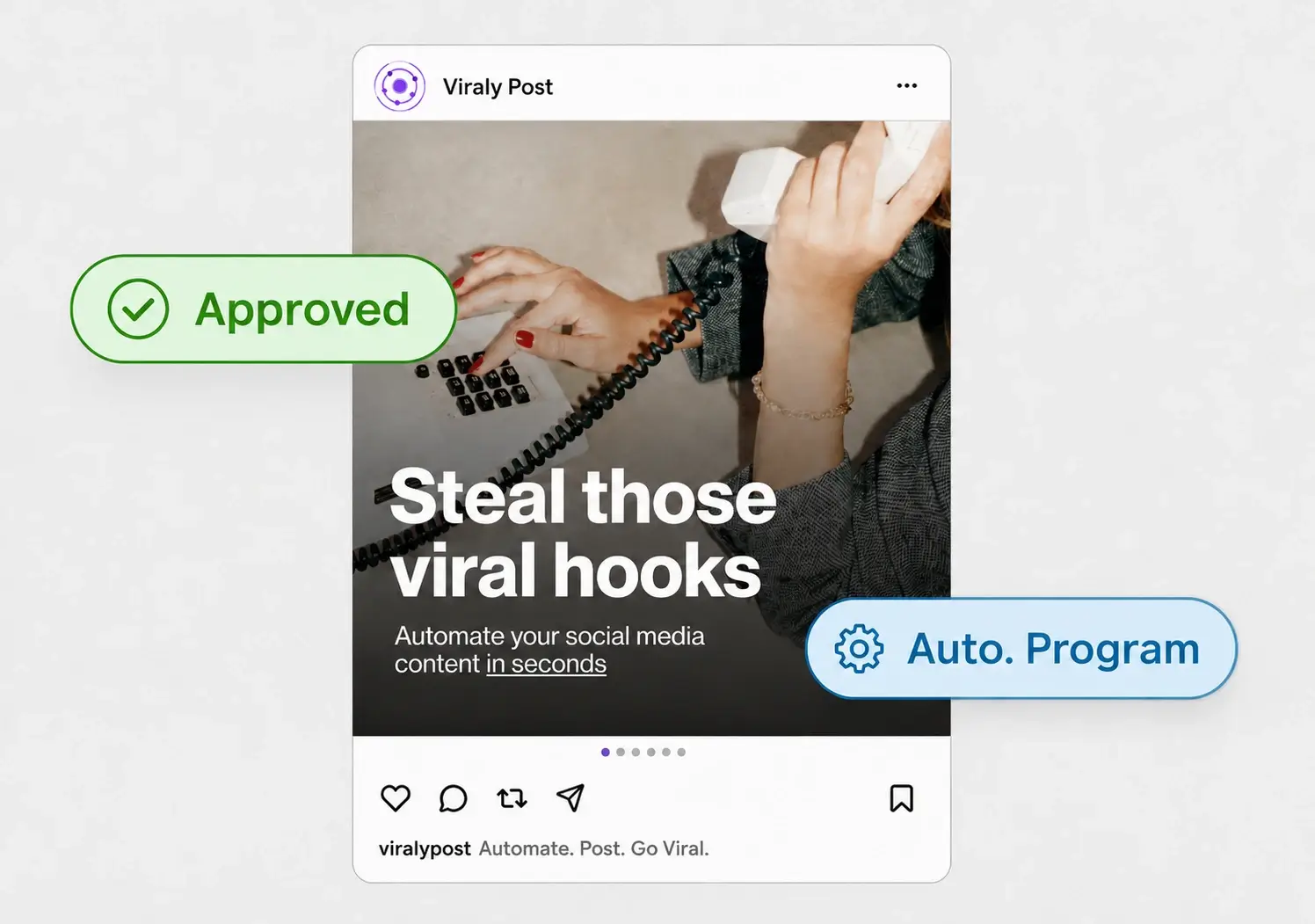
Send the first month on one link where the client sees each post exactly as it will appear, then approves or comments in place with no login and no account to create. When the very first review takes two minutes instead of two days, you set a tempo that holds for the life of the account. You can also keep captions on-brand from day one with AI content formatting, so the client's voice is consistent before they even ask.
Keep every client onboarding identical
The point of a checklist is that client number twelve gets the same start as client number one. When onboarding lives in your head, quality drifts and a busy week means a client slips through with half a setup. When it lives in a documented process backed by per-workspace tooling, a new hire can onboard an account without you in the room.
Viraly Post runs the whole thing from one dashboard: a separate workspace per client, all 10 native integrations, and password-less approvals, priced per workspace from $29 to $99 a month. Your onboarding stays the same whether it is the first client of the year or the thirtieth.