
The approval chase is a tax on every agency week
You batch a week of posts on Monday and send them for review. Then it goes quiet. You follow up Tuesday, again Thursday, and by Friday you are moving a launch because one person never opened the file. Learning how to stop chasing clients for social media approvals is less about being firmer and more about deleting the steps that make approving a post feel like a chore.
The client is not stalling on purpose. They are busy, the login they set up two months ago is long forgotten, and the review link is buried under forty other emails. Every extra step between them and a yes is a reason to leave it for later. Cut the steps and the yes tends to arrive the same day.
Why social media approvals stall in the first place
Approvals stall for three reasons, and none of them is the quality of your work. The first is access friction: a tool that asks a once-a-month reviewer to remember a password turns every approval into a support request. The second is scattered feedback: when comments live across email, chat, and a shared doc, the client cannot tell what still needs a decision, so they close the tab. The third is the all-or-nothing sign-off, where one unsure post holds the entire batch hostage.
Fix the friction and you fix the timeline. That means one place to review, feedback attached to the specific post it belongs to, and the ability to approve nine posts while flagging the tenth. Most of that comes down to how you package the review, which is why the tool matters as much as the reminder cadence.
How to stop chasing clients for social media approvals
The core move is to send a single password-less link instead of a login. The client taps it, lands straight on their posts, and reviews each one exactly as it will publish: caption, media, and the platforms it is set to go to. They approve the ready ones, comment on the ones that need a tweak, and close the tab. No account, no reset, no download. You can see how this sits inside a full client approval workflow and how each client stays separated in their own per-client workspace.
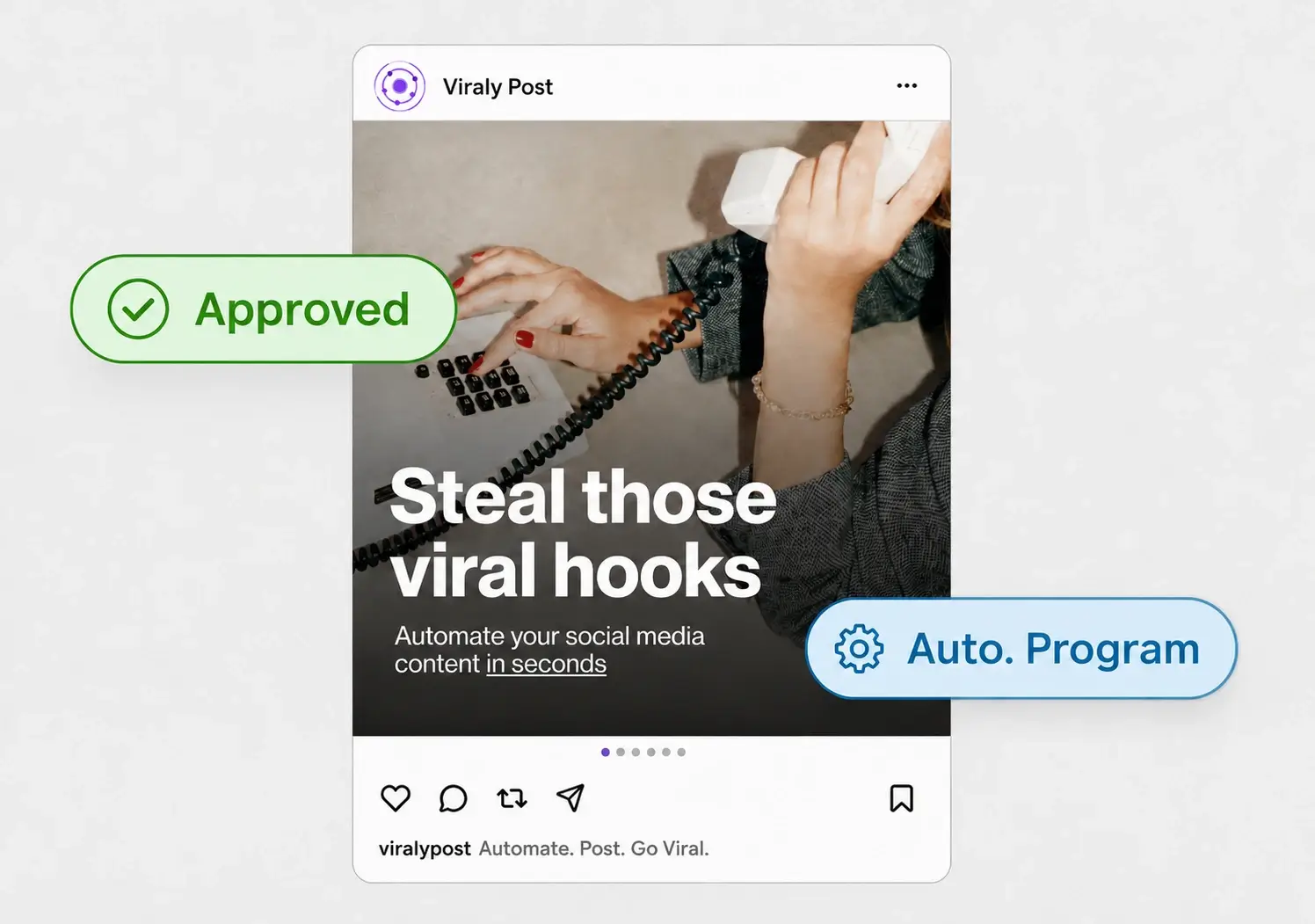
What removes the chase for good is what happens after the yes. In Viraly Post, an approved post does not wait for you to copy it into a scheduler. It drops into the queue and publishes to every connected account, so one client decision becomes a scheduled post across 10 platforms in 15 seconds. Nothing gets re-keyed, and nothing slips between the review tool and the publisher.
A step-by-step system to end the approval chase
Turn the fix into a routine you run for every batch, and the follow-up emails disappear on their own.
- Set up one workspace per client and connect their accounts across the 10 platform integrations you manage, so the review link only ever shows their content.
- Batch the week or month of posts in that workspace, then attach the review to a shared content calendar so the client sees the plan and each post in one view.
- Send one password-less link and name a clear deadline in the same message, for example "approve or comment by Thursday 5pm".
- Write the default for silence into your contract: posts sent with reasonable notice publish as drafted unless the client requests a change by the deadline.
- Let the client approve, comment, or request a change per post from the link, on whatever device is open.
- Publish the approved posts on schedule and reissue a fresh link for the next batch. No status meeting required.
What to do when a client still goes silent
Some clients will still miss a deadline, and the answer is a rule you set once, not a new round of nagging. State in your onboarding and your contract that posts scheduled with reasonable notice go live as drafted if there is no reply by the review date. That single clause protects the calendar and trains clients to review on time, because they learn that silence is a decision. For a deeper look at tightening the whole timeline, see the guide on how to get client approval on social media posts faster.
Pair the rule with a light touch on cadence. One reminder the day before the deadline is plenty when the link is one tap away. The goal is not to police clients, it is to make approving so easy that the deadline rarely matters. When the review link, the calendar, and the publisher are the same system, the chase has nowhere to hide.