
Approvals are where agency time goes to die
You batched a month of posts on Monday. It is now Thursday and three of them are still stuck because the client "will look tonight" for the fourth night running. You have re-sent the same PDF twice, chased edits across a comment thread and two emails, and the launch window you promised is slipping.
The bottleneck is rarely the client's opinion. It is the friction between having an opinion and recording it. A client who has to find a login, reset a password, or download a file will always push it to later. Magic link approval removes every one of those steps, so the answer you need is one tap away.
What is magic link social media approval?
Magic link approval is a review method where the client receives a single web link that grants access to a specific set of posts without any login. The link is unique to that client and that content, so there is nothing to remember and nothing to install. Clicking it is the authentication.
For agencies, this matters because your clients are busy people who did not sign up to be power users of your tools. Every account you ask them to create is a reason for a post to sit unapproved. A password-less link meets them where they already are: their phone, their inbox, one tap. You can see how the flow fits into a full client approval workflow and where it sits across your per-client workspaces.
How magic link approval works for agency clients
The client opens the link and sees each post exactly as it will publish, caption, media, and the platforms it is set to go to. They approve the ones that are ready, leave a comment on the ones that need a tweak, and close the tab. You get the decisions in your dashboard, post by post, with no back-and-forth to decode.
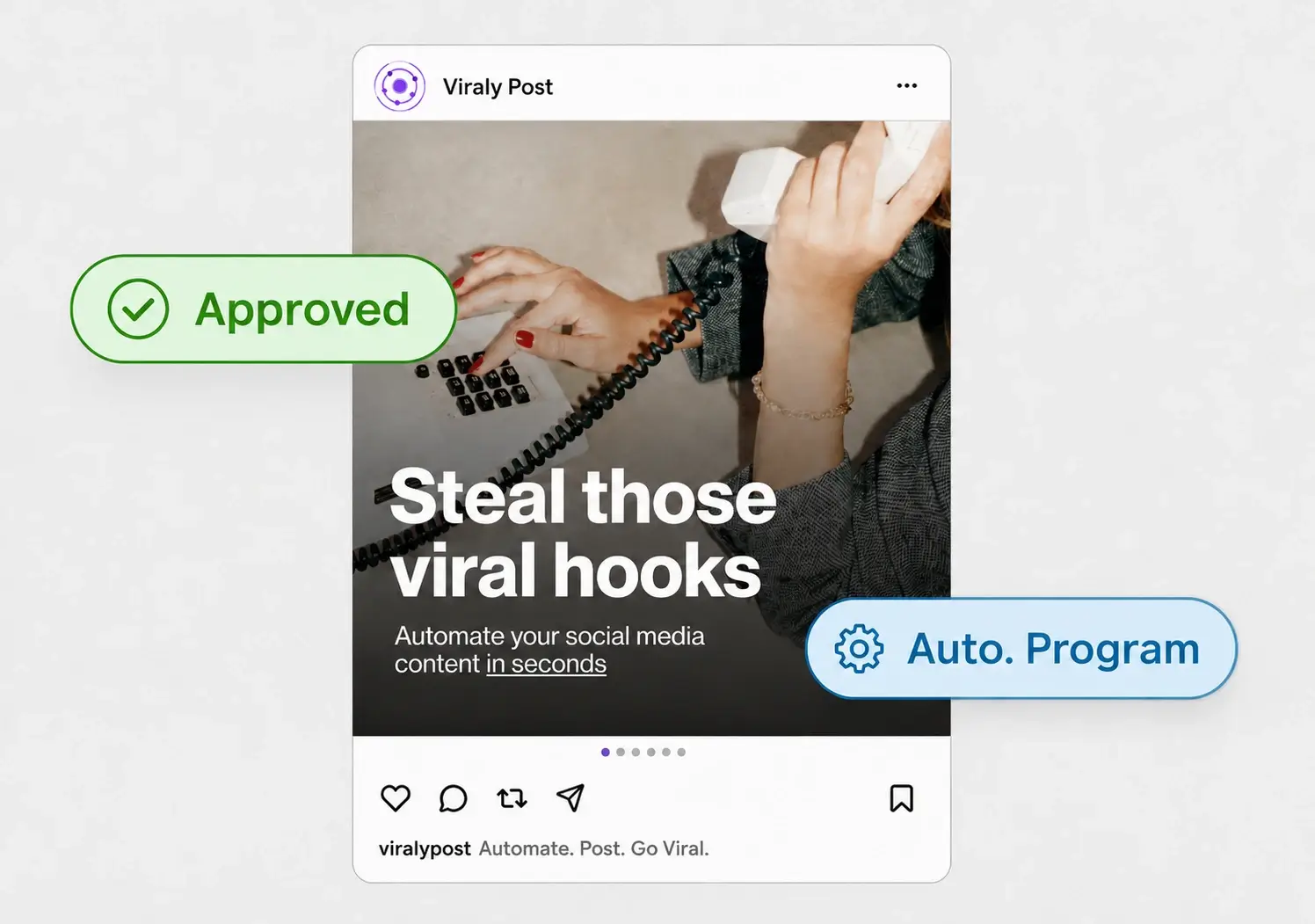
The part that saves the most time is what happens after approval. In Viraly Post, an approved post does not wait for you to copy it somewhere else. It moves straight into the queue and publishes to every connected account, so one client decision becomes a scheduled post across 10 platforms in 15 seconds. Nothing gets re-keyed, and nothing falls between the review tool and the publisher.
How to set up magic link approval for a client
The setup takes a few minutes per client and then repeats for every batch you send.
- Create a workspace for the client and connect their accounts across the 10 platform integrations you manage for them.
- Draft or batch the month of posts in that workspace so the review link only ever shows their content.
- Generate the magic link for the posts you want signed off and send it by email or chat. No account setup for the client.
- Let the client approve, comment, or request a change per post from the link, on whatever device they have open.
- Publish the approved posts on schedule, and reissue a fresh link for the next batch when you are ready.
Magic link vs client logins and shared inboxes
The two common alternatives both cost you time. Client logins force a person who touches the tool once a month to maintain credentials they will forget, which turns every approval into a support ticket. Shared inboxes and PDFs scatter feedback across threads, so you spend the morning reconciling "the second one" against "the blue graphic" instead of scheduling.
A magic link collapses that into a single source of truth. Feedback lives on the post it belongs to, approvals are unambiguous, and there is no password surface to secure. If a link is ever shared too widely, you revoke it and issue a new one. For agencies running many accounts at once, that predictability is the difference between approvals that close in a day and ones that drag for a week. It pairs naturally with a shared content calendar so the client sees the plan and the individual posts in the same place.