
Your approvals break because the process lives in your head
Most agencies do not have an approval process. They have a habit. Someone emails a PDF, the client replies three days later with edits buried in a paragraph, a second person schedules the wrong version, and the client asks why last week's typo went live. Multiply that by 12 clients and you spend your Fridays reconstructing who said yes to what.
A social media approval workflow template fixes this by writing the process down once and reusing it for every client. Same stages, same owners, same rules. The template below is the one we see working across agencies that run 5 to 20 accounts. Copy it, adjust the owners to your team, and stop improvising.
What a social media approval workflow template actually includes
A workflow template is not a checklist of tasks. It is a map of stages, and every stage answers three questions: who owns it, what has to be true before the post leaves it, and where the post goes next. If a stage cannot answer all three, the post stalls there. That is where your revision loops come from.
The template needs a home too. A shared doc drifts out of date the week after you write it. Run it inside the tool that already holds the posts, so the stage a post sits in is visible next to the post itself. In Viraly Post that home is the content calendar, where each post carries its own status.
The six-stage social media approval workflow template
Run every client post through these six stages in order. The owner listed is a default. Swap in the real names on your team.
- Draft (owner: content lead). Write the caption, attach the asset, set the target platforms and the intended date. Exit rule: the post is complete enough that a client could judge it, not a rough note.
- Internal review (owner: account manager). Check brand voice, factual accuracy, and platform fit before the client ever sees it. Exit rule: zero known issues. Never send your own mistakes to a client for them to catch.
- Client review (owner: client). Send one link that holds the whole batch. The client approves or comments per post. Exit rule: every post is either approved or has written feedback.
- Revisions (owner: content lead). Apply the edits from round one in a single pass. Exit rule: every comment is addressed and resent. Cap this at two rounds total.
- Sign-off (owner: client). A final yes on the revised posts. Exit rule: explicit approval recorded against each post, not a vague "looks good" in email.
- Scheduling (owner: account manager). Approved posts move to the queue for their date and time. Exit rule: the post is live in the calendar across every target platform.
The two-round cap in stage four is the single most important line in the template. Round one gathers all edits at once. Round two confirms the fixes. Anything past that is a change request, and a change request is billable. Write that into your scope and the revision loop simply ends.
Assign one owner per stage, then make it visible
A stage with two owners has no owner. When both the content lead and the account manager "kind of" handle internal review, posts sit in limbo while each assumes the other has it. Pick one name per stage and put it where the team can see it.
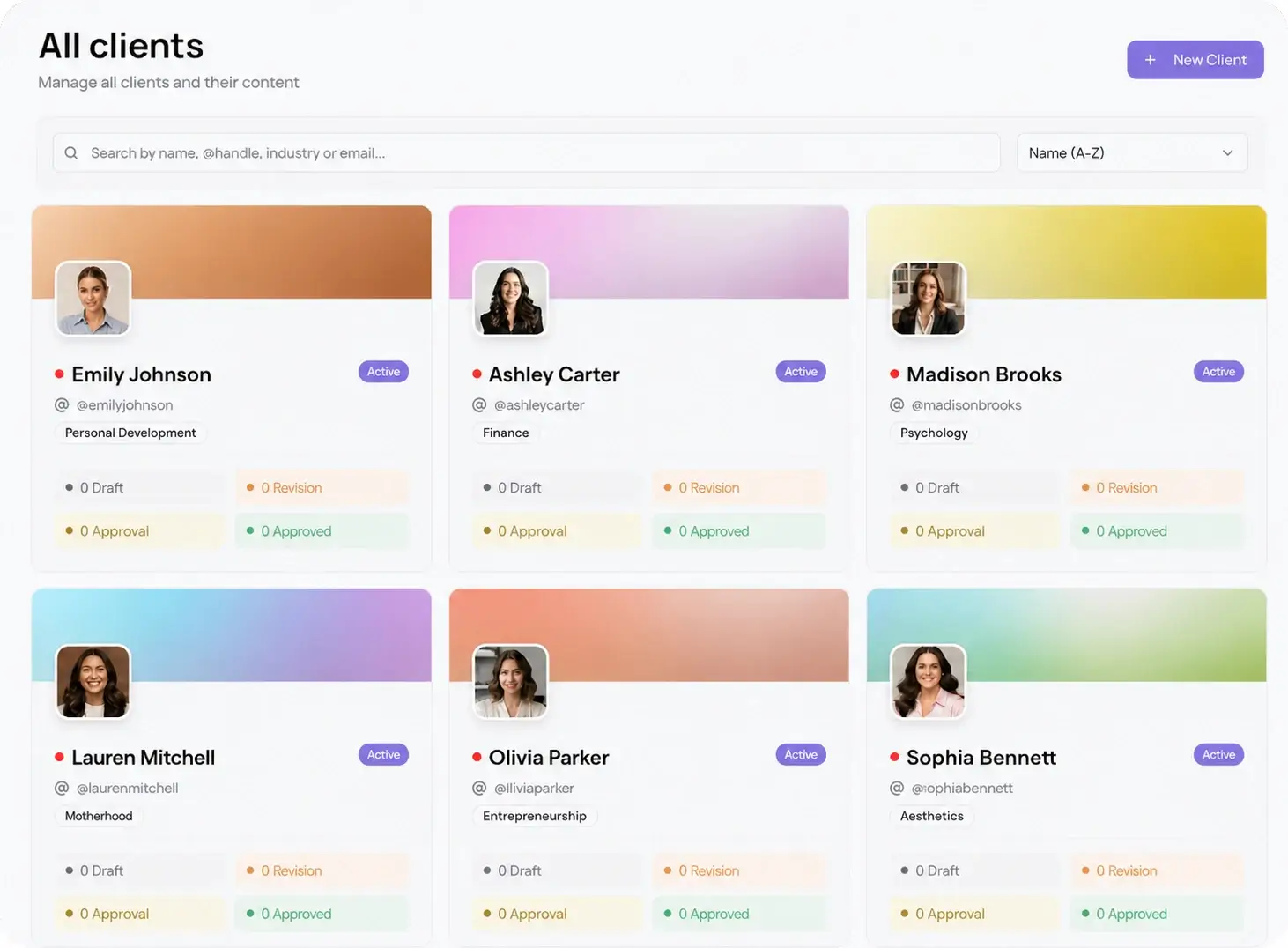
This gets harder as you add clients, because the same person owns different stages for different accounts. Per-client workspaces keep it straight: each client has its own board, its own calendar, and its own approval link, so a status on one account never leaks into another. That separation is the whole point of multi-client management, and it is what lets one manager run 10 accounts without a spreadsheet of who-owns-what.
Why the client-review stage decides everything
Five of the six stages are inside your walls. You can enforce those with a team meeting. Stage three, client review, is the one you do not control, and it is where weeks disappear. The client cannot find the login, forgets which tab the posts were in, or approves in an email you then have to screenshot for your records.
Remove every reason a client hesitates. No account. No password. One link that opens the batch, lets them tap approve or leave a comment on the exact post, and records the decision against that post. That is a password-less approval workflow, and it turns the slowest stage into the fastest. When the client is done, approved posts auto-schedule to all 10 platforms in 15 seconds through the social media scheduler, so sign-off and scheduling collapse into one motion.