
Proofing is where good agencies lose their week
The work is done. The captions are written, the Reels are cut, the calendar is full. Then everything stops at the same place: the client. You export a PDF or paste screenshots into an email, ask for sign-off, and wait. A day passes. You follow up. The client replies "looks good except the second one" with no note on what to change. You guess, resend, wait again.
That gap between "content ready" and "client approved" is where agencies bleed hours. It is not a content problem. It is a proofing problem, and most teams are still solving it with tools that were never built for social posts.
What is a social media proofing tool for agencies?
A social media proofing tool is software that shows a client the exact post they will publish, caption, media, hashtags, and scheduled time, then captures their approval or edits in one place. It replaces the email thread, the shared drive, and the PDF export with a single review surface both sides can trust.
The distinction that matters for agencies: a general proofing tool handles static files, a PDF or an image. A social media proofing tool renders the post the way it will look in the feed, per platform, and ties the approval straight to scheduling. Approve it, and it publishes. Nothing gets retyped between review and going live, which is where errors usually sneak in.
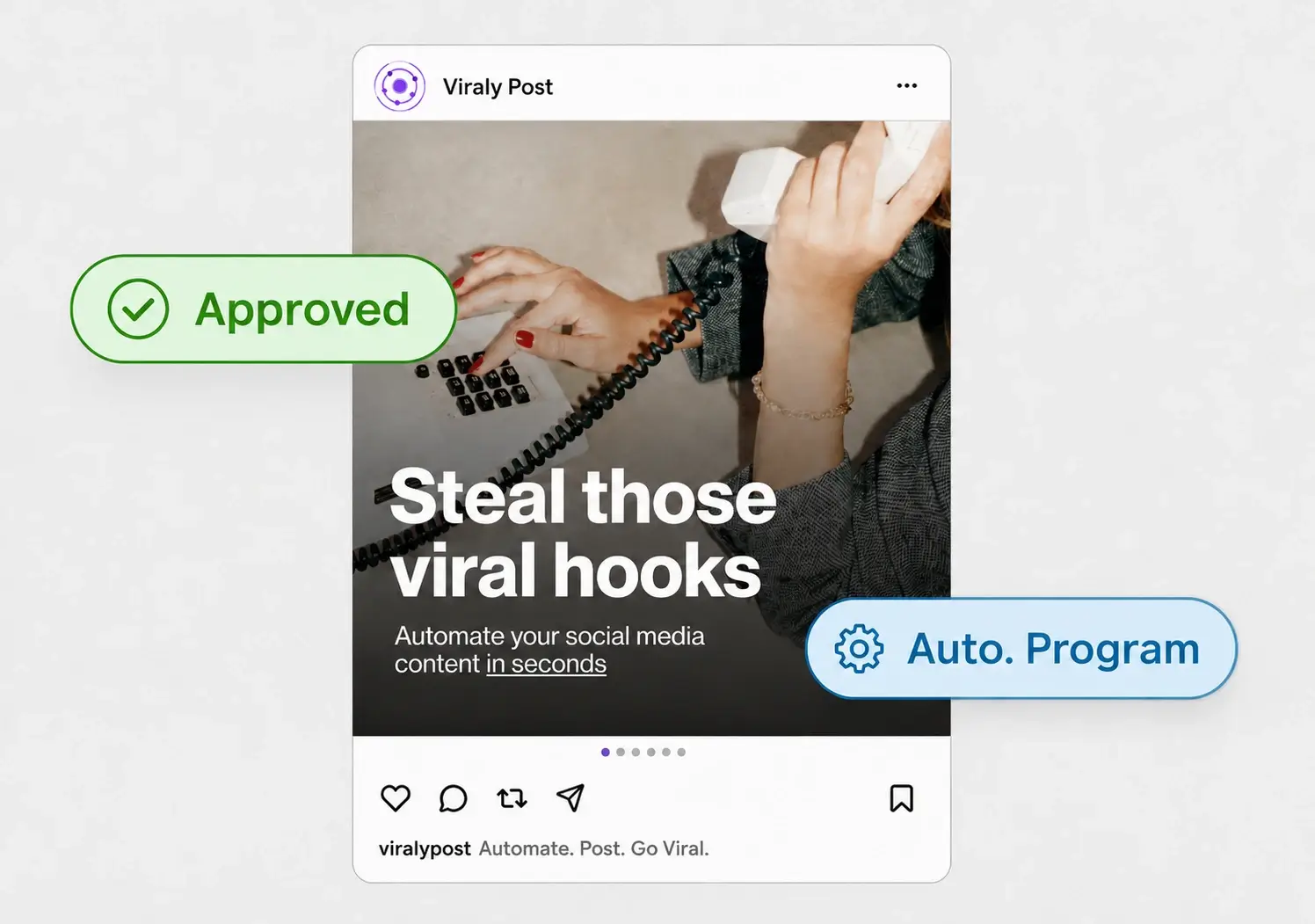
Why email and PDF proofs slow agencies down
Email was built for messages, not for approvals. When you proof over email, the status of any post lives in someone's memory or buried in a thread. Three clients times a month of posts, and you are tracking dozens of approvals across inboxes with no single source of truth. Something ships unapproved, or nothing ships because you are waiting on a reply that never comes.
PDFs add a second problem: they do not look like the post. A client signs off on a PDF, then sees the live Reel and asks why the caption reads differently on mobile. Now you are editing after publish, which is the worst time to edit. A proofing tool that mirrors the real post removes that surprise entirely. This is the same logic behind a proper client approval workflow: review the thing you will actually publish, not a copy of it.
Then there is the login wall. Many review tools make the client create an account, remember a password, and learn an interface just to click approve. Busy clients will not do it. Every extra step is a reason to reply later, and later is what kills your publishing calendar.
What to look for in a social media proofing tool
Not every tool that calls itself a proofing tool fits an agency running multiple clients. Judge candidates on five things:
- No client login. The client should open one link and review, with no account and no password. Viraly Post uses a password-less approval link for exactly this reason.
- Per-post approval. Blanket sign-off on a batch hides problems. You want approve, comment, or request changes on each individual post.
- Real post preview. The proof should show the caption, media, and platform version the client will actually see, not a flattened export.
- Approval tied to scheduling. Once approved, the post should schedule itself. Manual re-entry between approval and publish is where typos and wrong times come from.
- Per-workspace pricing. Adding a reviewer should never raise your bill. Viraly Post charges per workspace, not per client seat.
If a tool misses the first or the last of those, it will not scale past a handful of clients. Proofing has to get cheaper per client as you grow, not more expensive.
How to set up client proofing in 5 steps
Here is the workflow agencies use to move a month of content from draft to approved without a single email thread.
- Create a separate workspace for each client so posts, assets, and approvals never cross.
- Batch the month of posts in the composer and lay them out on the content calendar so the client sees the full plan, not one post at a time.
- Generate the password-less review link and send it once. The client opens it on any device, no login required.
- The client approves posts they like and comments on the ones that need a change. Every response lands in one place, tied to the exact post.
- Approved posts auto-schedule to the right platforms. Post to all 10 in 15 seconds once sign-off is in.
The whole loop runs inside one dashboard, and you connect every client account through the native integrations so the approved version publishes without a copy-paste step.