Stop uploading manually. Get your time back. Schedule YouTube videos in 15 seconds.

Schedule YouTube long-form videos and Shorts to multiple channels with full metadata, thumbnail, and playlist control. Native YouTube Data API publishing.

7 DAYS FREE · CANCEL ANYTIME · 30-DAY MONEY-BACK GUARANTEE

Quick answer

Viraly Post is an AI YouTube scheduler for agencies and social media managers. It schedules long-form videos and YouTube Shorts to multiple channels from one dashboard, with native YouTube Data API publishing and full metadata, thumbnail, playlist, and visibility control.

How it works

See how simple it is.
Post in 3 steps.

01

Upload your media

Video, image or carousel. Drag, paste a link, or pull straight from Google Drive or Dropbox.

Drag & drop your video, image or carousel

or paste a link · connect Drive / Dropbox

02

Tweak per network

Caption, hashtags, thumbnail, format. Written once, auto-adapted for every platform.

Bloom Studio · @bloom.studio
Bloom Studio · @bloomstudio
Bloom Studio
Bloom Studio
03

Hit publish

Immediate, scheduled, or recurring. We'll ping you the moment a post goes viral.
Publish now
Schedule
Recurring
Total time to post on every platform 15 seconds
Integrations

Partner Platforms
Waiting for You.

Post on more platforms, deliver more value, and charge more per client.

Trusted worldwide

Why 1,687+ Social Media Managers
Love Viraly Post

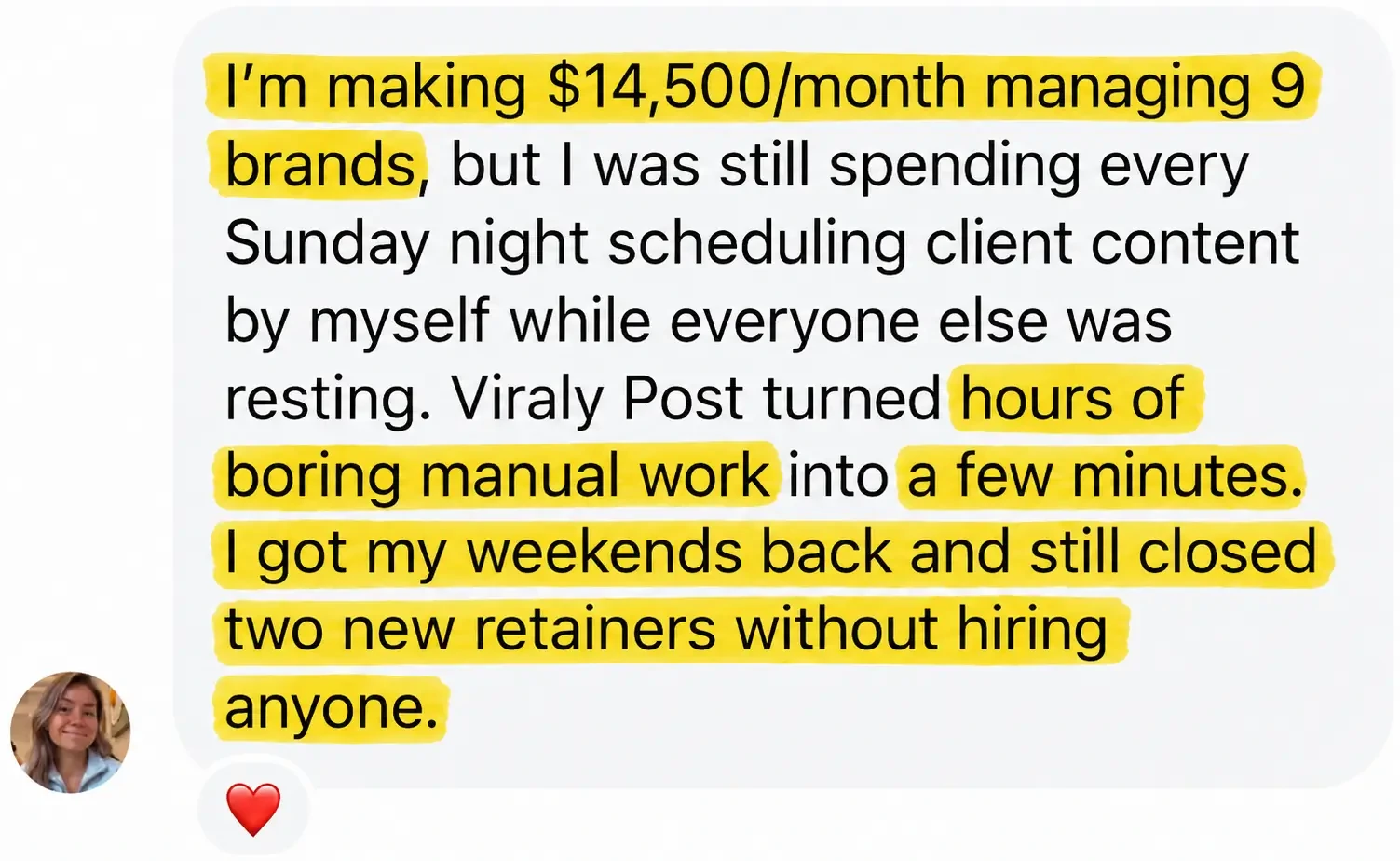
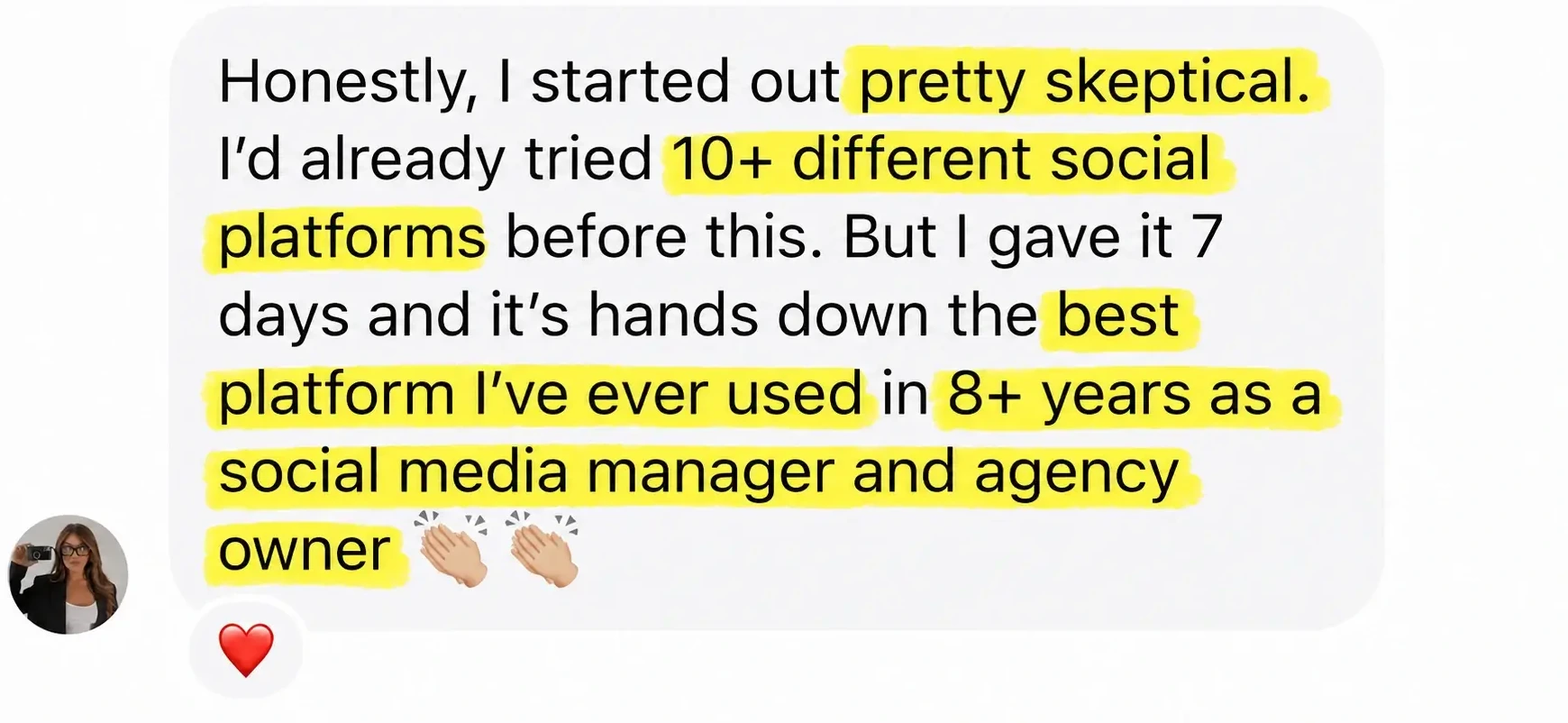
Viraly Post client approval workflow review from a social media manager
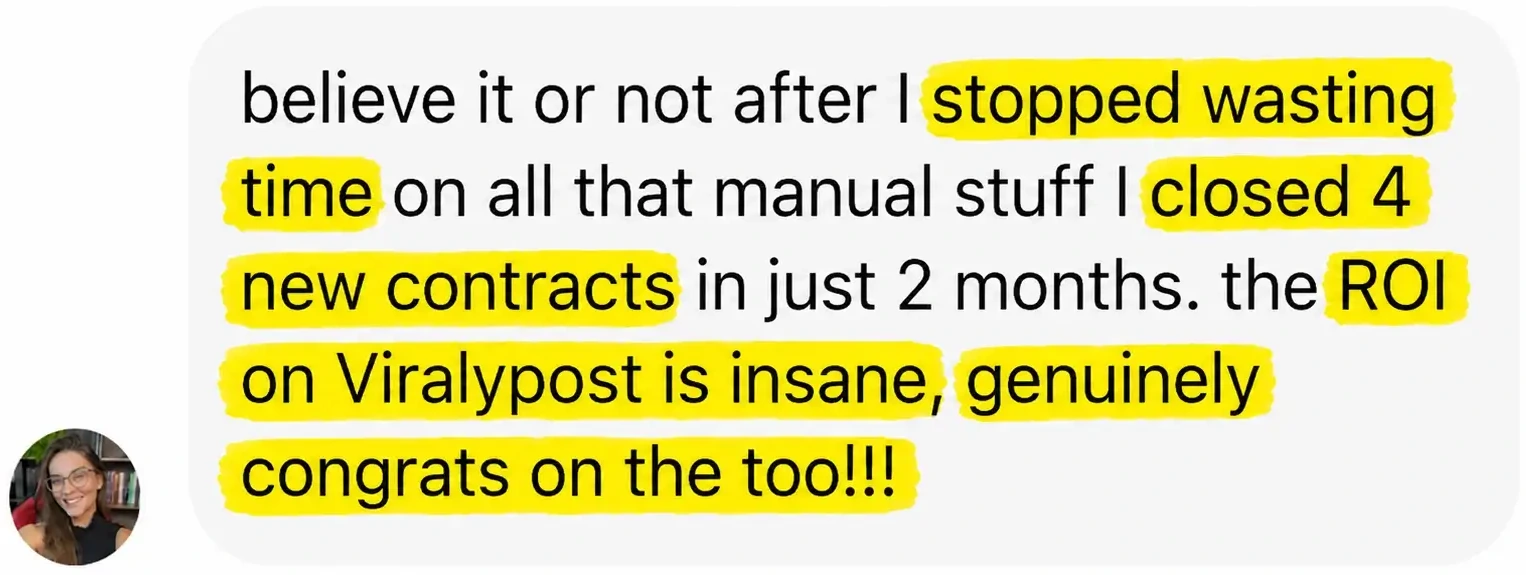
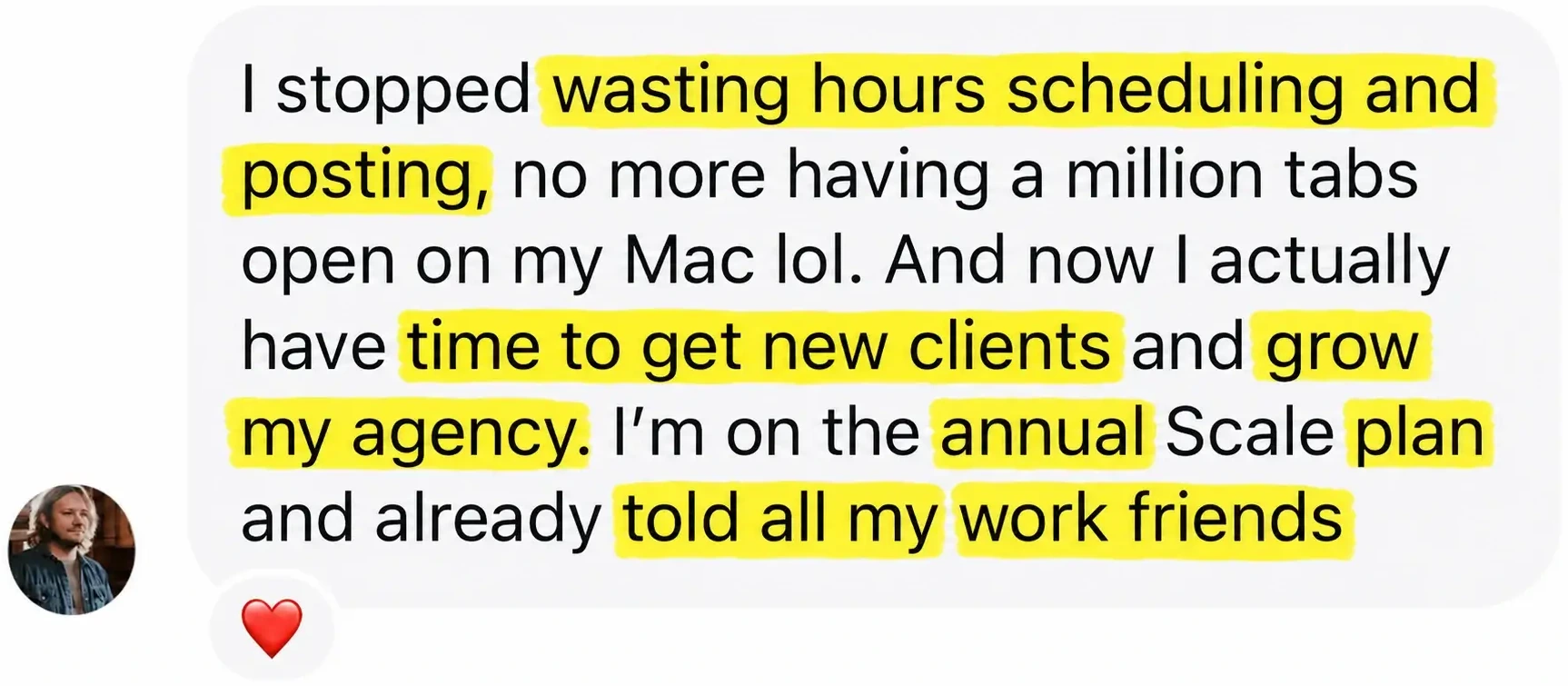
Viraly Post customer result with social media scheduling automation
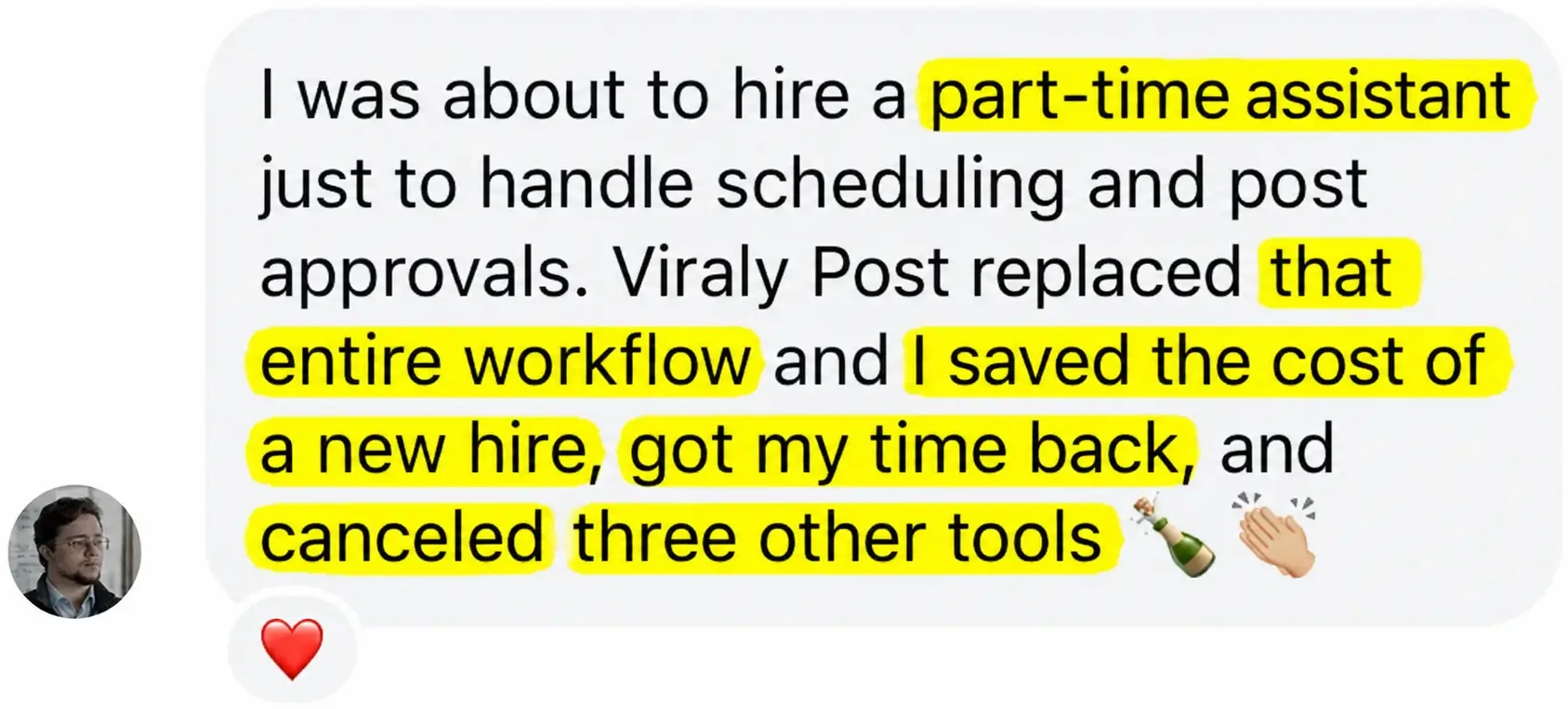
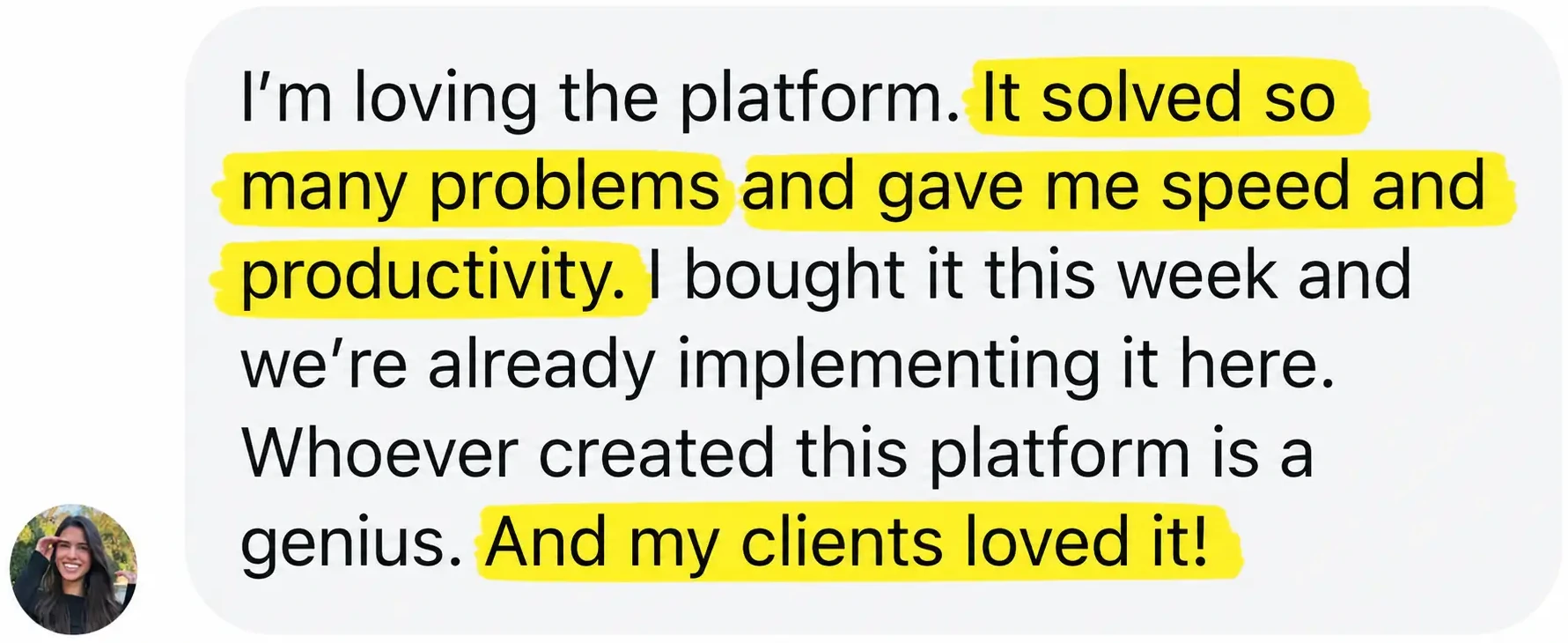
Shareable content calendar for clients, Viraly Post agency testimonial
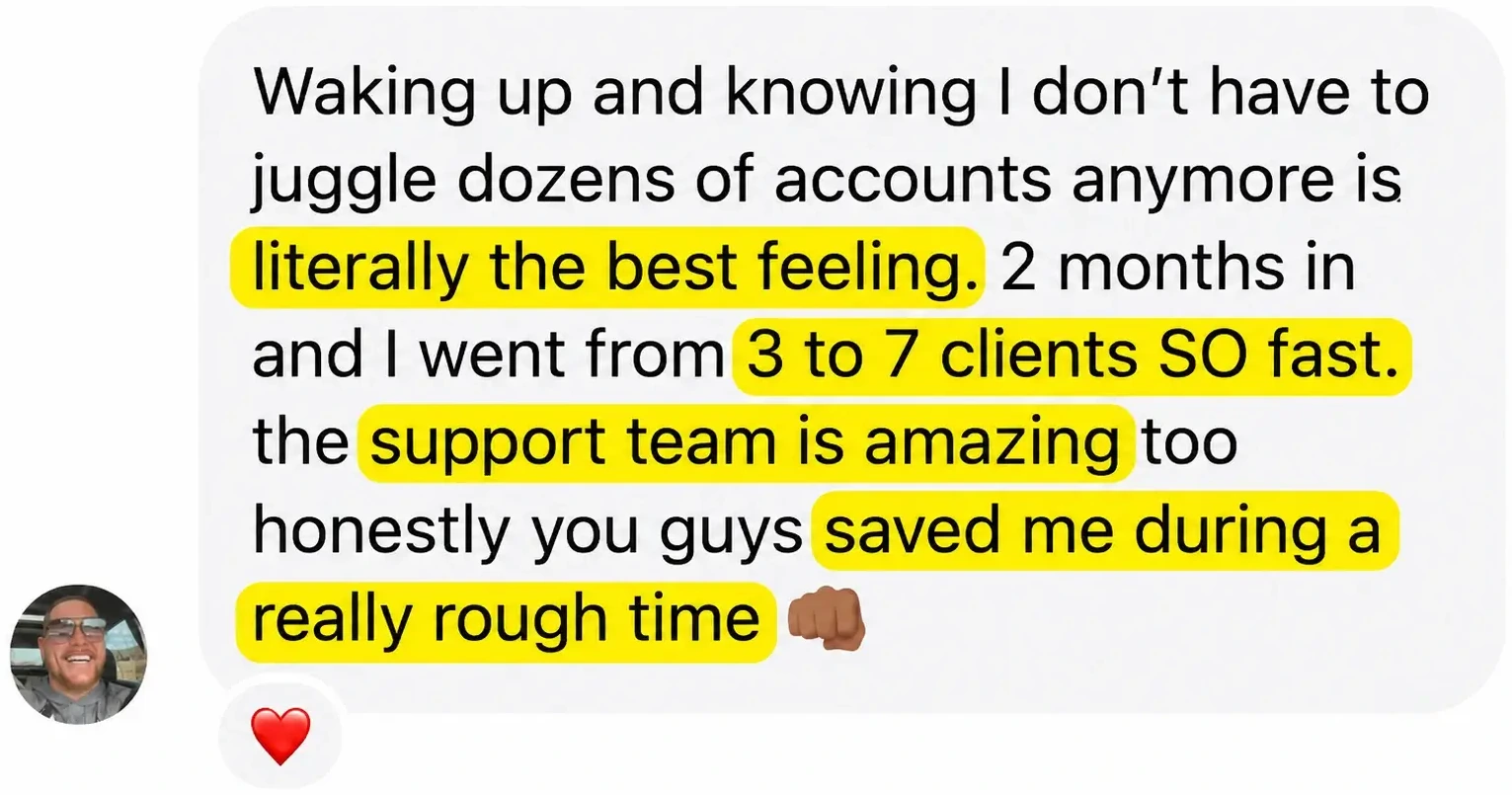
Social media manager testimonial, saving hours per week with Viraly Post

Key takeaways

  • Schedule long-form videos and Shorts to unlimited client channels
  • Full metadata control (title, description, tags, category, playlist)
  • Custom thumbnail upload with auto-generation fallback
  • Send password-less approval links, no YouTube login for clients
  • Schedule to specific playlists and visibility (Public, Unlisted, Private)

Why agencies pick Viraly Post for YouTube scheduling.

YouTube uploads are slow and error-prone manually: drag the file, fill out title/description/tags/playlist/visibility, upload custom thumbnail, set publish date, hope nothing fails. For agencies running multiple channels, this is hours of work weekly.

Viraly Post handles every upload via the official YouTube Data API. Schedule long-form videos and Shorts with full metadata control. Pre-set the publish date and Viraly Post handles upload, thumbnail, metadata, and publishing automatically.

  • Schedule long-form videos and Shorts to unlimited client channels
  • Full metadata control (title, description, tags, category, playlist)
  • Custom thumbnail upload with auto-generation fallback
  • Send password-less approval links, no YouTube login for clients
  • Schedule to specific playlists and visibility (Public, Unlisted, Private)
Average time saved per client
10+ hrs
saved per week on YouTube uploads
15 seconds
to queue one YouTube video to multiple channels
Content support

Every YouTube content type, scheduled natively.

Viraly Post handles long-form, Shorts, and Premieres via the official YouTube Data API.

Content typeSupportedNotes
Long-form videosUp to 12 hours, full quality preserved
YouTube ShortsVertical 9:16, up to 60 seconds
Custom thumbnailsUpload 1280x720 JPG/PNG or use auto-generated
Title and descriptionUp to 100 chars title, 5,000 chars description
TagsUp to 500 chars total tags, suggested per niche
PlaylistsAdd to existing playlists at publish time
CategoryAll YouTube categories supported
VisibilityPublic, Unlisted, Private, or Premiere scheduled
Who uses it

Who needs a YouTube scheduler like Viraly Post.

Built for anyone who runs YouTube at scale, not just for personal use.

🏢

YouTube agencies

Run multiple client YouTube channels from one dashboard. Per-client workspaces with channel-level access controls.

💼

Solo YouTube managers

Run 1-3 YouTube channels solo. Batch upload a month of videos in 1 hour, schedule with full metadata.

🎬

YouTube channels with editor + manager workflow

Editor uploads draft, manager sets metadata and schedule, channel owner approves via browser link, video publishes auto.

🏭

B2B brands using YouTube for content marketing

Schedule webinar replays, tutorial videos, and product demos with full visibility and playlist control.

Before vs. after

Manual YouTube scheduling vs. Viraly Post.

Without Viraly PostWith Viraly Post
Open YouTube Studio per channel, manually uploadDrag video to Viraly Post, schedule across all channels
Fill out metadata for each upload from scratchReuse description templates per channel
Forget to add to playlist (lose distribution)Auto-add to specified playlist at publish time
Upload custom thumbnail in 3 separate stepsDrag thumbnail into composer, scheduled together
Wait at the computer to hit publish at the right timeScheduled overnight, you sleep
Track publish status by refreshing YouTube StudioReal-time status in Viraly Post dashboard
Real use cases

How real agencies use it on YouTube.

  • Agency with 6 YouTube channels: schedules weekly long-form videos and daily Shorts across 6 client channels in a single Monday session.
  • Solo YouTube manager for 3 brands: uses bulk metadata templates to schedule a full month per channel in 1 hour.
  • Course creator with weekly YouTube content: schedules tutorial videos with cover thumbnails, descriptions auto-link to course landing page.
  • B2B SaaS with webinar replay strategy: schedules webinar replays as YouTube Premieres, adds to product playlists automatically.
  • Multi-language YouTube channel: schedules same video with different titles/descriptions per language channel.
Honest assessment

Pros and cons of Viraly Post for YouTube.

Pros

  • Long-form and Shorts in one workflow
  • Full metadata control (title, description, tags, playlist, visibility)
  • Custom thumbnail upload
  • Schedule to YouTube Premieres
  • Password-less client approval flow
  • Bulk upload via CSV with metadata templates
  • Unlimited YouTube channels per workspace

Cons / honest limits

  • YouTube Live: not schedulable (API requires manual start)
  • YouTube Music uploads: not supported
  • Community posts: in beta
  • Comment scheduling: not yet (community posts only)
  • No native iOS or Android app yet (mobile web works)
Compare

Viraly Post vs. other YouTube schedulers.

How we compare on the criteria that matter for multi-client agency work.

vs. TubeBuddy

TubeBuddy is YouTube-only optimization. Viraly Post does scheduling + 9 other platforms + client approvals.

Full stack

vs. Hootsuite

Hootsuite supports YouTube but $99+/mo entry tier. Viraly Post starts at $29/mo with native YouTube support included.

$29 vs $99

vs. Buffer

Buffer YouTube support is basic. Viraly Post has full metadata, playlist, Premiere, and Shorts control.
Full features
By the numbers

Viraly Post YouTube scheduler in stats.

15s
to queue one YouTube video
12 hrs
max video length supported
5,000
character description limit
1,687+
paying customers
Real reviews

The most loved tool by
agencies & SMMs.

YouTube agency Scale plan stopped wasting hours uploading videos
YouTube scheduler review, solved problems and gave speed and productivity
Multi-channel YouTube management testimonial, agency growth
FREE 7-DAY TRIAL · CANCEL ANYTIME

Post everywhere.
In 15 seconds.

Start my free week See all features →

No commitment · 30-day money-back guarantee

FAQ

YouTube scheduler, answered.

What is a YouTube scheduler?+
A YouTube scheduler is a tool that lets you upload YouTube videos in advance with full metadata and publish them automatically at a chosen time. Viraly Post is an AI YouTube scheduler built for agencies and social media managers running multiple channels.
How does Viraly Post schedule YouTube videos?+
Drag the video into Viraly Post, fill in title, description, tags, choose playlist and visibility, optionally upload custom thumbnail, set publish date and time, click Schedule. Viraly Post handles upload and publishing via the YouTube Data API.
Can I schedule YouTube Shorts?+
Yes. Upload vertical 9:16 video up to 60 seconds, Viraly Post recognizes it as a Short and publishes it as a Short automatically.
Can I upload custom thumbnails?+
Yes. Drag a thumbnail (1280x720 recommended) into the composer alongside the video. Both upload together when scheduled.
Can I schedule to specific playlists?+
Yes. Select any playlist from the connected channel at scheduling time, and Viraly Post adds the video to that playlist automatically when it publishes.
Can I manage multiple YouTube channels?+
Yes. Connect every client YouTube channel inside their own workspace and switch with one click. Starter supports 3 client workspaces, Pro 10, Scale unlimited.
How does the YouTube client approval workflow work?+
Click Send for approval, Viraly Post generates a unique browser link, your client opens it and reviews the video, thumbnail, title, and description as it will appear. They approve with one click. No YouTube login required.
Can I schedule YouTube Premieres?+
Yes. Set visibility to Premiere and choose the premiere date and time. Viraly Post handles the scheduled Premiere automatically.
Can I bulk upload YouTube videos?+
Yes. Upload up to 100 YouTube videos at once via CSV with metadata for each. Most agencies use this to schedule monthly video drops.
How is Viraly Post different from TubeBuddy or Hootsuite for YouTube?+
TubeBuddy is YouTube-only optimization, no scheduling for other platforms or client approval. Hootsuite supports YouTube but at $99+/mo with no specific YouTube workflows. Viraly Post is $29/mo with full YouTube workflow + 9 other platforms.
Does Viraly Post support YouTube Live?+
YouTube Live cannot be scheduled via API (YouTube limit). You set up the live stream on YouTube Studio, then schedule announcement posts via Viraly Post to other platforms.
Is there a free trial of the YouTube scheduler?+
Yes. 7-day free trial with full access. Connect real YouTube channels, schedule real videos with full metadata, send real approval links. 30-day money-back guarantee.

Summary

Viraly Post is the AI YouTube scheduler that uploads long-form videos and Shorts to multiple channels from one dashboard. Full metadata, playlist, visibility, and custom thumbnail control via the official YouTube Data API. Password-less client approval flow.

Built for YouTube agencies, solo YouTube managers, course creators, and B2B brands. Pricing starts at $29/month with a 7-day free trial and 30-day money-back guarantee.

Written by the Viraly Post team · Last updated June 19, 2026 · Built on the official YouTube Data API

Start scheduling YouTube in 60 seconds.

Connect your first YouTube channel on the trial. Schedule a real video with custom thumbnail and metadata. See it publish, then decide.

Start free week See all features