Stop posting manually. Build your B2B audience. Schedule LinkedIn posts in 15 seconds.

Schedule LinkedIn posts, articles, native video, and PDF carousels to personal profiles and Company Pages. B2B peak-time detection per account.

7 DAYS FREE · CANCEL ANYTIME · 30-DAY MONEY-BACK GUARANTEE

Quick answer

Viraly Post is an AI LinkedIn scheduler for agencies and social media managers. It schedules posts, articles, native video, and PDF carousels to multiple personal profiles and Company Pages from one dashboard, with B2B peak-time detection and a password-less client approval workflow built in.

How it works

See how simple it is.
Post in 3 steps.

01

Upload your media

Video, image or carousel. Drag, paste a link, or pull straight from Google Drive or Dropbox.

Drag & drop your video, image or carousel

or paste a link · connect Drive / Dropbox

02

Tweak per network

Caption, hashtags, thumbnail, format. Written once, auto-adapted for every platform.

Bloom Studio · @bloom.studio
Bloom Studio · @bloomstudio
Bloom Studio
Bloom Studio
03

Hit publish

Immediate, scheduled, or recurring. We'll ping you the moment a post goes viral.
Publish now
Schedule
Recurring
Total time to post on every platform 15 seconds
Integrations

Partner Platforms
Waiting for You.

Post on more platforms, deliver more value, and charge more per client.

Trusted worldwide

Why 1,687+ Social Media Managers
Love Viraly Post

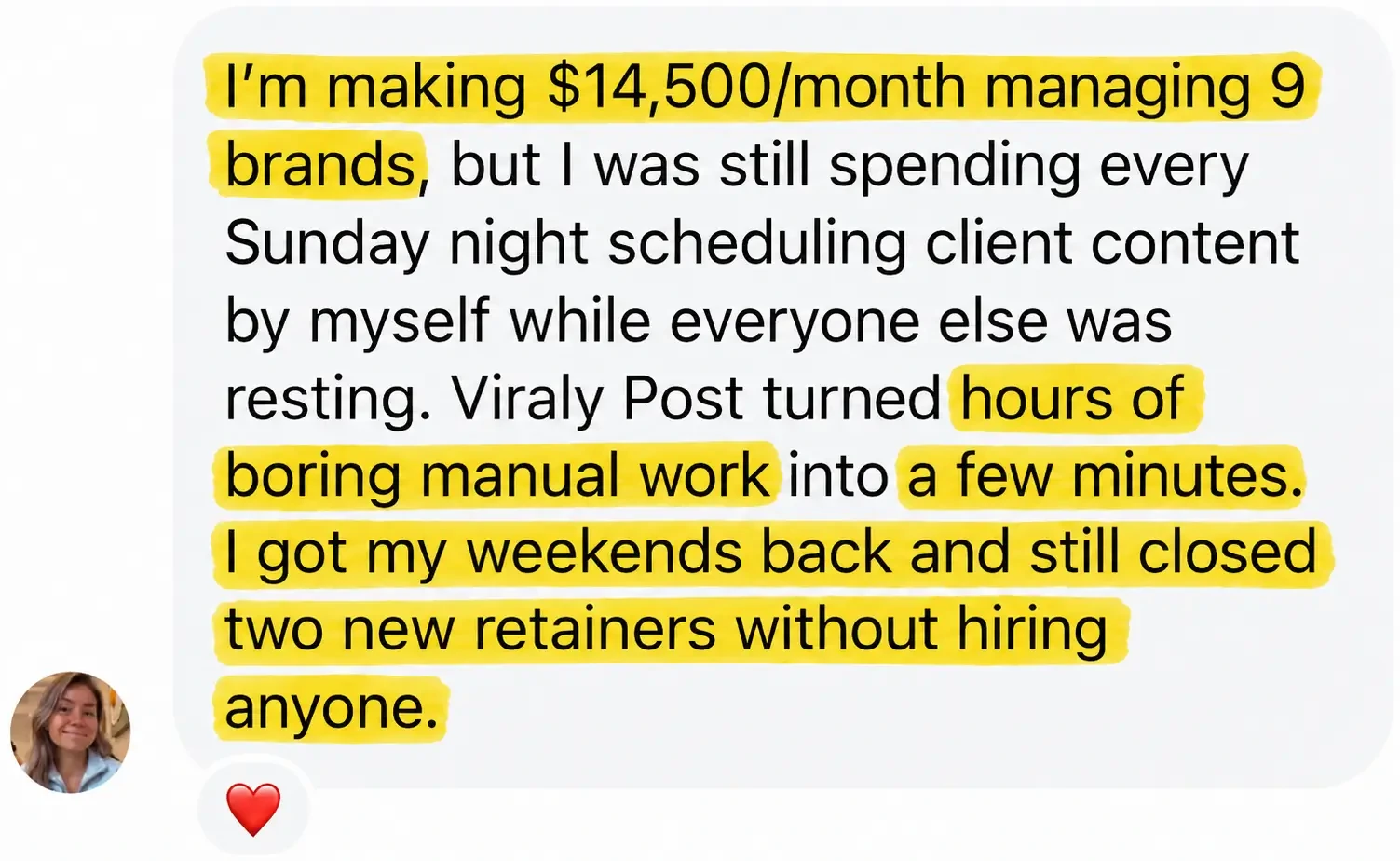
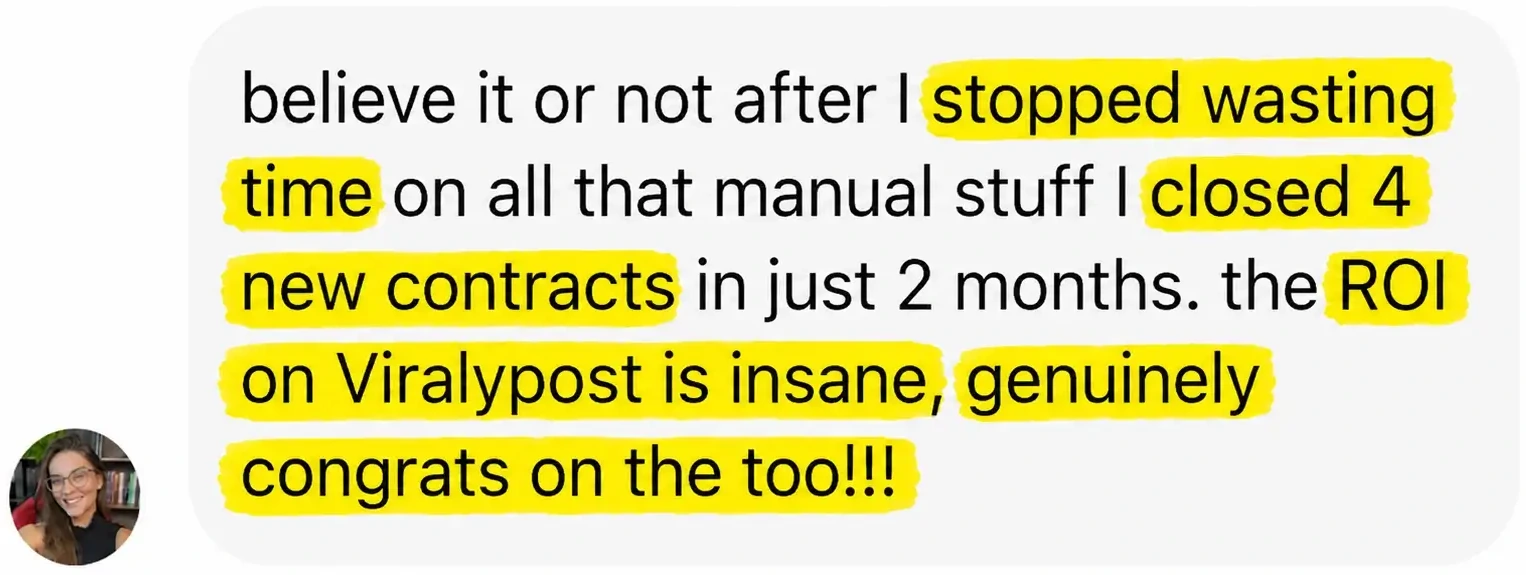
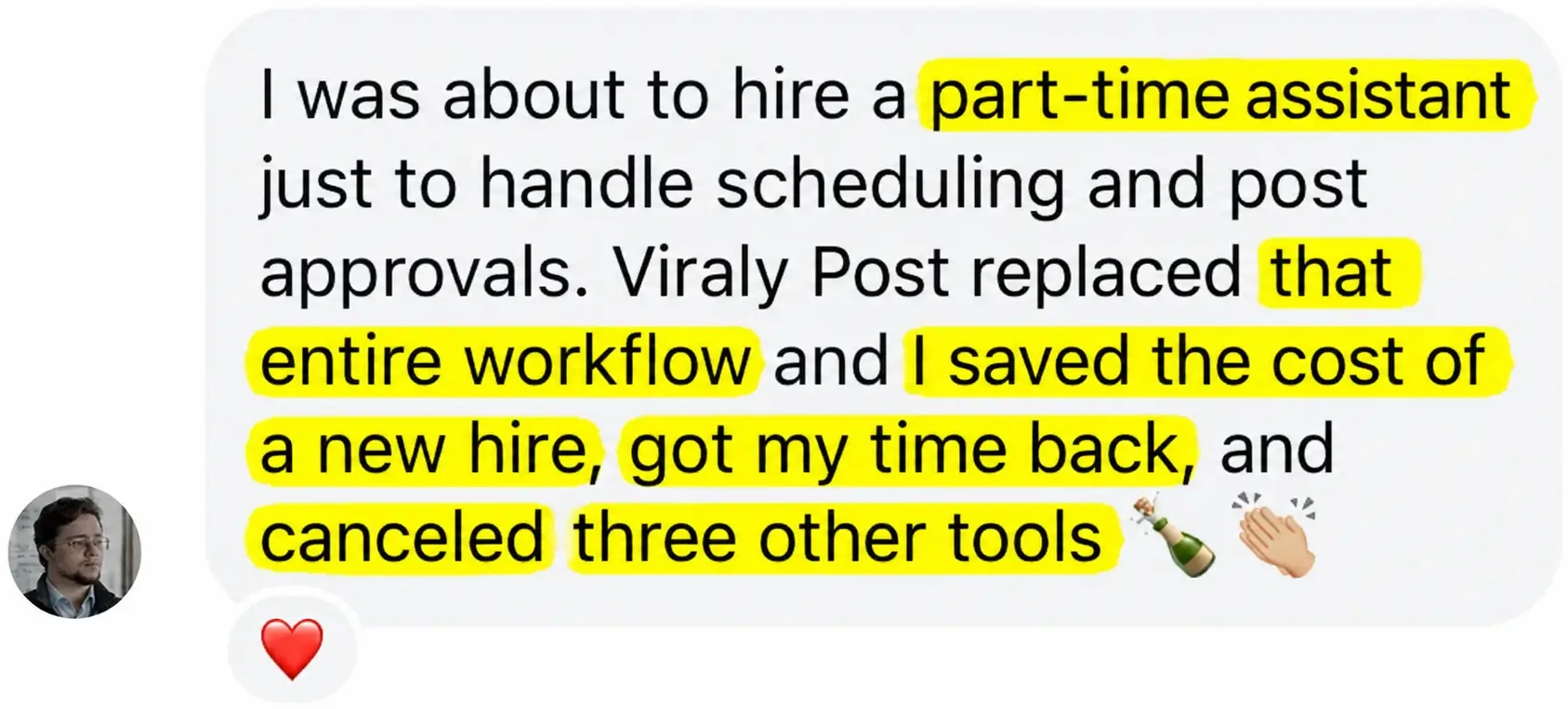
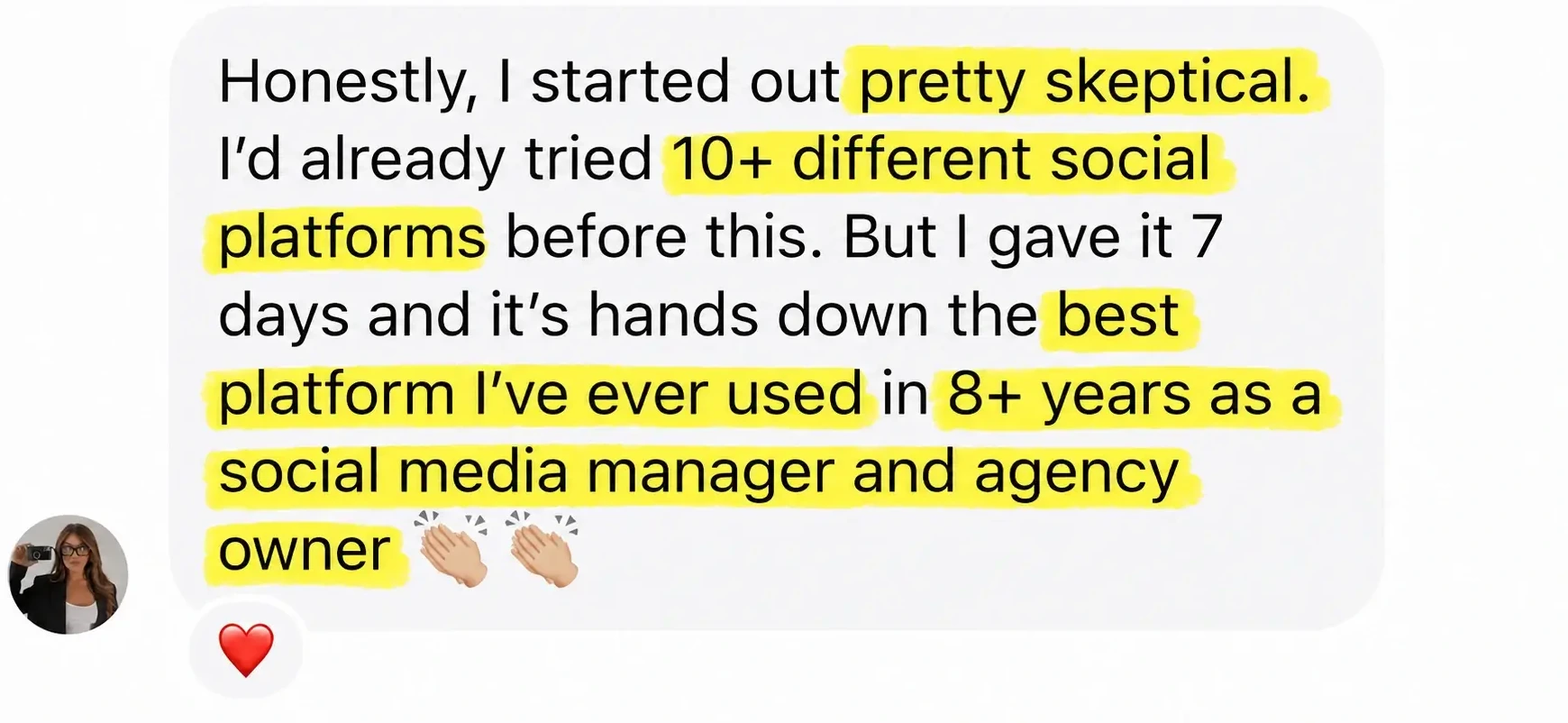
Viraly Post client approval workflow review from a social media manager
Viraly Post customer result with social media scheduling automation
Shareable content calendar for clients, Viraly Post agency testimonial
Social media manager testimonial, saving hours per week with Viraly Post

Key takeaways

Why agencies pick Viraly Post for LinkedIn scheduling.

LinkedIn rewards consistent B2B publishing at peak engagement windows. The problem: most LinkedIn schedulers were built for the Instagram crowd, treat LinkedIn as an afterthought, and limit you to Company Pages only (skipping personal profiles where most B2B conversion happens).

Viraly Post supports both personal profiles and Company Pages via the official LinkedIn API. Schedule posts, native video, and PDF carousels. AI detects peak B2B engagement windows per account and surfaces them in the composer.

Average time saved per client
10+ hrs
saved per week on LinkedIn scheduling
15 seconds
to publish one LinkedIn post to 5 client accounts
Content support

Every LinkedIn content type, scheduled natively.

Viraly Post handles every LinkedIn format your B2B clients post today via the official LinkedIn API.

Content typeSupportedNotes
Text postsUp to 3,000 characters, hashtag and mention support
Native videoUpload up to 10 min, auto-format to 16:9 or 1:1
PDF carouselsUpload PDF documents as native LinkedIn carousels
ArticlesLong-form articles with cover image, scheduled or published
ImagesSingle image or multi-image posts
PollsSchedule polls with 2-4 options and 1-14 day duration
Personal profilesSchedule to your personal LinkedIn account
Company PagesSchedule to any Company Page you admin
Who uses it

Who needs a LinkedIn scheduler like Viraly Post.

Built for anyone who runs LinkedIn at scale, not just for personal use.

🏢

B2B agencies

Run multiple client LinkedIn accounts (profiles and Pages) from one dashboard. Per-client workspaces, approval links built in.

💼

Solo B2B SMMs

Run 1-3 LinkedIn-focused client accounts solo. Schedule thought-leadership posts, batch a week in 15 minutes.

👔

Executive ghostwriters

Ghostwrite for multiple executives, schedule via their personal profile, get approval per post in browser.

🏭

B2B SaaS marketing teams

Coordinate LinkedIn content across product, brand, and demand-gen teams in one shared calendar.

Before vs. after

Manual LinkedIn scheduling vs. Viraly Post.

Without Viraly PostWith Viraly Post
Schedule via LinkedIn native (limited to Company Pages)Schedule to personal profiles AND Company Pages
Manually post articles one at a timeBulk schedule articles for the month via CSV
Guess B2B peak engagement timesAI detects peak windows per account from real engagement
Chase client approvals via email/SlackOne password-less browser link, client reviews and approves
Re-upload PDFs as image carousels (lose searchability)Native PDF carousel upload, fully searchable
Switch between client LinkedIn loginsOne dashboard, one-click client switching
Real use cases

How real agencies use it on LinkedIn.

  • B2B agency with 8 SaaS clients: schedules thought-leadership posts and PDF carousels across 8 founder profiles + 8 Company Pages.
  • Solo ghostwriter for 5 CEOs: writes content in Viraly Post, sends approval link to each CEO, posts publish to their profiles auto.
  • Marketing team at fintech SaaS: coordinates 4 team members on LinkedIn content calendar, all posts approved by CMO before going live.
  • Agency offering LinkedIn ghostwriting: uses Viraly Post to write, schedule, and track engagement per client profile from one dashboard.
  • B2B founder posting daily: schedules a full month of LinkedIn posts in 1 hour every 4 weeks via bulk CSV upload.
Honest assessment

Pros and cons of Viraly Post for LinkedIn.

Pros

  • Personal profile AND Company Page support (rare for schedulers)
  • Native PDF carousel upload (searchable, ranks better)
  • Native video, articles, polls all supported
  • B2B peak-time detection per account
  • Password-less client approval flow
  • Bulk CSV upload for monthly content batches
  • Unlimited LinkedIn accounts per workspace

Cons / honest limits

  • LinkedIn Live: not schedulable (API limit)
  • Newsletter scheduling: in beta
  • Reactions analytics: basic (working on it)
  • No native iOS or Android app yet (mobile web works)
  • Reposting from feed: requires manual setup
Compare

Viraly Post vs. other LinkedIn schedulers.

How we compare on the criteria that matter for multi-client agency work.

vs. Buffer

Buffer supports LinkedIn but charges per channel. Viraly Post is per-client workspace with unlimited LinkedIn accounts (profiles + Pages) inside.

Unlimited LI

vs. Hootsuite

Hootsuite has LinkedIn support but $99+/mo entry tier and steep learning curve. Viraly Post starts at $29/mo with simpler workflow.

$29 vs $99

vs. Shield

Shield is LinkedIn-only analytics. Viraly Post does scheduling + analytics + approval + 9 other platforms.
Full stack
By the numbers

Viraly Post LinkedIn scheduler in stats.

15s
to publish one LinkedIn post
3,000
character limit on posts
10 min
max native video length
1,687+
paying customers
Real reviews

The most loved tool by
agencies & SMMs.

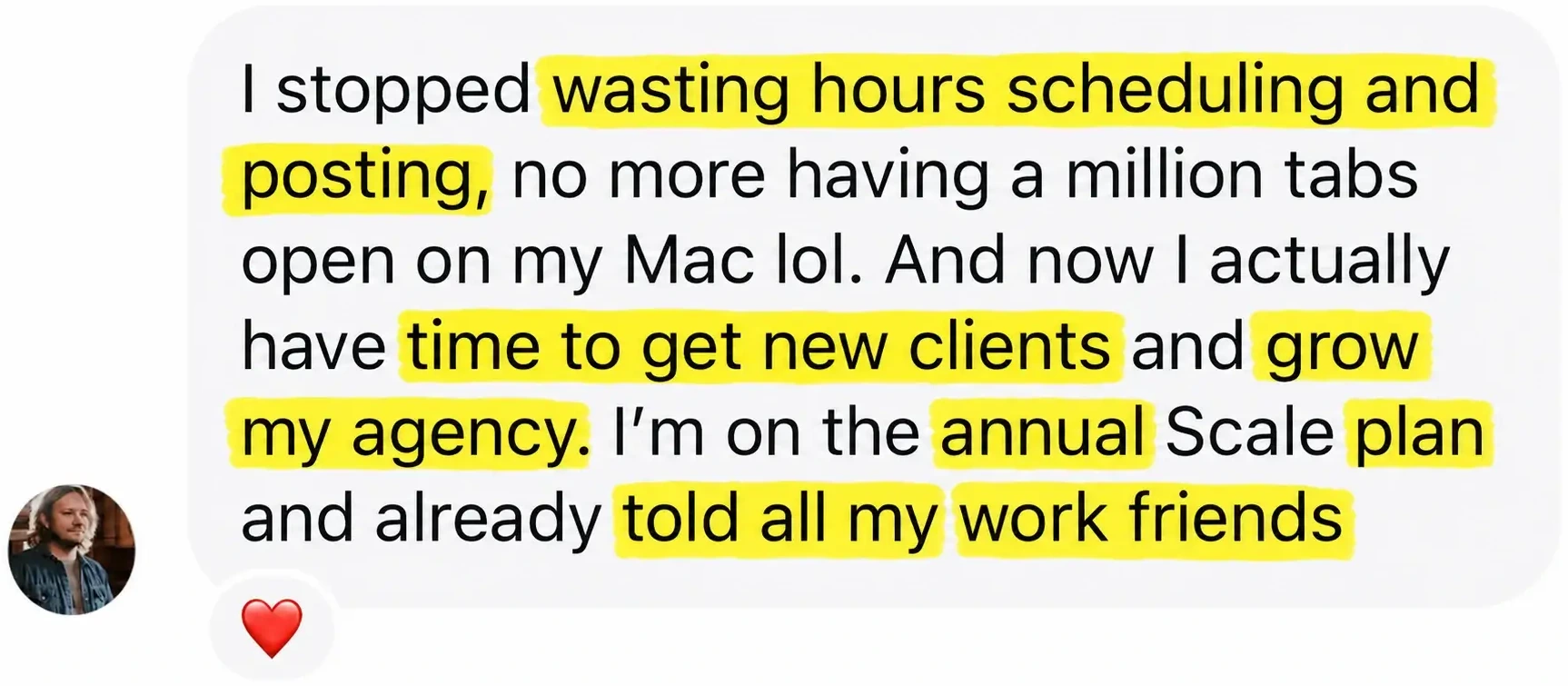
LinkedIn agency Scale plan stopped wasting hours scheduling
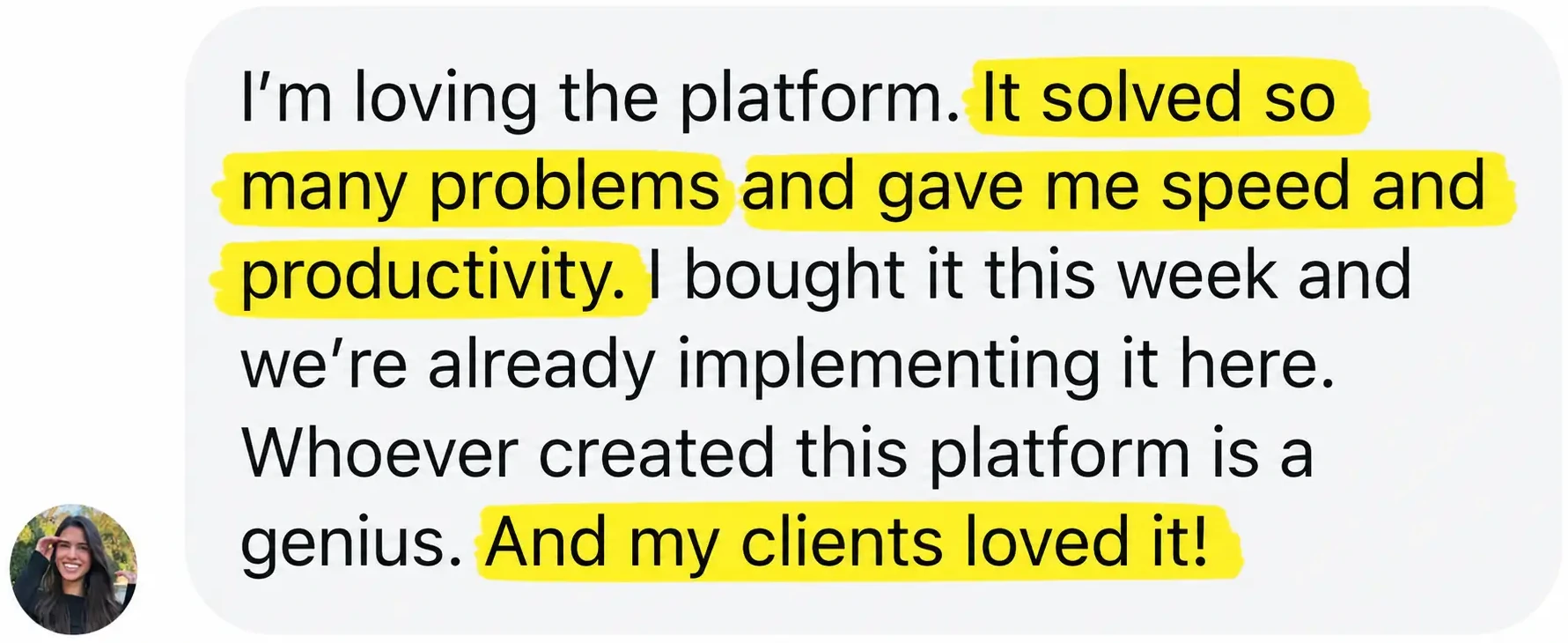
LinkedIn scheduler review, solved many B2B problems
LinkedIn scheduler on Scale plan worth the price
FREE 7-DAY TRIAL · CANCEL ANYTIME

Post everywhere.
In 15 seconds.

Start my free week See all features →

No commitment · 30-day money-back guarantee

FAQ

LinkedIn scheduler, answered.

What is a LinkedIn scheduler?+
A LinkedIn scheduler is a tool that lets you create LinkedIn posts (text, video, articles, carousels) in advance and publish them automatically at a chosen time. Viraly Post is an AI LinkedIn scheduler built for B2B agencies and social media managers.
Does Viraly Post support personal LinkedIn profiles?+
Yes. Most LinkedIn schedulers only support Company Pages. Viraly Post supports both personal profiles and Company Pages via the official LinkedIn API.
Can I schedule LinkedIn PDF carousels?+
Yes. Upload PDF documents as native LinkedIn carousels. PDF carousels rank better in LinkedIn search and look more professional than image carousels.
Can I schedule LinkedIn articles?+
Yes. Write long-form articles with a cover image, schedule publication date, and the article goes live on your profile automatically.
Does Viraly Post detect best time to post on LinkedIn?+
Yes. AI analyzes each account engagement data and surfaces peak B2B publishing windows (typically Tuesday-Thursday mornings for most B2B niches, but varies per audience).
Can I manage multiple LinkedIn accounts?+
Yes. Connect every client LinkedIn (profile or Page) inside their own workspace. Starter supports 3 client workspaces, Pro 10, Scale unlimited. No extra charge per LinkedIn account.
How does the LinkedIn client approval workflow work?+
Click Send for approval, Viraly Post generates a unique browser link, you send it to your client however you want, they review the post as it will appear on LinkedIn and approve. No LinkedIn login required for the client.
Can I bulk upload LinkedIn posts?+
Yes. Upload up to 100 LinkedIn posts at once via CSV. Most agencies use this to schedule a full month of thought-leadership content per client.
Can I schedule LinkedIn polls?+
Yes. Schedule polls with 2-4 options and 1-14 day duration via the LinkedIn API.
How is Viraly Post different from Buffer or Hootsuite for LinkedIn?+
Three differences: (1) supports personal profiles AND Company Pages (most tools only do Pages), (2) password-less client approval, (3) all features included on every plan with bonus AI features (Inbox, Promotion, Mining) on Pro and Scale.
Can I schedule to my LinkedIn Company Page?+
Yes. Any Company Page where you have admin access can be connected and scheduled to from any client workspace.
Is there a free trial of the LinkedIn scheduler?+
Yes. 7-day free trial with full access. Connect real LinkedIn accounts (profiles and Pages), schedule real posts, send real approval links. 30-day money-back guarantee.

Summary

Viraly Post is the AI LinkedIn scheduler that publishes posts, articles, native video, and PDF carousels to personal profiles and Company Pages from one dashboard. B2B peak-time detection per account. Password-less client approval flow lets your client approve without a LinkedIn login.

Built for B2B agencies, solo SMMs, executive ghostwriters, and B2B SaaS marketing teams. Pricing starts at $29/month with a 7-day free trial and 30-day money-back guarantee.

Written by the Viraly Post team · Last updated June 19, 2026 · Built on the official LinkedIn Marketing API

Start scheduling LinkedIn in 60 seconds.

Connect your first LinkedIn profile or Company Page on the trial. Schedule real B2B content. See auto-publish work, then decide.

Start free week See all features