
A good TikTok in a dead window never gets going
Your editor cuts a sharp video for a client. The hook is tight, the pacing holds, the sound is trending. Then it posts at 2 pm on a Monday because that is when the queue happened to clear, the first hour is quiet, and the For You feed reads that silence as a signal to stop pushing it. The video was fine. The timing buried it.
Timing is the cheapest lever you have on TikTok. Moving a post three hours costs nothing, and on a feed that decides reach by early performance, those three hours decide whether a video gets its first few hundred views fast or starts cold. The problem shows up at scale. Run this across eight or ten client accounts in different time zones and niches, each with its own right window, and doing it by hand means either posting live all day or settling for one blunt slot that fits nobody.
What is the best time to post on TikTok for agencies?
The best time to post on TikTok for most client accounts is the early-morning scroll, roughly 6 to 9 am, and the evening wind-down, roughly 7 to 11 pm, in the time zone where the audience actually lives. A softer midday lift appears around lunch. Across the week, Tuesday through Thursday tend to pull the most engagement, with a Friday-evening and weekend-afternoon bump for lighter, entertainment-led accounts.
Treat those hours as a starting line, not a rule. A client selling skincare to a US audience and a client running a local restaurant reach different people who open the app at different moments. The windows above tell you where to begin. Each account's own numbers tell you where to land, which is why the real work is testing per client rather than memorizing one universal time.
Why TikTok timing runs opposite to a B2B feed
TikTok is leisure time. Engagement climbs when people are off the clock: the first scroll in bed, the commute, the couch at night, the weekend afternoon. That is the inverse of a B2B platform, where the audience shows up during the workday. If you borrow a 9 am Tuesday habit from a LinkedIn calendar and apply it to a consumer TikTok account, you post into one of the quieter stretches of the day.
This matters because the For You feed weighs the first hour heavily. A video that lands when the audience is active collects early views, watch time, and completions, and those signals tell TikTok to show it to a wider circle. Post the same video into a flat window and it starts without that early push, so it rarely gets the second wave. Match the hour to when your client's viewers are on the app and you give every good video its best shot at the algorithm.
How to find the best posting time for each client
The universal window gets you close. The account's own data gets you the rest of the way. For each client, start from the morning and evening blocks, then narrow using two inputs: where the viewers are and when they engage. A regional brand posts to one city's clock. A client with a national US audience spans four time zones, so you aim at the dense middle rather than a coast.
Viraly Post reads each account's engagement history and suggests a slot per client through the best time to post tool, so you are not guessing the same hour for everyone. From there, test. Pick two or three windows inside the morning and evening blocks, run them for a couple of weeks, and keep the ones that pull the most watch time and completions, which matter more on TikTok than a raw like count.
How to schedule a week of TikTok posts to the best windows
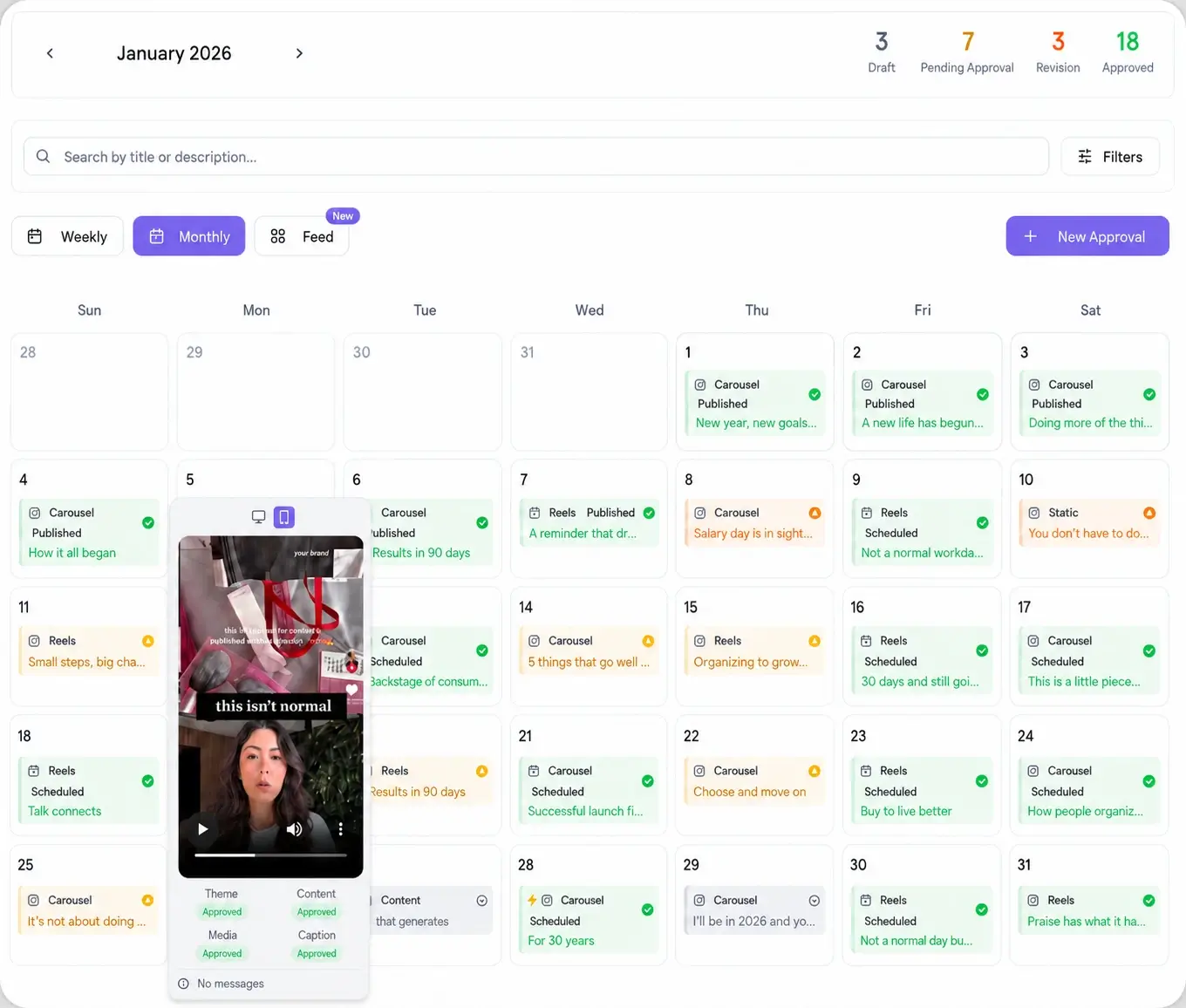
Here is the workflow inside Viraly Post, from an empty calendar to a queued week that publishes itself at each client's window.
- Create a workspace for each client and connect their TikTok account.
- Open the social media scheduler, pick the client, and upload the video with the audience's time zone set on the workspace.
- Drop the post on the calendar inside a morning or evening window, or let best-time-to-post pick the slot for that account.
- Add any other network the same clip should hit, and adjust the caption per platform where the tone differs.
- Send the week to the client as one approval link, then let approved posts auto-publish at their scheduled window.
Once the week is queued, you stop watching the clock. Each video fires at its slot and the calendar marks it live, per client, with no live posting at 7 am or 10 pm.
How to schedule TikTok posts across multiple client accounts
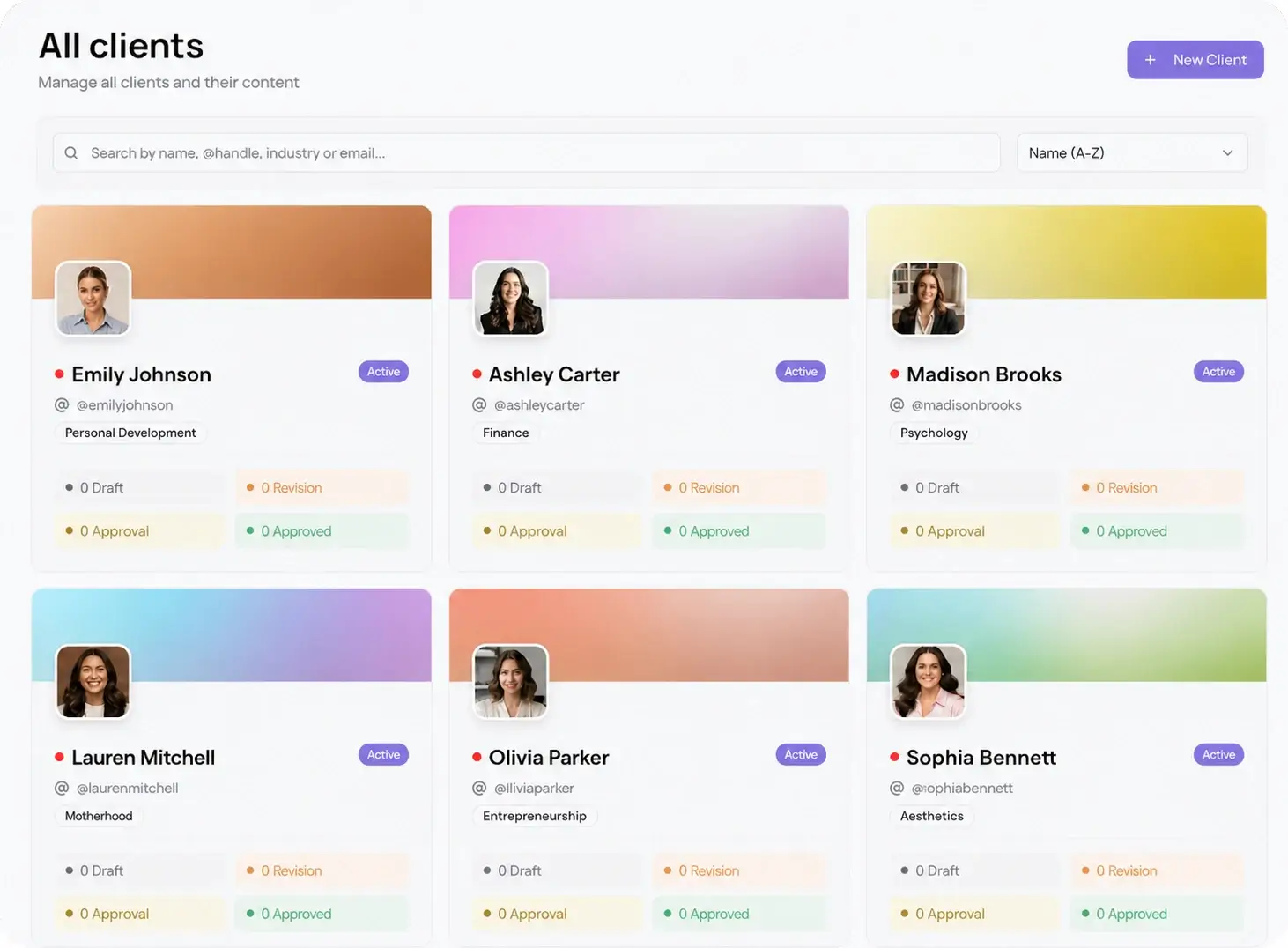
The timing advice only pays off if you can apply it per account without chaos. Running eight TikTok calendars by logging in and out of each account means constant switching, and one wrong tab posts a client's video to the wrong handle. That risk is why an agency needs workspaces, not a single shared queue.
In Viraly Post each client lives in its own space through multi-client management, with its own calendar, time zone, and window. You set the morning and evening slots once per account and the TikTok scheduler holds them, while the same video can also go to the other nine networks from one composer. See the full set on the integrations page. Per-workspace pricing means adding another client's TikTok account costs nothing per profile, so growing the roster does not grow the bill.
Timing gets you nowhere if approval is still slow
You can pick the perfect 8 pm Wednesday slot and still miss it, because the video is stuck waiting on the client to say yes. That is the real bottleneck. A draft sits in an email thread, the client replies the next afternoon, and the evening window you planned for is gone. On TikTok, where a day late can mean a trend has already peaked, that delay is expensive.
Viraly Post runs a password-less approval workflow to close that gap. You send one link, the client opens it in a browser with no account and no password, and approves or comments per post. Approved videos drop straight into the queue and publish at the window you set. The scheduling and the sign-off happen in the same place, so timing becomes something you plan once instead of something you rescue every week.