
Why one posting time breaks the moment you add clients
You found a slot that worked for one YouTube channel, so you point every client at it. Then the numbers drift. A B2B software channel and a weekend-cooking channel do not share an audience, a time zone, or a format, and the single 3 pm slot that lifted one of them does nothing for the other. Managing five or ten channels off one rule of thumb is how good content lands flat.
The fix is not more guessing. It is a per-client window, set from that channel's own data, and a way to schedule to it without opening ten tabs every Monday.
What is the best time to post on YouTube for agencies?
For long-form video, the best time to post on YouTube is weekday afternoons, around 2 to 4 pm in the viewer's local time zone. Publishing then gives YouTube a few hours to process, index, and start recommending the video before the evening watch-time peak between 6 and 9 pm. Thursday and Friday are the strongest publish days because the weekend, when total watch time climbs, builds on them.
Treat that as a starting point, not a law. The real window is whatever your client's returning viewers reward, and you read that from the channel's own analytics. Set the time zone per client first. A 3 pm publish means nothing if your dashboard is in one zone and the audience is in another.
Best time to post YouTube Shorts vs long-form
Shorts and long-form run on different clocks, so do not schedule them the same way.
Shorts behave like TikTok and Reels. The feed keeps resurfacing a clip for days, pushed by early engagement rather than the publish minute. Evenings from 6 to 9 pm and weekend mornings pull the most first-hour views, which is the signal the Shorts feed reacts to. Post when the audience is actually scrolling.
Long-form is a watch-time game. You want the video live and indexed a few hours before people sit down to watch, which is why the afternoon publish works. Weekend viewing rewards a Thursday or Friday drop. If a client runs both formats, you are really managing two schedules on one channel, and that is exactly where a shared calendar earns its keep.
How each client's audience moves the window
Three things shift the best time to post for any given client, and you check them per channel, never once for the whole roster.
Time zone. A national brand skews to its largest market. A regional client follows local prime time. Set the workspace zone to the audience, not your office.
Audience type. B2B viewers watch on weekday lunch breaks and commutes. Consumer and lifestyle channels peak at night and on weekends. The same 3 pm slot that suits one is dead air for the other.
Format mix. A channel that alternates Shorts and long-form needs two windows held in the same calendar, so a Short at 7 pm does not collide with a long-form drop you meant for Friday afternoon.
How to schedule YouTube posts to the right window
Here is the repeatable version, the one that survives a fifteen-client roster.
- Open each client's YouTube analytics and read the "when your viewers are on YouTube" report plus audience retention. That is your evidence, per channel.
- Set the time zone inside each client workspace in multi-client management so every scheduled time maps to the real audience, not your desk.
- Pick a long-form window (weekday afternoon) and a separate Shorts window (evening or weekend) for that client. Write both into the plan.
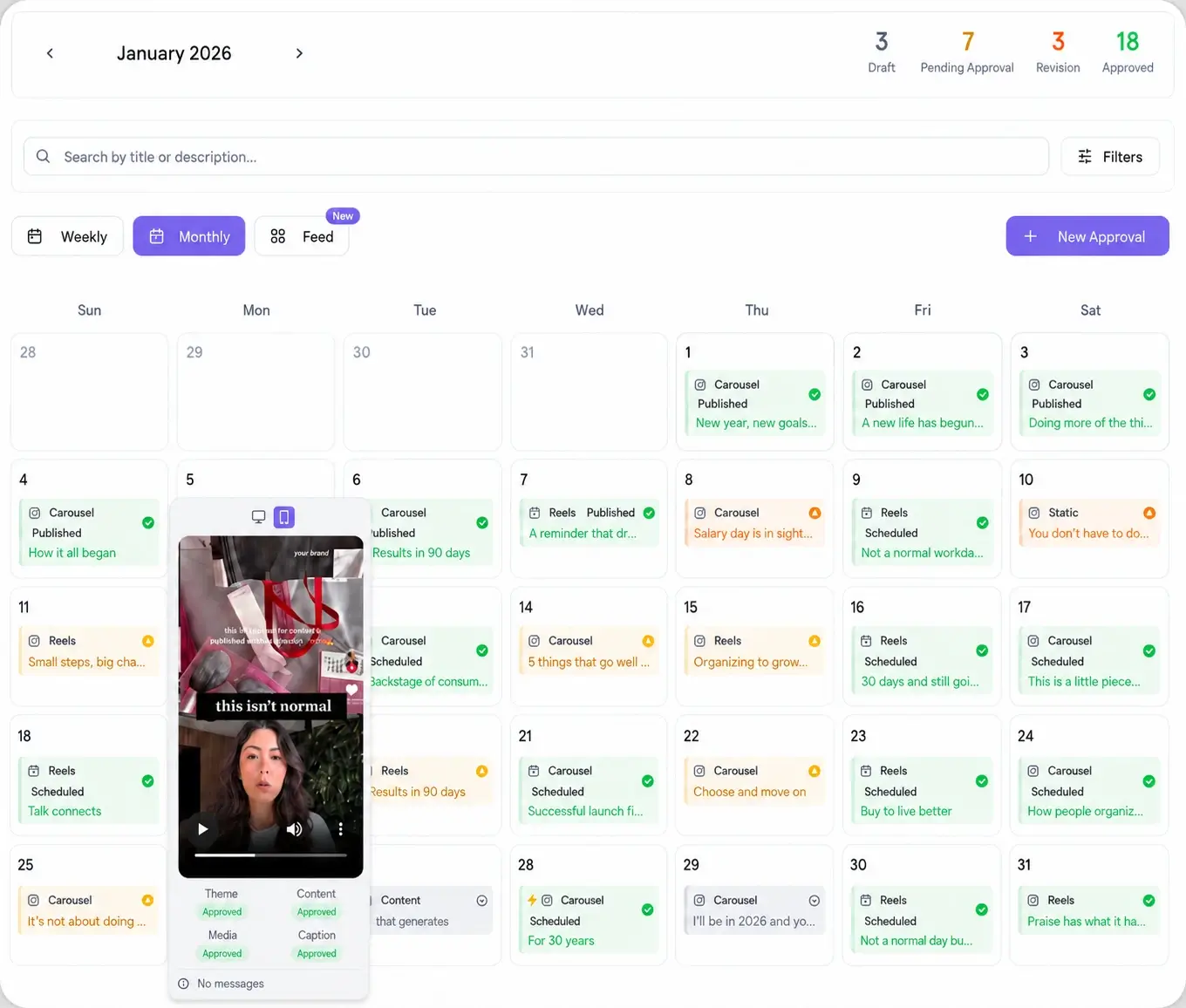
- Let the best time to post feature read each channel's history and suggest slots, then batch a month of videos into those slots.
- Send the month out for sign-off with a password-less approval workflow link, so the client confirms before anything goes live.
- After publish, check the first 24 to 48 hours of retention and views, then nudge the window and repeat next month.
Holding YouTube timing across every client
The timing research is the easy half. The hard half is doing it for ten channels at once without the schedule quietly falling apart. That is a workflow problem, and it is where most agency time leaks.
With a per-client workspace, each channel keeps its own time zone, its own windows, and its own calendar, so a change to one client never bleeds into another. You schedule YouTube alongside the other networks from the same composer, and the Viraly Post 10 integrations mean a repurposed Short can hit YouTube, Instagram, and TikTok from one scheduled action. Post to 10 platforms in 15 seconds, then move to the next client instead of the next tab.