
Your best posts should not die after one run
You wrote a tip post for a client in March. It landed: saves, shares, a spike in profile visits. Then it scrolled off the feed and you never touched it again. Six months later you are staring at a blank calendar for that same client, writing something new from scratch, while the proven post sits buried in an old spreadsheet. Learning how to build an evergreen content library fixes that leak. It turns every strong post into an asset you can run again instead of a one-time spend.
Agencies feel this most. When you run 5, 10, or 20 client accounts, the pressure to keep every feed active never stops, and the well runs dry on the weeks a client goes quiet or a shoot slips. A library of proven, reusable posts is the buffer. This guide walks the exact system: what to save, how to organize it per client, and how to re-queue winners without the audience noticing a repeat.
What is an evergreen content library for social media clients?
An evergreen content library is a stored set of posts whose value does not expire, kept ready to schedule again. Evergreen means the post makes as much sense in November as it did in March: a how-to tip, a myth versus fact, a client result, a product explainer, an FAQ answer. It excludes anything dated, such as a flash sale, an event recap, or a trend that already peaked.
For an agency, the library is not one giant bin. It is one collection per client, holding that client's approved captions, media, and the format that worked. Think of it as a savings account for content. You deposit every post that performs, and you withdraw from it on the weeks production is thin. The deposits compound: the longer you run a client, the deeper their reusable queue gets.
Why agencies lose their best content
The content is not missing. It is scattered. One post lives in a client's old Google Doc, another in last quarter's calendar, a third in a Slack thread nobody can find. When a manager needs a filler post on a Friday, hunting for the good one takes longer than writing a fresh one, so they write a fresh one. The proven post never runs again, and the work of making it goes to waste.
The second leak is fear of repeating. Managers assume the audience remembers every post, so they never re-run a winner. They do not. Organic feeds show a post to a fraction of an account's following, and that following turns over month to month. A post that hit in spring reaches a mostly new set of people in fall. Recycling your evergreen content is not lazy. It is how you get full value from work the client already paid for.
How to build an evergreen content library, step by step
Run this loop once to set up a client, then keep it going as new winners appear.
- Set the evergreen test. A post qualifies if it would still make sense six months out and carries no date, price, or trend. Write that rule down so your whole team tags the same way.
- Audit the last 90 days. Pull each client's recent posts and flag the top performers by saves, shares, and replies, not just likes. Your social media analytics point straight at the winners.
- Store the full asset. Save the approved caption, the media file, the platform it worked on, and a one-line note on why it hit. A post you have to rebuild is not really in the library.
- Tag by client workspace. Keep every client's library inside their own workspace so a post never lands on the wrong account.
- Group by theme. Sort each library into buckets: tips, proof, FAQs, offers. Themes make it fast to fill a gap with the right kind of post.
- Set a rotation gap. Decide how long before a post can run again, usually 60 to 90 days, so repeats never stack too close.
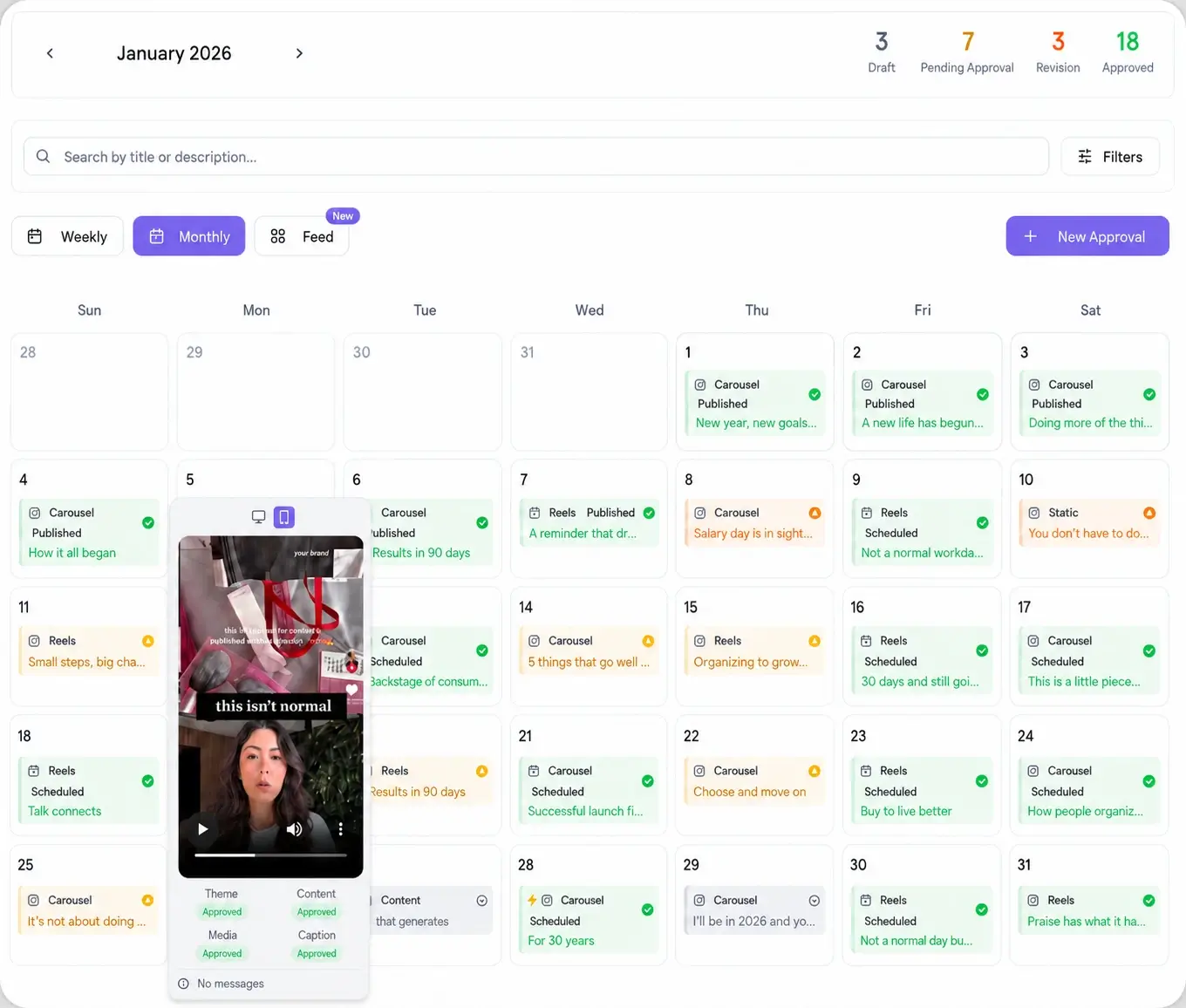
- Re-queue into the calendar. Drop winners into open slots, refresh the hook or visual, and send the client one approval link before it publishes.
Organize the library by client, not by platform
The mistake is filing content by network: an Instagram folder, a LinkedIn folder, a TikTok folder. That breaks the moment you want to reuse one idea across accounts. File by client first, then let each stored post carry the platforms it fits. A tip that worked as a Reel for one client can re-run as a LinkedIn text post and a Pinterest pin later, all from the same library entry.
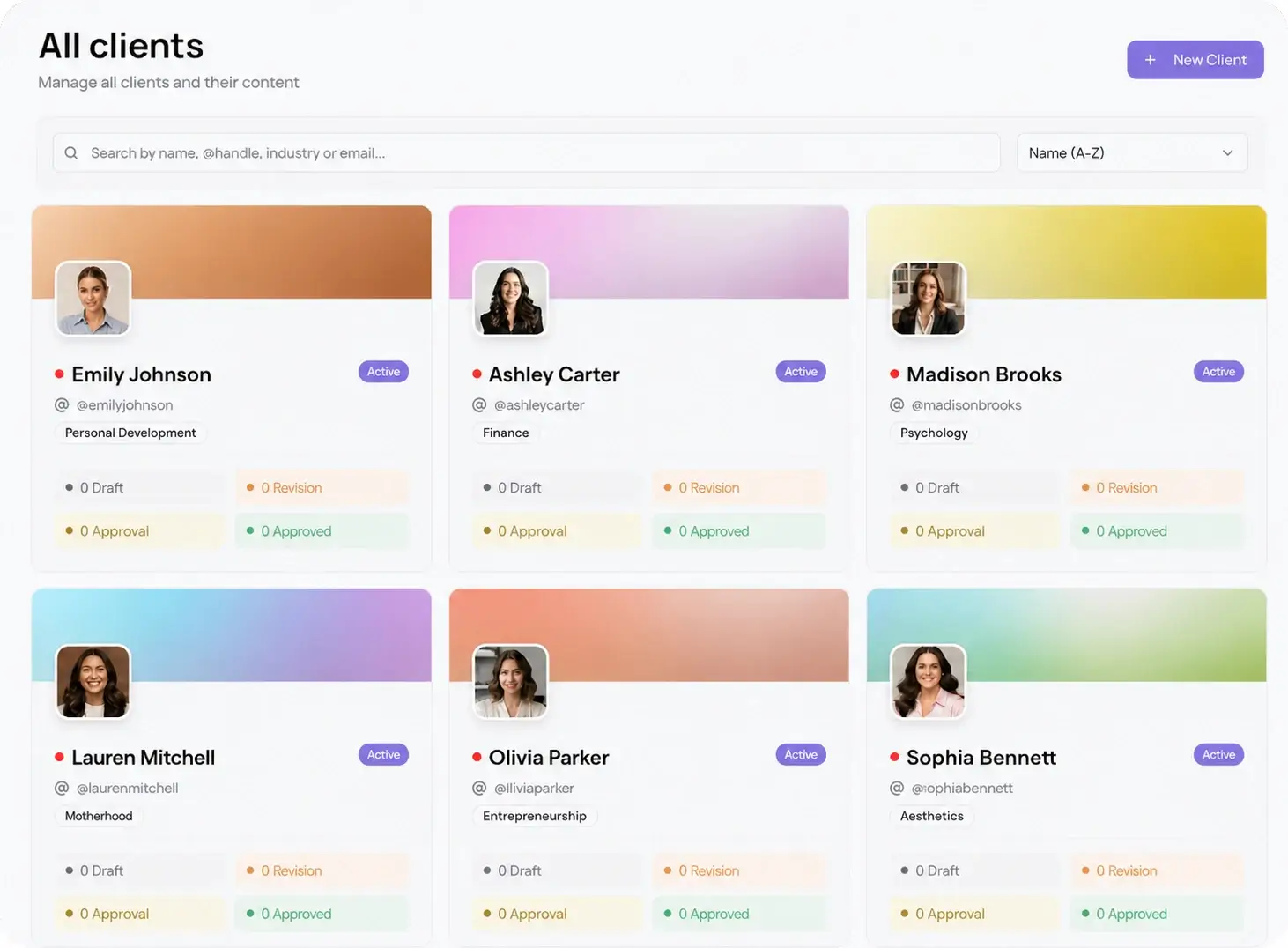
Per-client workspaces keep this clean at scale. Each client gets their own library, their own calendar, and their own approval history, so nothing bleeds between accounts. That separation is what lets one manager hold a dozen libraries in their head without mixing up whose testimonial goes where.
Pick winners with data, then re-queue across 10 platforms
A library is only as good as what goes into it. Feed it with evidence, not gut feel. Look past the vanity number and rank posts by the signals that show real interest: saves, shares, comments, and profile taps. Those are the posts worth running twice. A post with a thousand likes and no saves rarely earns a repeat.
Once a client's library has a dozen proven posts, re-queuing gets fast. Pull a winner, freshen the first line, and schedule it into an open slot. Viraly Post takes an approved post to all 10 platform integrations in 15 seconds, so a single library entry can refill Instagram, TikTok, LinkedIn, and the rest without you re-uploading anything. Slow weeks stop being a scramble. You withdraw from the library and the feed stays full.