
Photo carousels are a different job than TikTok video
You already schedule client video on TikTok. Then photo carousels took off, and suddenly you are back in the native app, switching login to login, uploading image sets by hand, and hoping the cover you picked on your phone matches what the client signed off on in a group chat. Run that across five or ten accounts and a Tuesday disappears.
Photo mode is not a video with stills bolted on. The images have their own aspect ratios, the cover frame drives the tap-through, and the sound sits under a swipeable set instead of a single clip. That means a separate review pass and a separate place to batch them. The good news: TikTok photo carousels auto-publish through the API, so once a carousel is approved it posts on its own, no phone notification to catch.
What is a TikTok carousel and why schedule it separately?
A TikTok carousel is a photo-mode post: a set of still images a viewer swipes through, with a caption and a music track, shown in the same feed as video. It is a distinct format from a standard TikTok video, so it needs its own assets, its own cover selection, and its own approval before it goes live.
Scheduling it separately from video keeps the two review passes clean. A reviewer checking a carousel is looking at image order and the first frame, not pacing and captions on a clip. When you queue carousels as their own content type inside a TikTok scheduler built for agencies, each client's set lands in the right account at the right time without you touching the native app.
Why one workspace per client keeps carousels from crossing accounts
The fastest way to post a client's carousel to the wrong brand is to juggle every account in one feed. Per-client workspaces fix that at the root. Each client gets a separate space with only their connected TikTok account, their brand assets, and their approvers, so a carousel built in one workspace can publish to that account and no other.
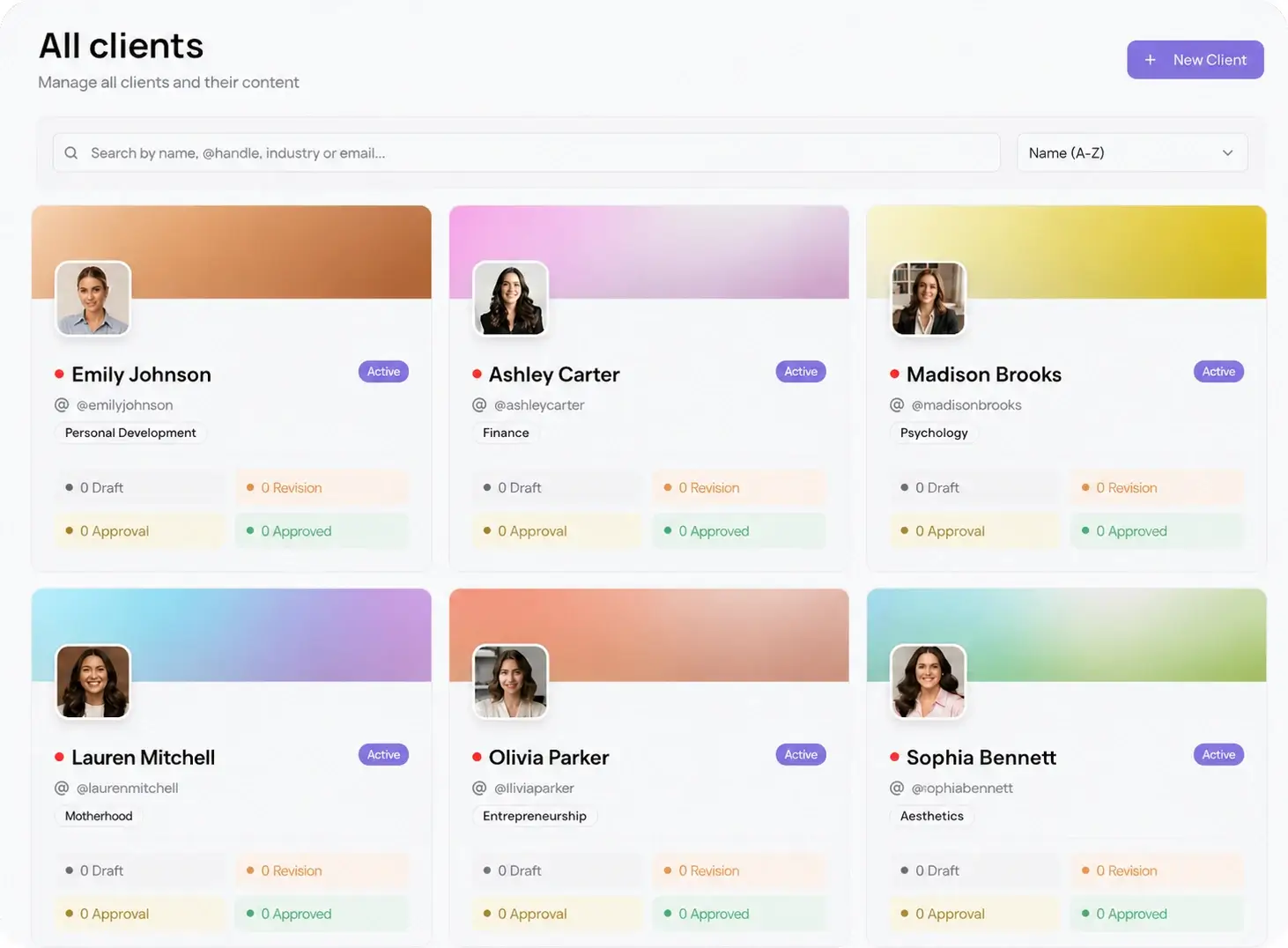
This is where multi-client management earns its place. You switch between clients in one dashboard instead of logging out and back in, and the account a carousel belongs to is never in question. For an agency running photo mode across a roster, that separation is the difference between a calm queue and a public mistake.
How to schedule TikTok carousels for multiple client accounts
Here is the workflow, start to finish, for one client and then every client after:
- Create or open the client's workspace and connect their TikTok account once.
- Upload the image set, order the slides, and pick the cover frame that will show in the feed.
- Write the caption, add the sound, and set the publish time to the client's best window.
- Send the client one password-less link through the approval workflow and wait for sign off.
- On approval, the carousel auto-publishes to TikTok at the scheduled time, with no app to open.
- Repeat per workspace, or batch a month of carousels for every client in one sitting.
Because every step lives in the client's own space, you can run the same six steps across ten accounts without the posts ever crossing. And when a carousel works for more than one network, you can adapt and send it to the other integrations from the same composer.
How client approval fits before a carousel goes live
A carousel is visual, so clients want to see the exact swipe order and first frame before it posts. The approval step handles that without a login. You send one link, the client swipes through the carousel the way a viewer will, then approves or drops a comment on the slide that needs a change. Nothing publishes until they sign off.
That no-login review is the part competitors gate or bury. One link, no account, and it covers all 10 platforms, so the same approval that clears a TikTok carousel can clear the Instagram version in the same pass. Password-less approvals keep the revision loop short and the client out of yet another tool.
Batch a month of carousels across clients at once
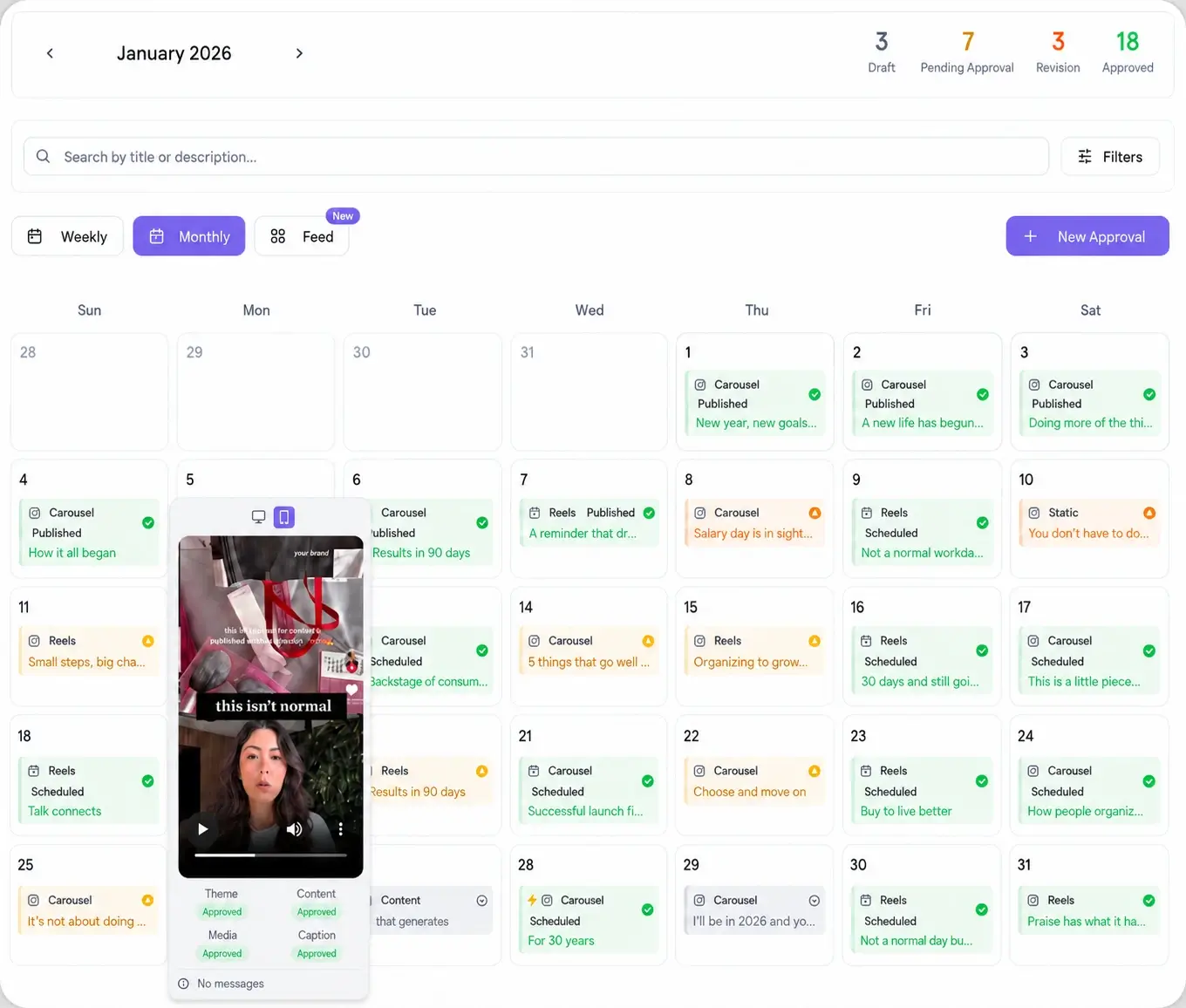
One-off scheduling is fine for a single account. Across a roster, you want to batch. Sit down once, build the month of carousels for each client in their workspace, and lay them on the content calendar so you can see gaps and overlaps at a glance. Approvals go out in a wave, and the approved sets publish on their own all month.
That is the shift from doing TikTok by hand to running it as a system. Post to 10 platforms in 15 seconds, keep every client's carousels in their own lane, and get a week back.