
Caption writing is where agency hours quietly disappear
The post itself takes a minute. The caption is where you lose the afternoon. You open a blank box for a skincare brand, switch to a SaaS client, then a local restaurant, and every time your brain has to change voice. Do that across ten accounts and twelve platforms and you are rewriting the same idea thirty ways by hand.
The slow part is almost never the typing. It is the context switching, the second-guessing on tone, and the copy-paste shuffle of reformatting one caption for Instagram, then LinkedIn, then X. Speeding that up is not about writing worse. It is about removing the repeated decisions so the writing itself is the only thing left to do.
Why writing social media captions for multiple clients takes longer
When you manage one brand, voice lives in your head. You know the jokes land for that audience and the emoji count that fits. With five or ten clients, that memory breaks down. You start each caption cold, trying to recall whether this client says "folks" or "team," whether they allow exclamation points, which hashtags are on their banned list.
Every recall is a small tax. Multiply it by the number of posts per client per week and the tax is most of your day. The fix is to move voice out of your memory and into something each draft can start from, then stop reformatting the same message by hand for every network.
Build a voice guide for each client first
A voice guide is a one-page spec of how a client sounds: tone, reading level, words they love, words they ban, emoji and hashtag rules, and two or three example captions that nailed it. It is the single best use of an hour you will find, because every caption after it starts from the right place instead of a blank box.
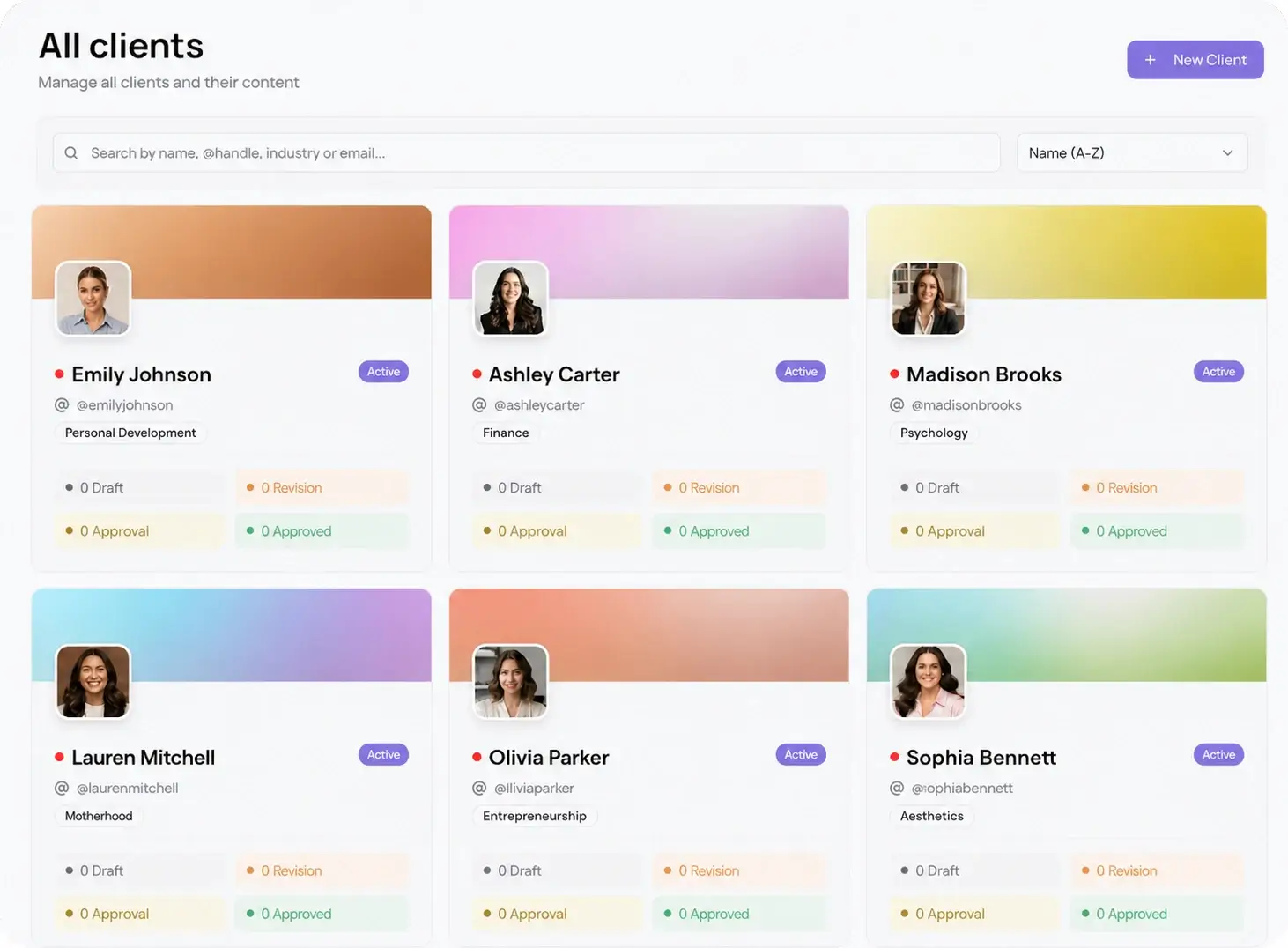
Keep each guide in that client's own space so it never bleeds into another account. In Viraly Post, per-client workspaces keep one brand's voice, assets, and queue walled off from the next, which is what stops a law firm from accidentally getting a fashion brand's exclamation points.
Write faster with AI content formatting
Once a voice guide exists, the first draft stops being the bottleneck. Write the core idea once, then let AI content formatting reshape it for each network: the hook up front for Instagram, a longer setup for LinkedIn, something short for X. You are editing a draft that already fits, not starting over in every box.
AI is good at the first version and the reformatting. It is bad at knowing the client's current promo or the inside reference that makes a caption land. So treat the output as a starting line. Run it through the voice guide, fix the facts, cut the one generic sentence, and ship. The hours come back from the drafting and the per-platform rewrite, not from posting text no one checked.
Batch a month of captions at once
Writing captions one post at a time keeps you in a reactive loop. Batching breaks it. Sit down once per client, stay in that brand's voice for the whole session, and write the month. You switch context ten times a month instead of ten times a day, and the writing gets better because you are warmed up in one voice.
Here is a batch workflow that holds up past ten clients:
- Open one client workspace and pull up its voice guide and content pillars.
- Draft the month's core ideas as plain text, one line each, no formatting yet.
- Run each idea through AI content formatting to get a per-platform draft.
- Edit every draft against the voice guide: tone, facts, banned words, hashtags.
- Drop the finished captions onto the content calendar for that client.
- Send the batch for approval, then move to the next client and repeat.
Get captions approved before they go live
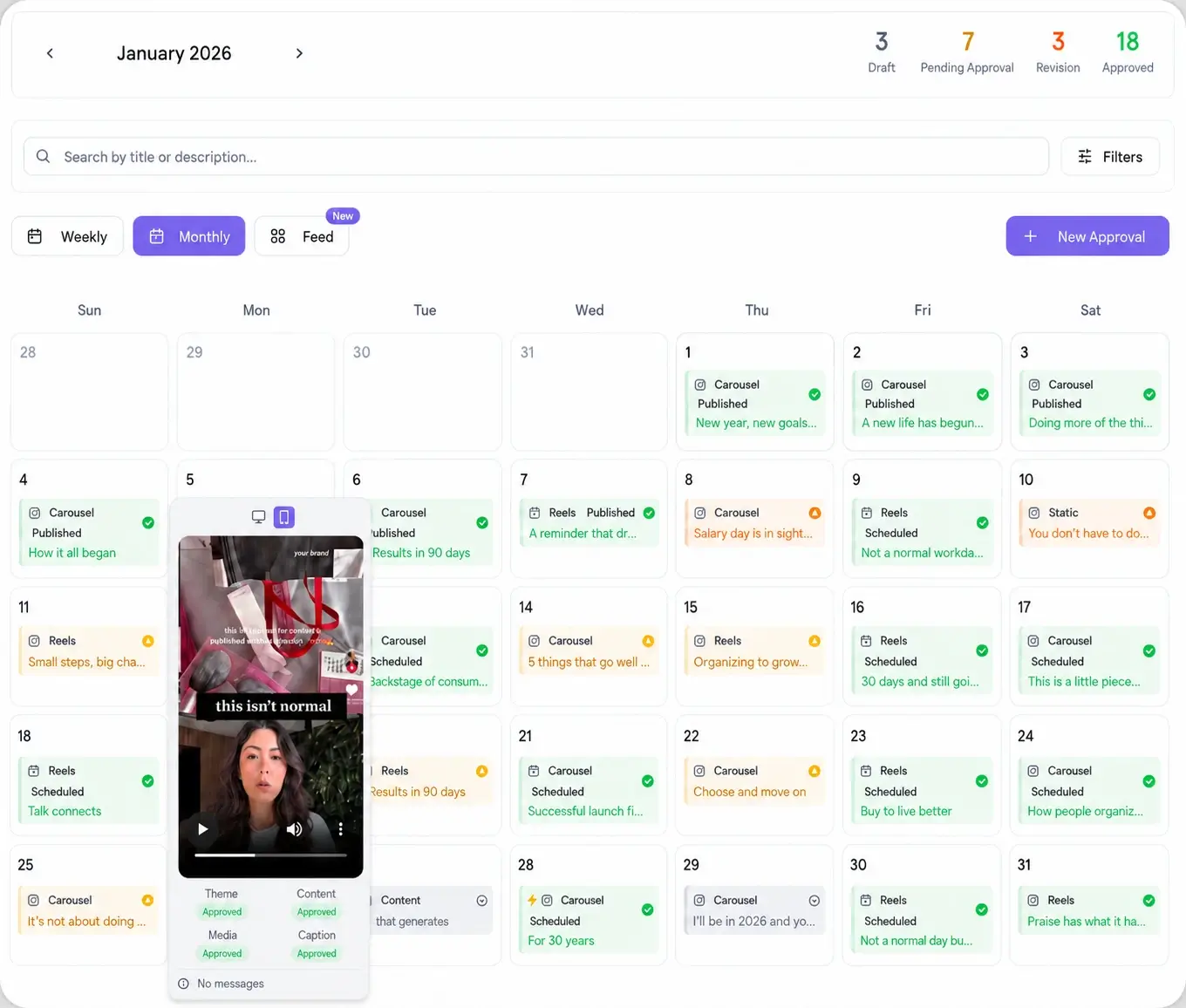
Fast captions mean nothing if they sit in an email thread for four days waiting on a client. The review is where speed usually dies. Give the client one password-less approval link instead. They open it, read every caption in a real preview, and approve or comment per post, with no account to create and no login to forget.
Approved captions auto-schedule from there. Post to 10 platforms in 15 seconds once sign-off is in, so the caption you wrote on Monday is not still waiting for a login on Friday. Writing and approval live in the same place, which is the only way the time you saved on drafting actually survives to publishing.