
Engagement is the first thing to slip when you add a client
Scheduling scales. You batch a month of posts, queue them, and move on. Community management does not work that way. Every new client adds a live stream of comments, DMs, story replies, and tagged mentions that never stops, and it lands on whoever is free. Miss a buying question for six hours and the lead cools. Miss a complaint overnight and it turns into a screenshot.
Most agencies manage this by logging into each account by hand, a few times a day, platform by platform. That holds up to about three clients. Past that, something always drops, and the client notices the one message you missed far more than the forty you answered.
What social media community management for agencies actually covers
Community management is the reactive half of social. Content is what you push out. Community management is everything that comes back: comments under posts, direct messages, replies to stories, brand mentions, and reviews. For an agency it carries two extra demands beyond answering fast.
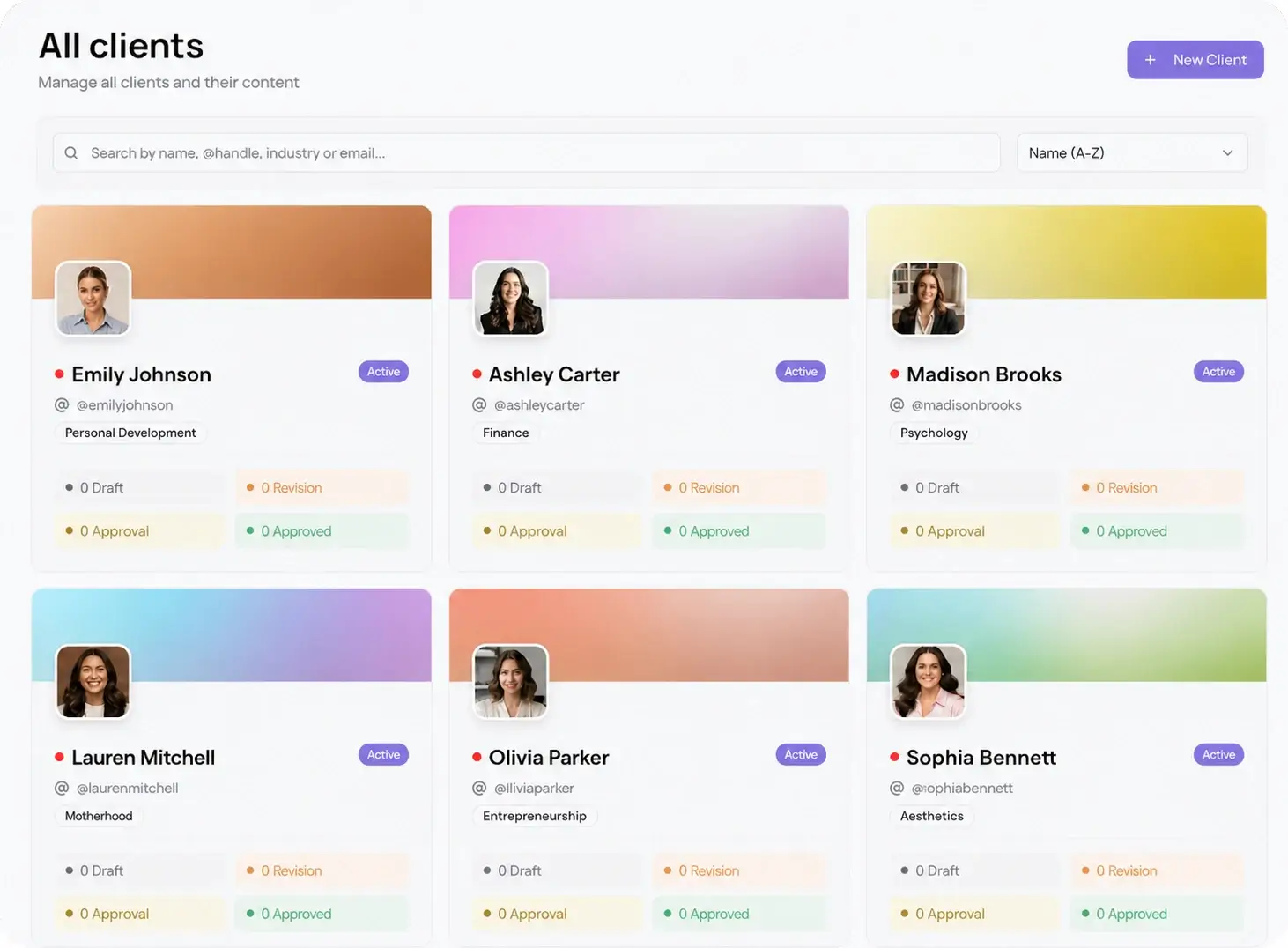
First, voice. A plumbing client and a skincare client cannot sound the same, so each account needs its own tone, its own canned replies, and its own escalation rules. Second, accountability. You are selling a service, so you need to show response time per client, not a vague promise that someone is watching. A single social inbox that groups every message by client workspace is what makes both possible at scale.
How to set up a community management workflow
Build the system once, then every client slots into it. Follow these steps in order.
- Connect each client's accounts to its own workspace, so messages arrive pre-sorted by brand. Pair this with multi-client management so nothing bleeds between accounts.
- Write a one-page response guide per client: brand voice, three to five canned replies, and which topics get escalated to the client instead of answered by you.
- Set a response-time target. A common standard is replies to questions and complaints within two hours during business hours, praise acknowledged within a day.
- Assign owners. Decide who covers which workspaces and who backs them up, so no account sits unwatched when someone is out.
- Block two or three fixed check-in windows a day instead of reacting all day long. Batching replies protects the focus time you need for content.
- Review response time weekly and fold the numbers into the client report, so community management becomes a result you show, not a cost you hide.
How to scale it without hiring one person per client
The trap is thinking community management scales by headcount. It scales by removing logins. When every conversation from all 10 platforms lands in one place, a social media manager can cover 5 to 8 accounts and still hit a two-hour reply target, because the time lost to switching apps and hunting for the right tab disappears.
Keep the rest of the workflow in the same dashboard. When you reply to a comment asking "when is the next drop," you can check the best time to post and schedule the answer post without leaving the tool. Connect every network through the native integrations so Instagram, TikTok, LinkedIn, and the other seven feed the same inbox. One surface for content and conversation is what lets a small team run a large book of clients.