
Why Reels keep slipping through the cracks
You run five, ten, maybe fifteen client Pages. Each one wants Reels now, because Facebook pushes short video harder than anything else in the feed. So you end up logging into Meta Business Suite, switching Pages, uploading one vertical video at a time, and praying you did not post a dentist's Reel to a restaurant's account. One wrong tab and the mistake is live.
Reels also are not regular posts. They are vertical, full-screen video with a different hook and a different aspect ratio. Treating them like a feed update is how agencies end up with letterboxed clips and captions that read fine on a link post but fall flat under a 30 second video. The work is real, and doing it Page by Page does not scale past a handful of clients.
Why Facebook Reels need their own scheduling pass
A Facebook Reel is a short vertical video, shot for a 9:16 screen, that lives in the Reels tab and surfaces in the feed as full-screen video. A standard Facebook post is built around text, a link, or a static image in a horizontal or square frame. They are two different content types, and the audience watches them in two different ways.
That difference is why you schedule Reels as their own batch. The caption is shorter and front-loads a hook. The thumbnail matters. The first second has to earn the next five. If you fold Reels into the same workflow as link posts, the format gets flattened and the numbers show it. Plan them as video, review them as video, and queue them with a tool that treats a Reel as a Reel. A Facebook scheduler built for agencies keeps the vertical upload, the caption, and the publish time together for every client Page.
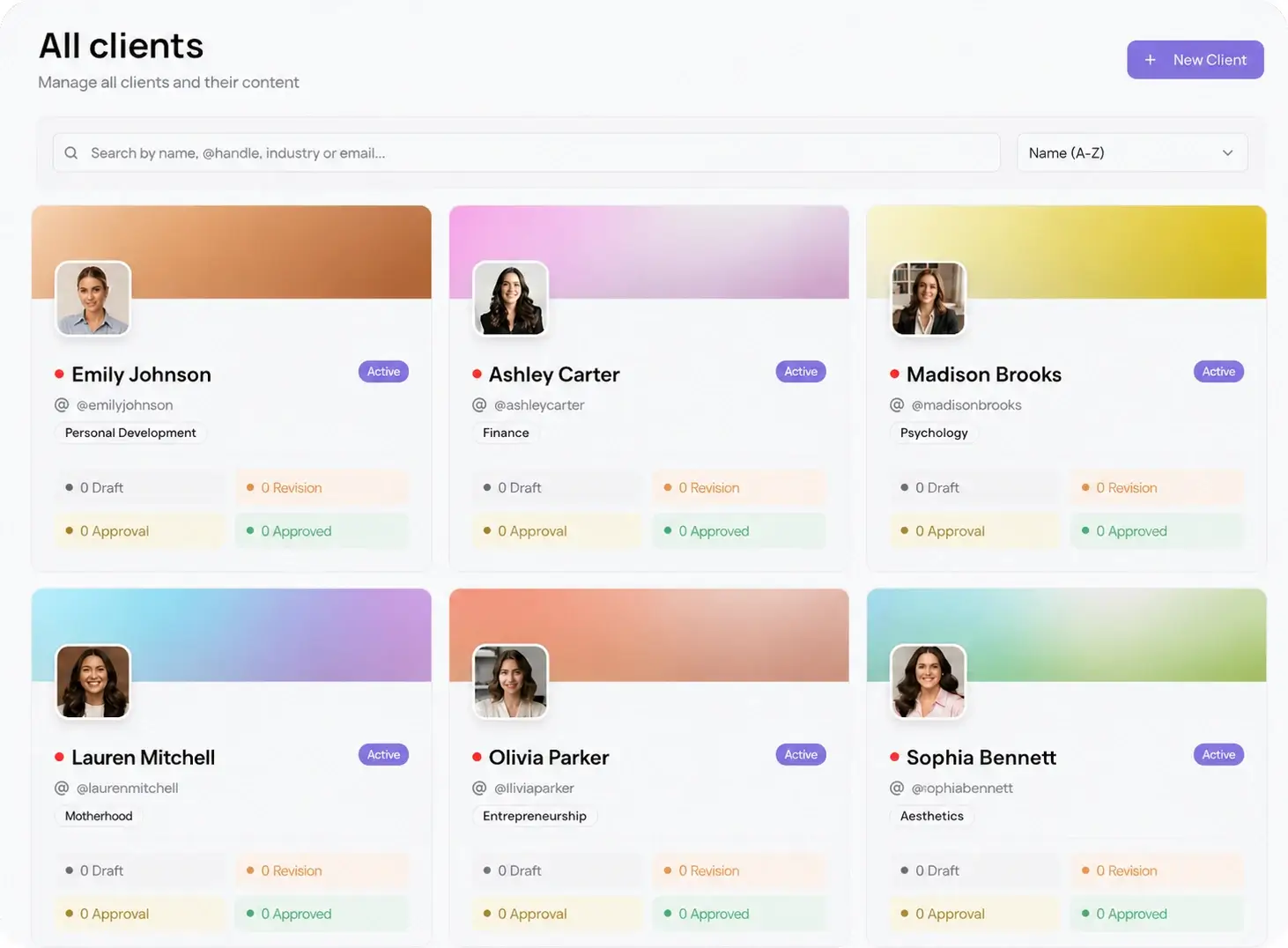
Set up one workspace per client Page
The fix for mixed-up accounts is isolation. Each client Page gets its own workspace, with its own connected Facebook account, its own asset library, and its own schedule. Nothing bleeds between clients, so a Reel drafted for one brand can never publish to another. When you open a workspace, you see that client and only that client.
This is the difference between managing two Pages and managing twenty. With per-client workspaces, onboarding a new account is a setup step, not a new source of risk. You batch inside the workspace, the schedule stays local to that Page, and your team always knows which brand they are working in.
How to schedule Facebook Reels for multiple client pages
Once every Page has a workspace, the weekly or monthly batch runs the same way each time. Follow these steps per client:
- Open the client's workspace and upload the vertical videos for the period you are planning, one batch per Page.
- Write each Reel's caption with a hook in the first line, then add the hashtags and any link in the copy, not over the video.
- Set the publish date and time for each Reel. Use best time to post data to land them when that Page's audience is active.
- Send the full batch to the client as one password-less approval link. No login, no account to create.
- When the client approves, the Reels auto-schedule and publish to the Page on their own. Move to the next workspace.
The part that saves the hours is the batch. You are not posting fifteen Reels by hand across fifteen tabs. You plan a month per Page, approve it in one pass, and let the schedule run.
Get every Reel approved before it goes live
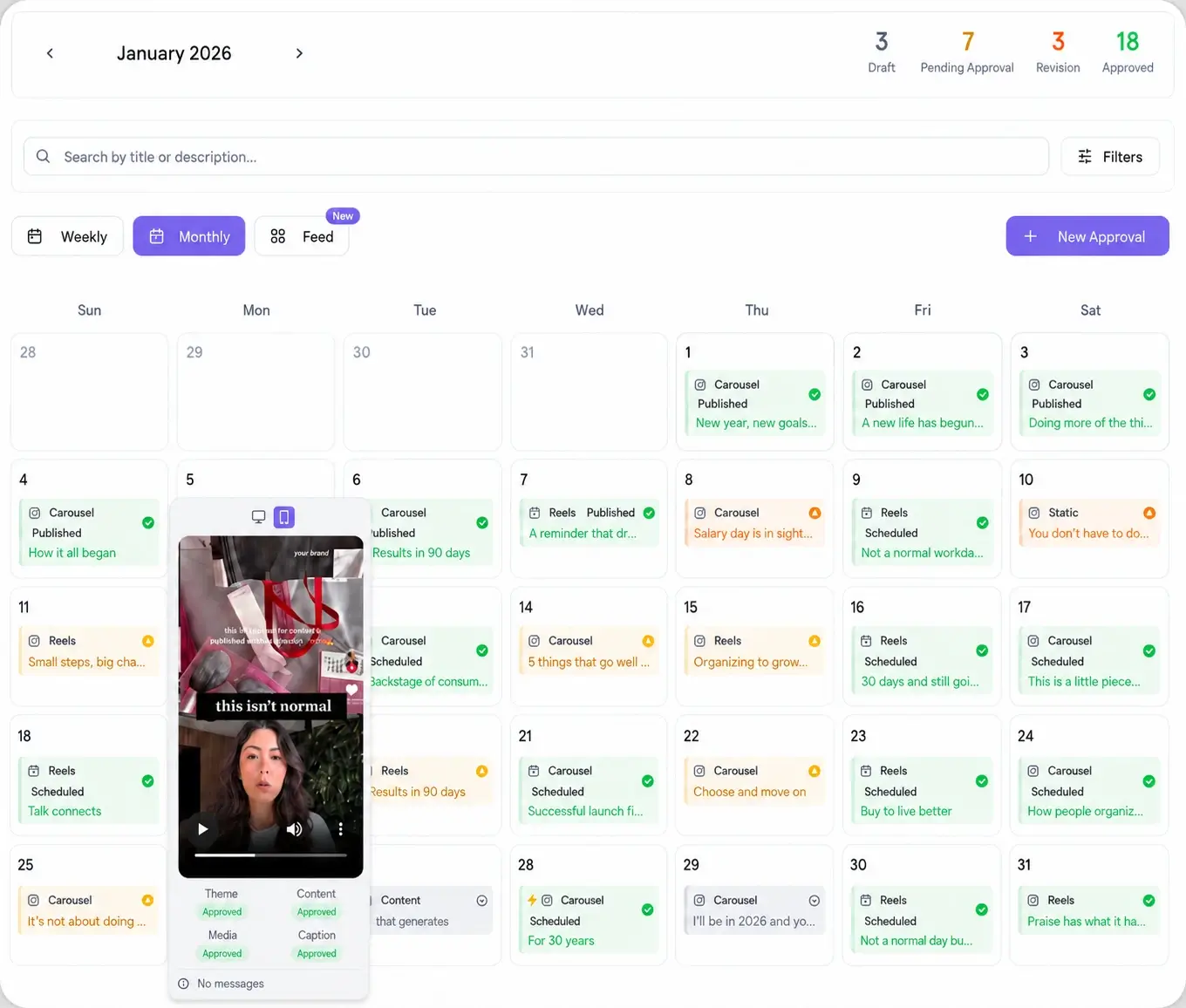
Video is where revision loops get expensive. A client watches a Reel, wants a different opening frame, a cut trimmed, or a line of caption changed, and the back and forth drags across email and text. The way out is to make the review as easy as tapping a link on a phone.
Send the whole batch as one link. The client opens it, plays each Reel, and approves or leaves a comment on the exact post, no Meta login and no account to set up. Approved Reels lock to the schedule. Nothing publishes to a client Page until that client has signed off, which protects you and keeps the Reels on brand.
Post Reels alongside nine other platforms
Facebook Reels rarely live alone. The same vertical clip usually belongs on Instagram, TikTok, and YouTube too, adapted per network. Rather than re-uploading the file four times, schedule it once and push it everywhere the client is active. Viraly Post connects to 10 platforms and posts to all of them in 15 seconds, so one batch covers a client's whole short-video presence instead of just the Facebook Page.