
Stories eat your day one account at a time
Stories are the part of the calendar that never sits still. They expire in 24 hours, so the work resets every morning. Run five clients and you are logging in, posting, logging out, then doing it again four more times before lunch. Miss a day and a client's Story ring goes dark, which is the one thing an engaged audience notices fast.
The fix is not posting faster. It is planning Stories the same way you plan feed posts: in batches, per client, approved ahead of time, and published on a schedule you set once. Here is how to run that across accounts without living inside the app.
Can you schedule Instagram Stories for multiple clients in advance?
Yes. Instagram Business and Creator accounts publish through the Instagram API, and that API supports auto-publishing Story frames at a scheduled time. Once a client's profile is connected, a scheduling tool can send a photo or video Story on your behalf at the exact minute you picked, with no phone in hand.
One limit worth setting expectations on: the publishing API handles the image, video, and caption of a Story reliably, but interactive stickers such as polls, quizzes, and some link stickers are not fully supported. Plan those specific frames as native posts a team member adds by hand, and let everything else run on the schedule. Viraly Post connects each account through its Instagram scheduler, so the auto-publishing piece is handled for you.
Give every client its own workspace first
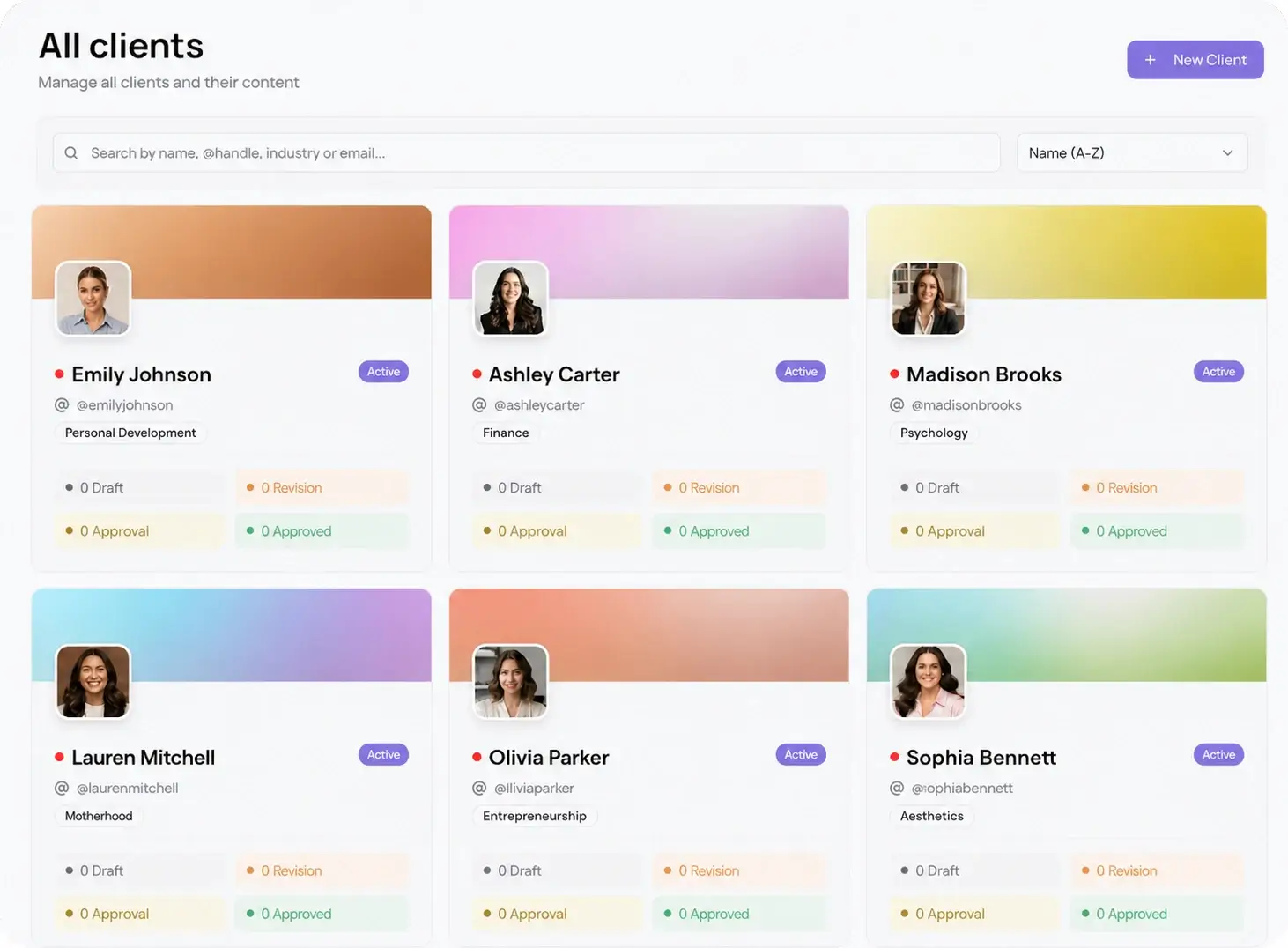
The reason juggling Stories feels chaotic is that the accounts blur together. The account switcher on your phone does not tell you whose brand voice you are in until you are already typing. A per-client workspace fixes that at the root: each client gets a separate space with its own connected profiles, calendar, brand assets, and approval settings.
With multi-client management, you open a client, see only their Stories queue, load frames, and move on. No cross-posting a burger promo to the law firm. When you scale past a handful of accounts, this separation is what keeps the whole operation from tipping over.
How to batch and schedule a week of client Stories
Batching is where the hours come back. Instead of five daily logins per client, you plan once and let the schedule run. Follow these steps for each account:
- Open the client's workspace and connect their Instagram Business or Creator profile if it is not already linked.
- Draft the week's Story frames in one sitting: images and short vertical videos sized 1080 by 1920, captions and any static text baked into the design.
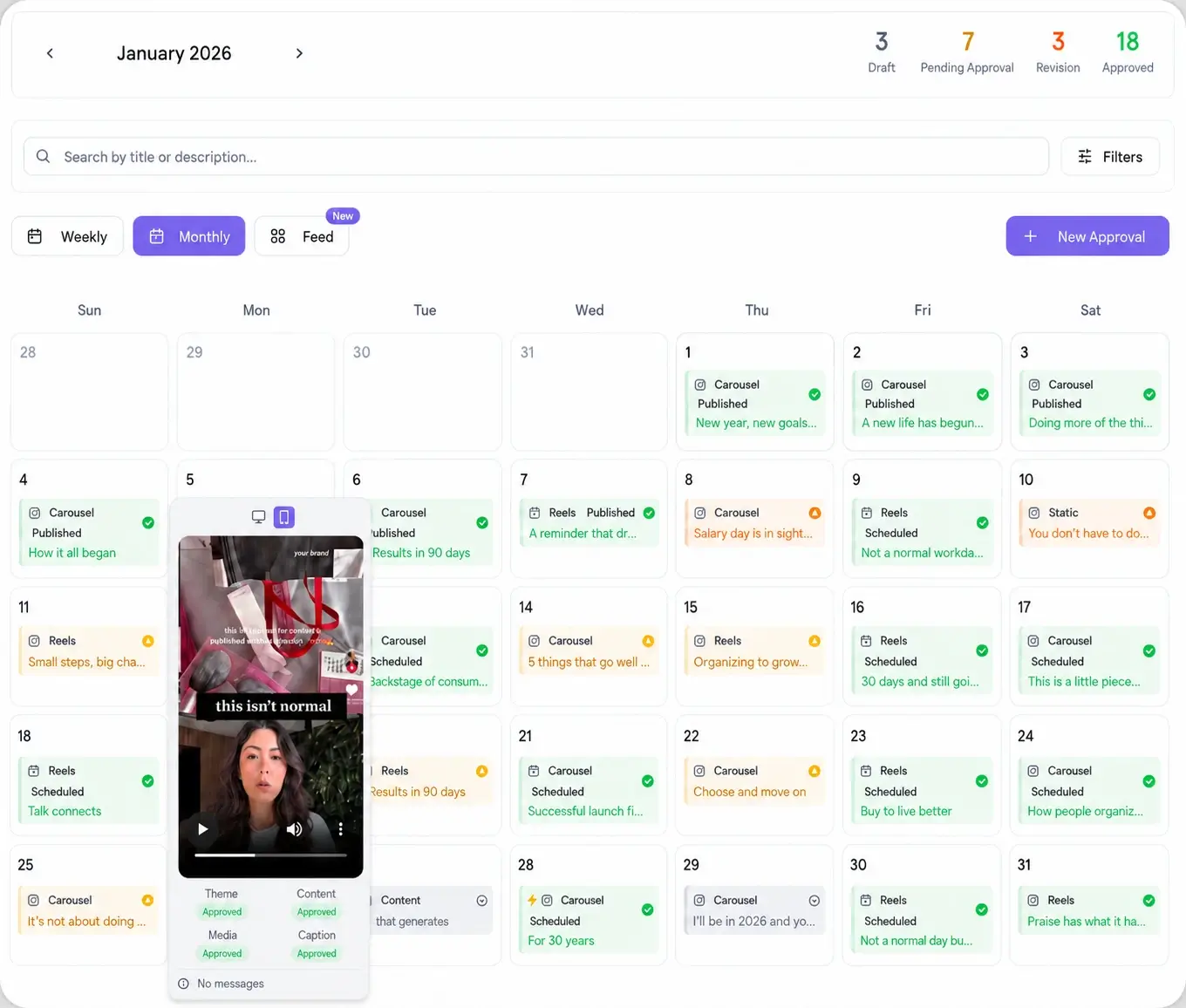
- Drop each frame onto the content calendar and set its publish date and time.
- Space frames across the day rather than dumping them at once. Two to four frames spread through peak hours beats a wall of ten at 9am.
- Send the week to the client for review, then let approved frames auto-publish while you plan the next account.
Batch one week at a time. Stories lean on current moments, so a month ahead goes stale, but a week keeps them fresh while still cutting the daily grind. Leave one or two open slots per client for reactive frames when something real happens.
Approve Stories without a client login
Feedback is where Story schedules usually stall. You send frames over email or a shared folder, the client asks how to log in to check them, and two days vanish. Password-less approval removes that step. Viraly Post sends one link. The client opens it on their phone, swipes through every frame exactly as it will appear, and approves or comments per frame. No account, no Instagram login, no app to download.
Approved frames flow straight back into the schedule and publish on time. Anything the client flags stays put until you fix it. That single approval workflow is what turns a two-day back-and-forth into a same-day yes, and it works the same across all 10 platforms, not just Instagram.
Post Stories to the right window, then move on
A Story that goes up when the client's audience is asleep is a wasted frame. Timing matters more for Stories than feed posts because the 24-hour clock is already running. Use best time to post data per account to place frames in each audience's active windows, then trust the schedule. Once the week is planned and approved, you are out of the app until the next batch.