
Reels carry the reach, and they carry the workload
Reels are where the reach lives on Instagram, so every client wants two or three a week. That is fine for one account. Run it across eight clients and the math turns ugly. You are uploading vertical video by hand, one account at a time, matching each Reel to the right handle, then chasing the client to confirm the caption before it goes live.
The scheduling itself is not the hard part. The hard part is doing it at agency scale without crossing accounts, without a pile of approval emails, and without paying a per-profile fee every time you add a Reel to another client. A scheduler built for agencies solves all three. A tool built for one brand posting to itself solves none of them.
Can you schedule Instagram Reels natively?
Yes, up to a point. Instagram professional accounts can schedule Reels up to 75 days ahead, either inside the app or through Meta Business Suite. So the native option is real, and for a solo account it may be enough. The limit is what it does not do. You schedule one account at a time, there is no way to send a Reel to a client for sign-off, and nothing carries the same video over to TikTok or YouTube Shorts.
That is the gap an Instagram scheduler built for agencies fills. Instead of jumping between eight Business Suite logins, you queue every client from one calendar, run the approval in the same place, and push the Reel to other networks in the same action. Native scheduling handles one account. Agency work is many accounts, and that is a different problem.
What to look for in an Instagram Reels scheduler for agencies
Most schedulers were designed for one account. An agency needs a few things a solo tool skips. Use this as your checklist before you connect anything.
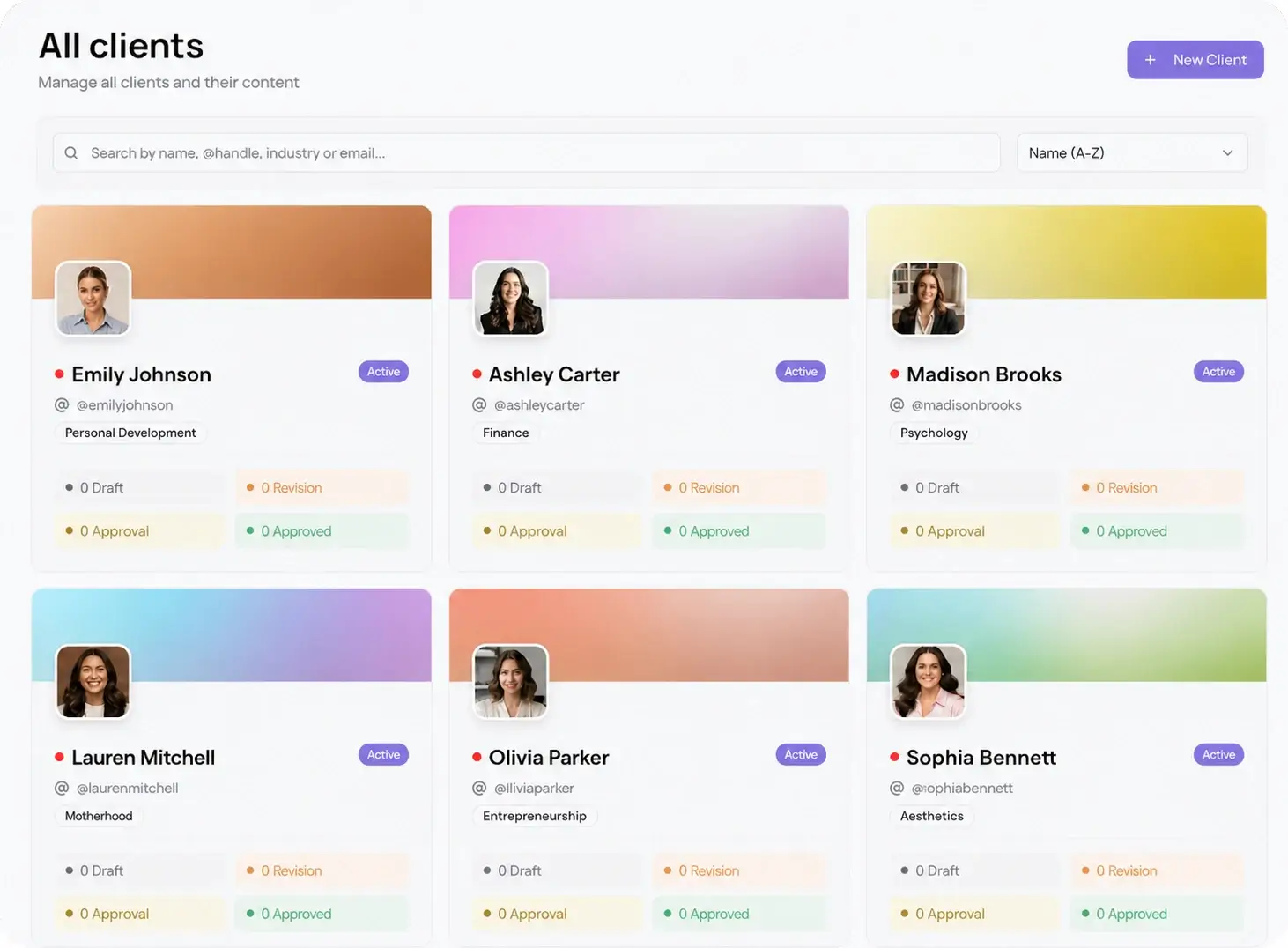
- Per-client workspaces. Each Instagram account lives in its own space so a Reel never lands on the wrong handle. Viraly Post handles this in multi-client management.
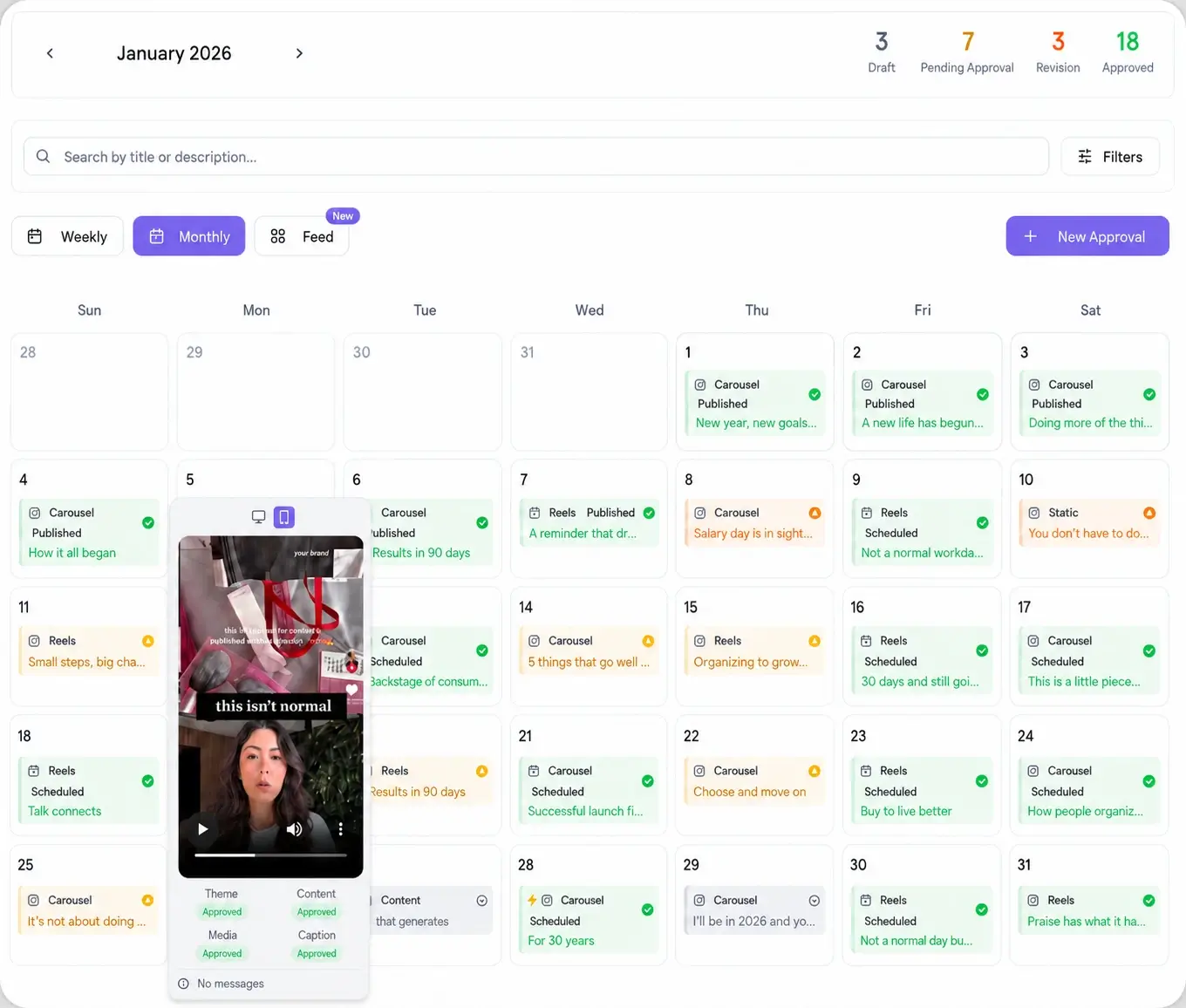
- A visual calendar per client. Reels are visual, so you want thumbnails and a full month at a glance, not a flat list. The content calendar shows Reels beside every other network.
- Client approval built in. Reels copy and hooks still need sign-off. A scheduler that forces a client login is a scheduler that slows the calendar down.
- Per-workspace pricing. Watch for tools that charge per social profile. Reels mean more Instagram accounts connected, and per-profile fees punish you for scaling.
- Best-time slotting. A best time to post tool that picks the window per account beats guessing the same slot for every client.
How to schedule Instagram Reels for multiple client accounts
Here is the workflow inside Viraly Post, from a cold start to a queued month of Reels.
- Create a workspace for each client and connect their Instagram professional account.
- Open the social media scheduler, pick the client, and upload the vertical video with its caption and cover frame.
- Select Reels, plus any other network the same video should hit, and adjust the caption per platform where the tone differs.
- Set the date and time, or let best-time-to-post suggest a slot for that account, then drop it on the calendar.
- Send the month to the client as a single approval link, then let approved Reels auto-schedule and publish.
Once the queue is built, you stop touching the Instagram app. The tool publishes each Reel at its slot and marks it live on the calendar, per client.
How client approvals speed up your Reels calendar
The slow part of any agency workflow is not producing the Reel. It is waiting on the client to say yes. Sending a draft video over email, exporting a preview, answering "can you resend that", all of it costs more hours than the scheduling ever does.
Viraly Post runs a password-less approval workflow. You send one link, the client opens it in a browser with no account and no password, watches each Reel in context, and approves or comments per post. Approved Reels move straight into the queue and publish on schedule. The client sees the exact video and caption that will go live, which cuts the revision rounds that usually stall a Reels launch week.
Reels plus 9 other platforms from one composer
Almost no client wants a Reel and nothing else. The same vertical video usually belongs on TikTok and YouTube Shorts too, and the flat versions go to LinkedIn and the rest. A standalone Reels tool means a second subscription and a second calendar to reconcile.
Viraly Post posts to 10 platforms in 15 seconds from one composer, so a Reel is just another checkbox on the video you already uploaded. You keep a single calendar, a single approval, and a single report per client. See the full list on the integrations page, where Instagram sits next to the other nine native networks.